Manga & Comics
Comics and manga you own usually arrive as CBR, CBZ, PDF or ZIP files, and an iPhone does not open most of them on its own. These guides cover the whole path: getting the files onto the phone, reading them the right way round, converting them when another app needs a PDF, and keeping a large library organized and backed up.
Manga gets its own section, because right-to-left pages, small speech bubbles and double-page spreads need different settings from Western comics. If your collection lives on a home server, the comic servers section covers Komga, Kavita, Calibre and NAS setups. The reading lists at the end pick series to read next.
Most guides use ComicFlow, our comic reader for iPhone and iPad, and say plainly when a step needs ComicFlow Pro. The comparisons also cover other apps and tools.
Start here
- Read CBR & CBZ Files on iPhone: The 2 Apps That Work (2026), to open CBR and CBZ files without converting them.
- How to Transfer Comics to iPhone from PC or Mac, to get comics from a PC or Mac onto your iPhone.
- The Best Manga Reader Settings on iPhone, and How to Stop Changing Them Every Volume, to set up manga reading once and stop changing it every volume.
- Why Your CBZ or CBR File Won't Open, and How to Fix It, if a comic file will not open.
63 articles in 10 topics.
Convert comics to PDF
To turn a CBR or CBZ into a PDF on iPhone, follow the how-to guide first. It covers all five formats ComicFlow handles. The CBZ guide goes deeper on page order, quality levels and file size, and the roundup compares ComicFlow with Calibre and online converters.
 How to Convert CBR and CBZ to PDF on iPhoneStep-by-step: convert CBR and CBZ comics to PDF on iPhone with ComicFlow. Pick a quality preset, convert in seconds, and share the PDF. No computer needed.
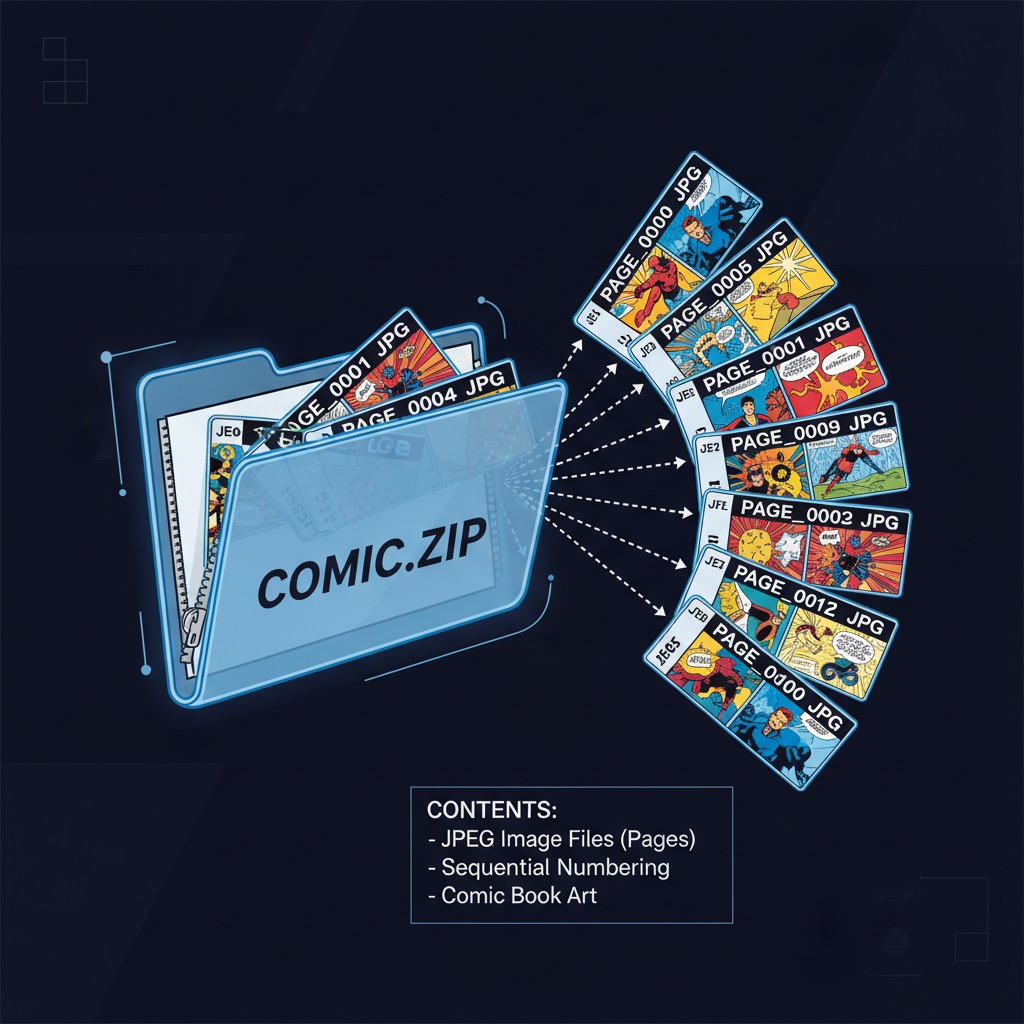 CBZ to PDF on iPhone and iPad: Quality, Page Order and File Size (2026)What converting a CBZ to PDF does to your pages on iPhone and iPad, how High, Medium and Low change file size, and which CBZ files can't be converted.
 Best CBR to PDF Converters for iPhone, Mac, and PC (2026)Compare five CBR to PDF converters: ComicFlow on iPhone and iPad, Calibre on Mac and PC, and three online tools. Speed, quality control, privacy and price.
Read comics
ComicFlow opens CBR, CBZ and PDF comics directly, so you can read them without converting anything. Start with the guide to opening CBR and CBZ files on iPhone, then pick the device or reading style you care about.
 Read CBR & CBZ Files on iPhone: The 2 Apps That Work (2026)How to open CBR and CBZ files on iPhone or iPad: the two reader apps worth considering, their tradeoffs, and the workarounds that look like they'd work but don't.
 5 Best Comic Reader Apps for iPhone and iPad (2026)The 5 best comic reader apps for iPhone and iPad in 2026. CBR, CBZ, and PDF support compared with honest pros and cons for each app.
 Comic Reader App With No Subscription: Pay Once on iPhone and iPadWant a comic reader app with no subscription? ComicFlow reads CBZ, CBR and PDF on iPhone and iPad for $2.99 once. See what the optional $6.99 Pro adds.
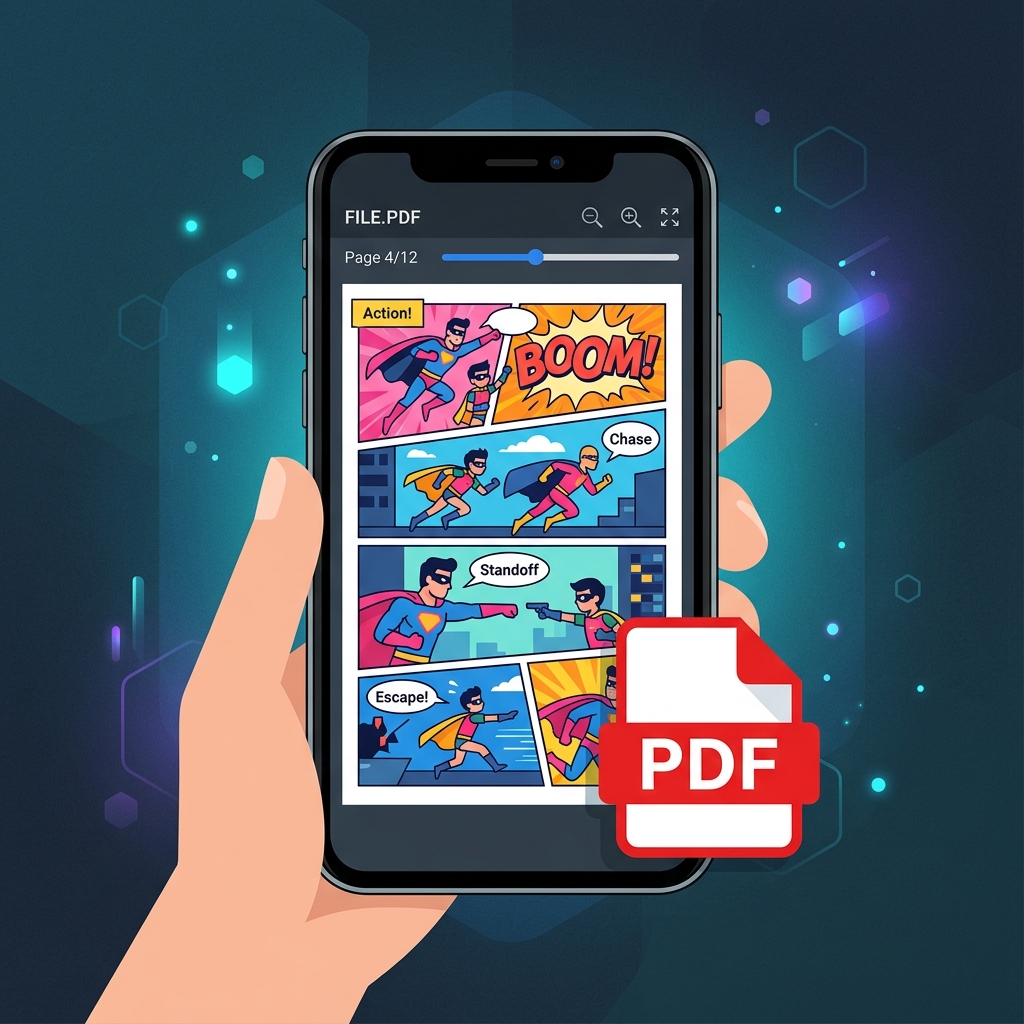 How to Read PDF Comics on iPhone and iPadPDF comics are everywhere but Apple Books is a terrible reader for them. Here's how to actually read PDF comics on iPhone and iPad with a proper comic reader.
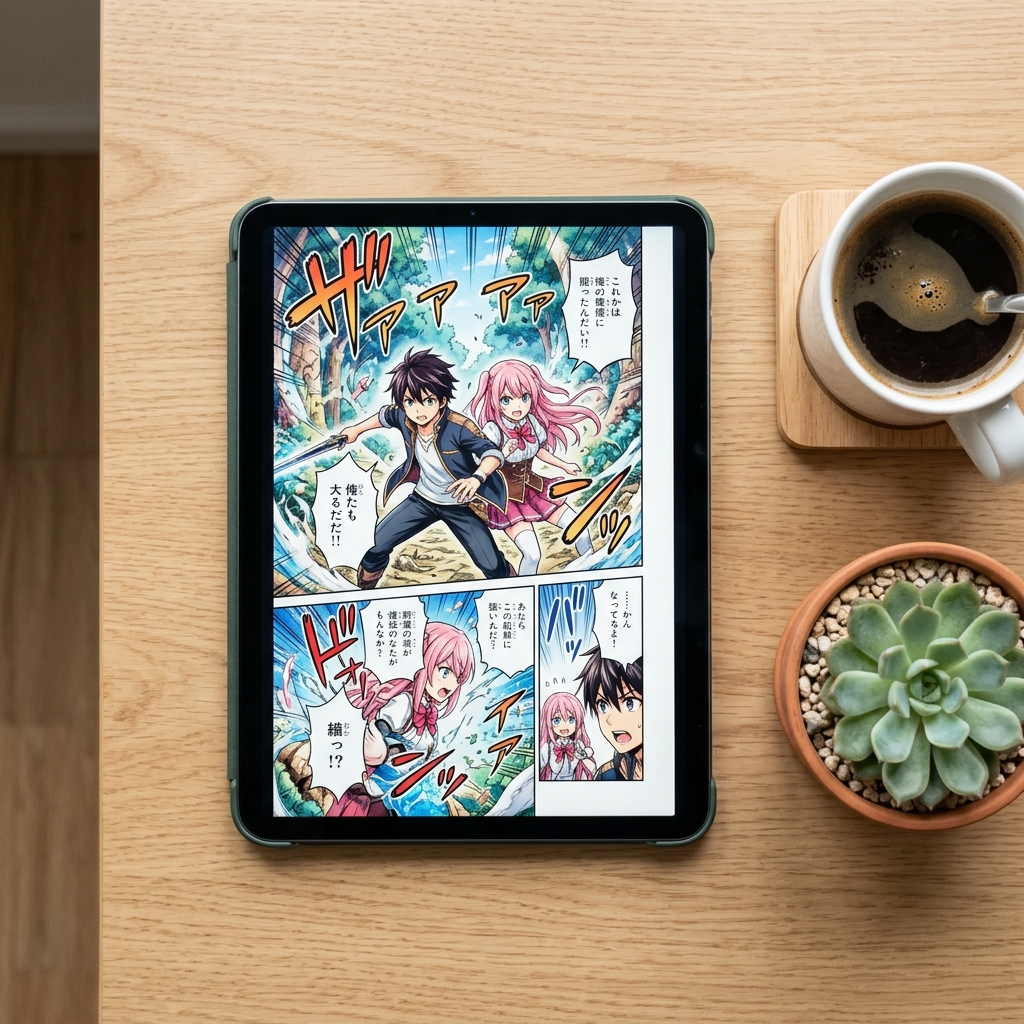 How to Read Comics on iPad: Apps, Layouts, and Tips (2026)The iPad is the best device for reading digital comics. Here's how to set it up with the right app, reading mode, and settings for comics, manga, and webtoons.
 How to Read Comics on a Mac or Apple Vision Pro (2026)ComicFlow runs on Apple Silicon Macs and Apple Vision Pro as an iPad app. Here is how to read CBR, CBZ and PDF comics on the big screen and get your files in.
 How to Read Comics Offline on iPhone and iPad (2026)Want to read comics without an internet connection? Learn how to set up a fully offline comic library on iPhone and iPad with CBR, CBZ, and PDF files.
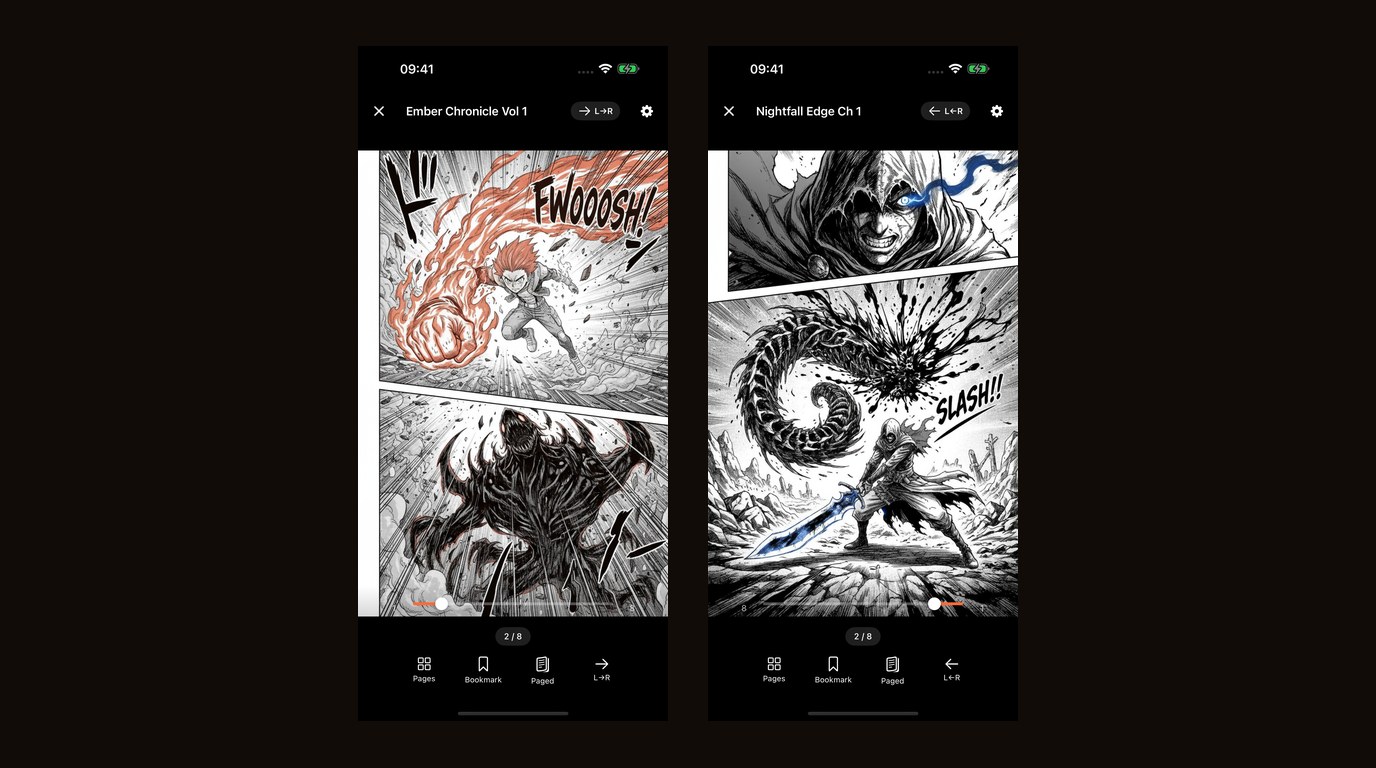
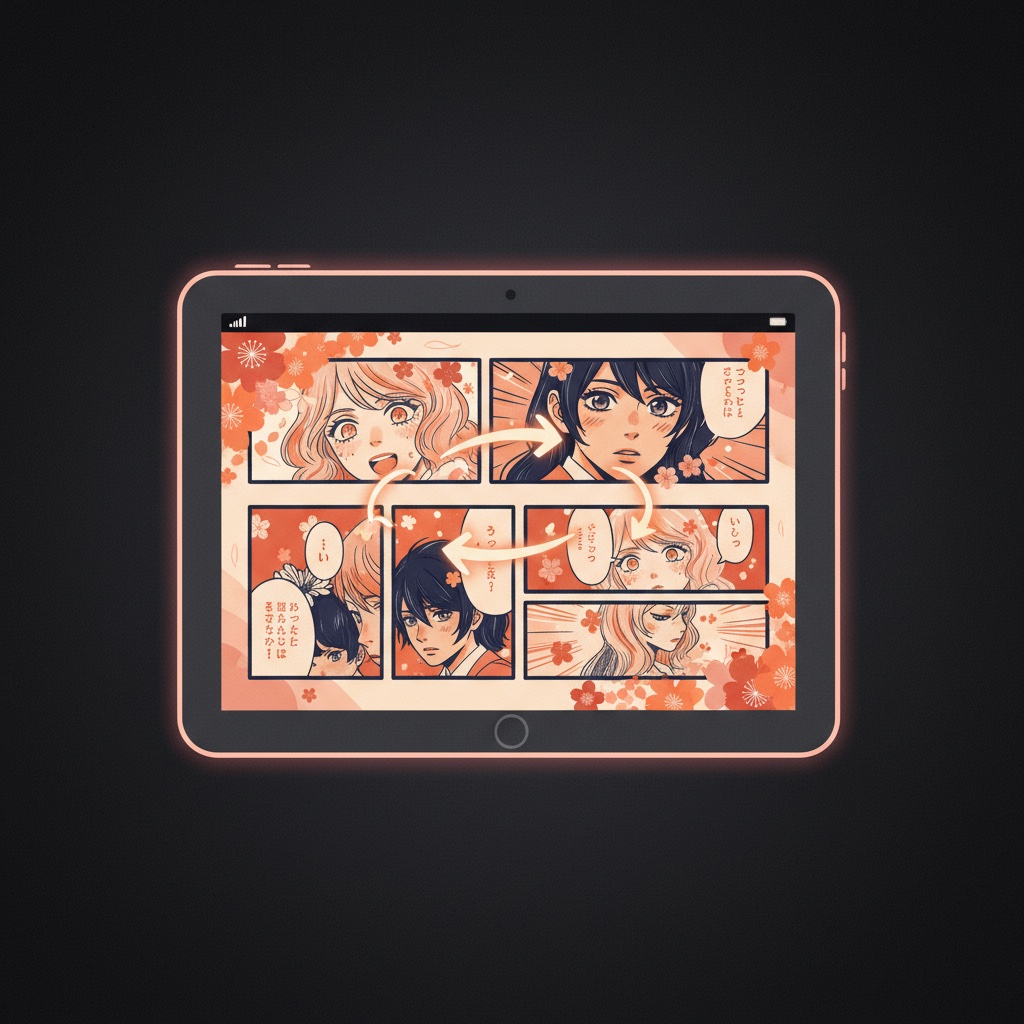 How to Read Manga on iPhone: RTL Reading SetupMost comic readers get manga wrong. Learn why reading direction matters, how RTL mode works, and how to set up your iPhone for an authentic manga reading experience.
 How to Read Webtoons on iPhone with Vertical ScrollWant to read webtoons on your iPhone the way they were meant to be read? Learn how vertical scroll mode works, why it matters for manhwa, and how to set it up.
 How to Read Comics at Night on iPhone Without Eye Strain (2026)Night reading tips for comics and manga on iPhone and iPad: reader night mode, brightness, Night Shift, Reduce White Point, and what to do about white-heavy pages.
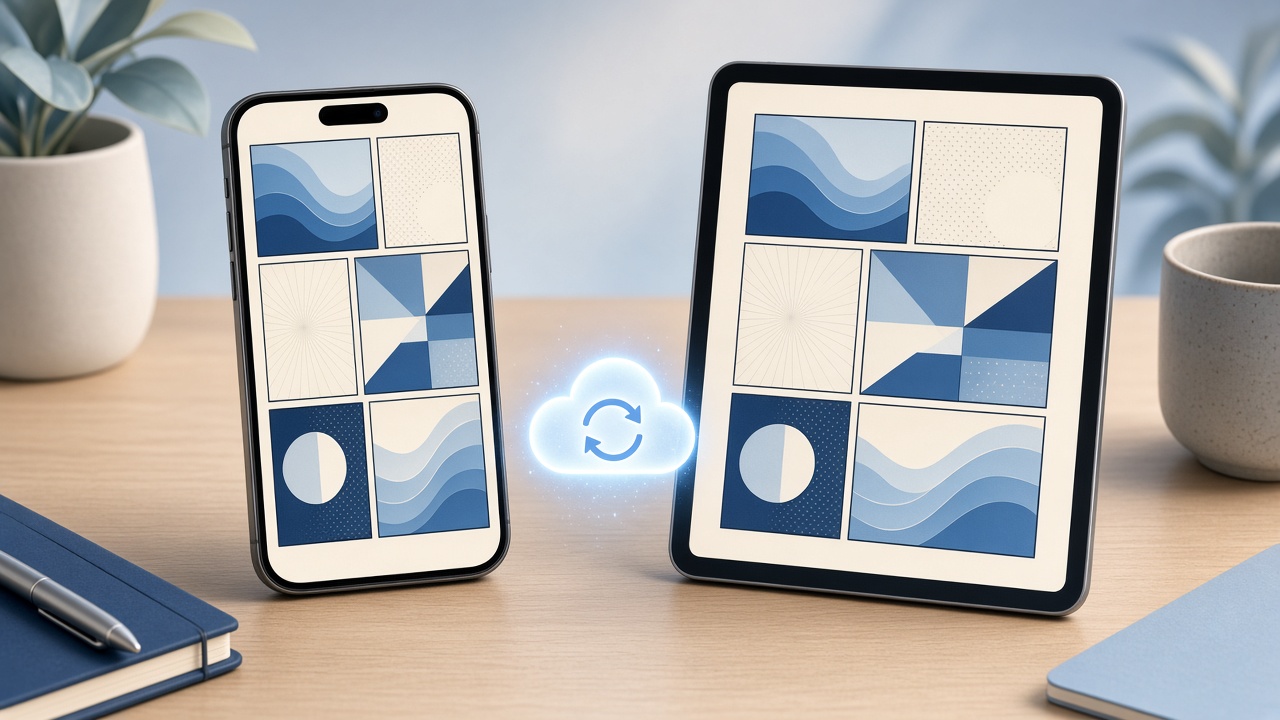 How to Keep Your Place in a Comic Across iPhone and iPad (2026)Read on your iPhone, pick up on your iPad. How ComicFlow's optional iCloud sync matches your page, bookmarks and ratings, and how to get files onto both devices.
Read manga on iPhone
Manga has its own needs: right-to-left pages, small speech bubbles, double-page spreads and long series. Start with the reader settings guide, then pick the problem you have.
 The Best Manga Reader Settings on iPhone, and How to Stop Changing Them Every VolumeThe best manga reader settings on iPhone and iPad: direction, layout, spreads and background, plus how to switch between manga, manhwa and comics in one tap.
 Manga Text Too Small on iPhone? How to Read Every Speech BubbleManga text too small on your iPhone? Larger Text in Settings won't touch it. Double-tap to zoom bubbles, read sideways in vertical scroll and keep spreads.
 Manga Page Curl on iPhone: Turn Pages Like Paper in ComicFlow 3.8Want a manga page curl on iPhone? ComicFlow 3.8 adds a Page curl toggle that turns each leaf like paper, including right-to-left manga, with no Pro required.
 Remove White Borders From Manga on iPhone: Trim Margins in ComicFlow 3.8Manga scans with thick white or black borders on iPhone? ComicFlow 3.8 adds Trim Margins, which crops the borders so the art fills the screen. No Pro needed.
 How to Read Manga One-Handed on iPhone (Train, Bed or Umbrella)Read manga one-handed on your iPhone: which edge turns the page in right-to-left mode, how to zoom with one thumb, and how to stop accidental page turns.
 How to Read Manhua on iPhone Next to Your Manga, Each the Right Way RoundManga reads right to left, many manhua read left to right, and new ones scroll down. How to set each book once on iPhone and iPad and never think about it again.
 How to Read Manga on iPhone Duo: One Page Folded, a Full Spread OpenClosed, the iPhone Duo shows one manga page. Open, it shows the two-page spread, right-to-left, with the fold kept out of the art. How to set it up in ComicFlow.
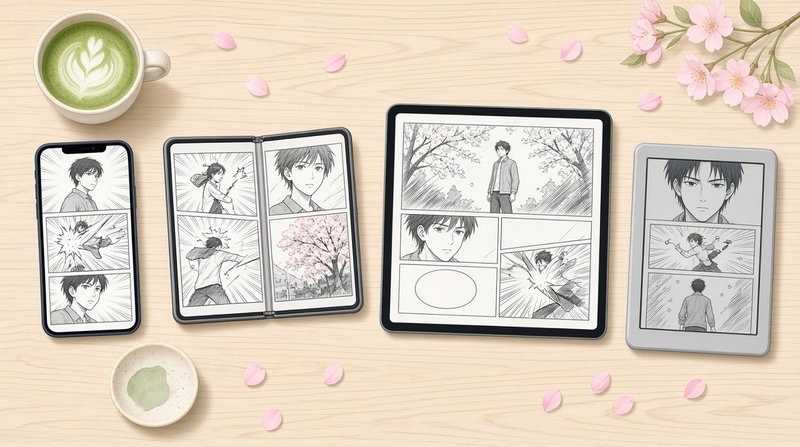 Best Device for Reading Manga in 2026: iPhone, iPhone Duo, iPad or E-Reader?Phone, foldable, tablet or e-ink? What each screen does to manga spreads, small lettering and right-to-left reading, and which device suits which kind of reader.
 Open Your Manga at the Right Page With Siri or the Action Button on iPhoneGet back into the manga volume you were reading in one step: say it to Siri, press the Action button or tap the back of your iPhone. How to set it up in ComicFlow.
 Manga Reader App Without Ads for iPhone: Read Every Chapter Without Pop-UpsTired of ads between manga pages? How to read manga on iPhone without ads: what ad-free really means, where to get volumes, and a reader with no ads.
 How to Learn Japanese by Reading Manga on iPhoneLearn Japanese with manga on your iPhone: pick volumes with furigana, zoom into small kana, bookmark pages with new words and look them up with iOS tools.
Get comics onto your iPhone
To get comics onto an iPhone from a PC or Mac, start with the transfer guide. The others cover importing a whole series from one archive, moving a library from Android, scanning books you own, and buying DRM-free files you can keep.
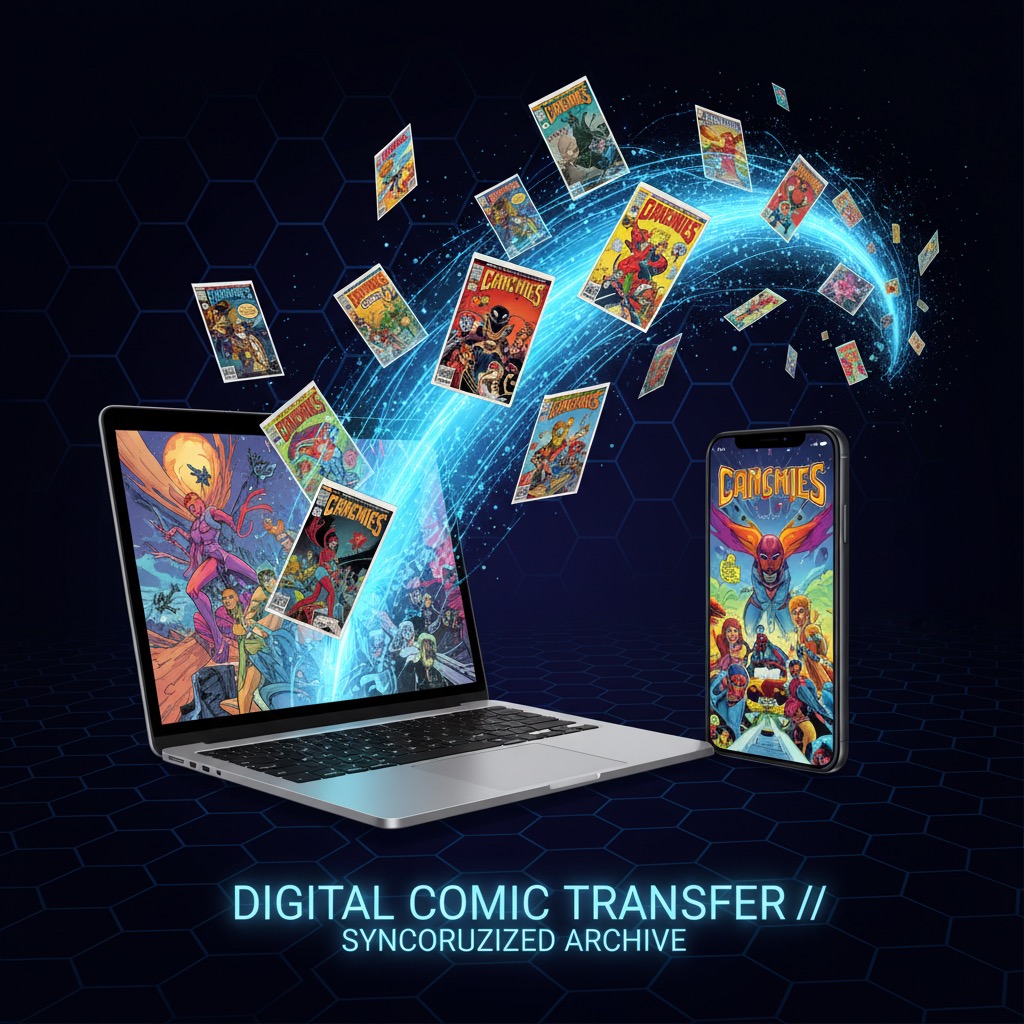 How to Transfer Comics to iPhone from PC or MacGot comic files on your computer but want to read them on your iPhone? Here are 6 ways to transfer CBR, CBZ, and PDF comics to iOS, ranked by speed and ease.
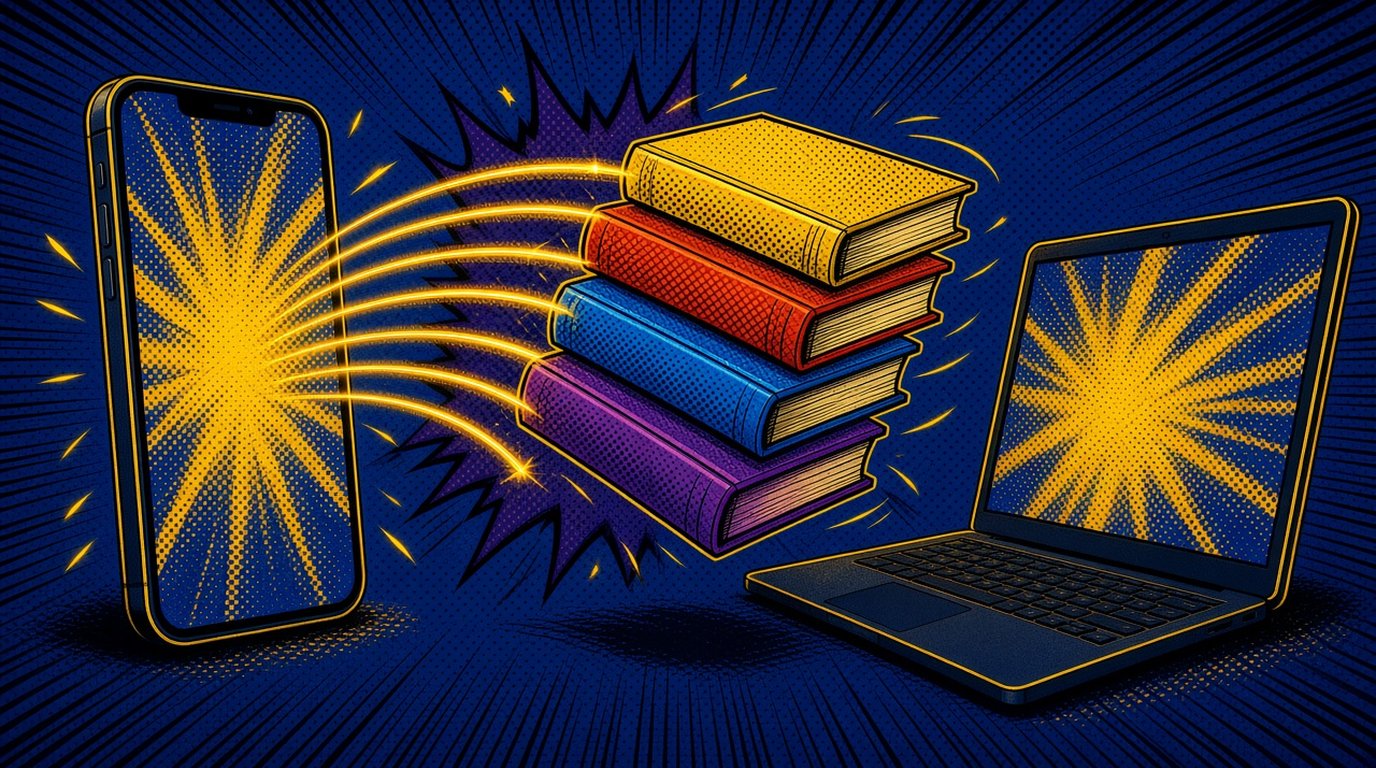 How to Transfer Comics to iPhone Over Wi-Fi (No Cable, No Desktop App)Move CBR, CBZ, PDF, RAR and ZIP comics from a Mac, Windows or Linux PC to iPhone over Wi-Fi. Open one address in any browser, drag files, no cable or install.
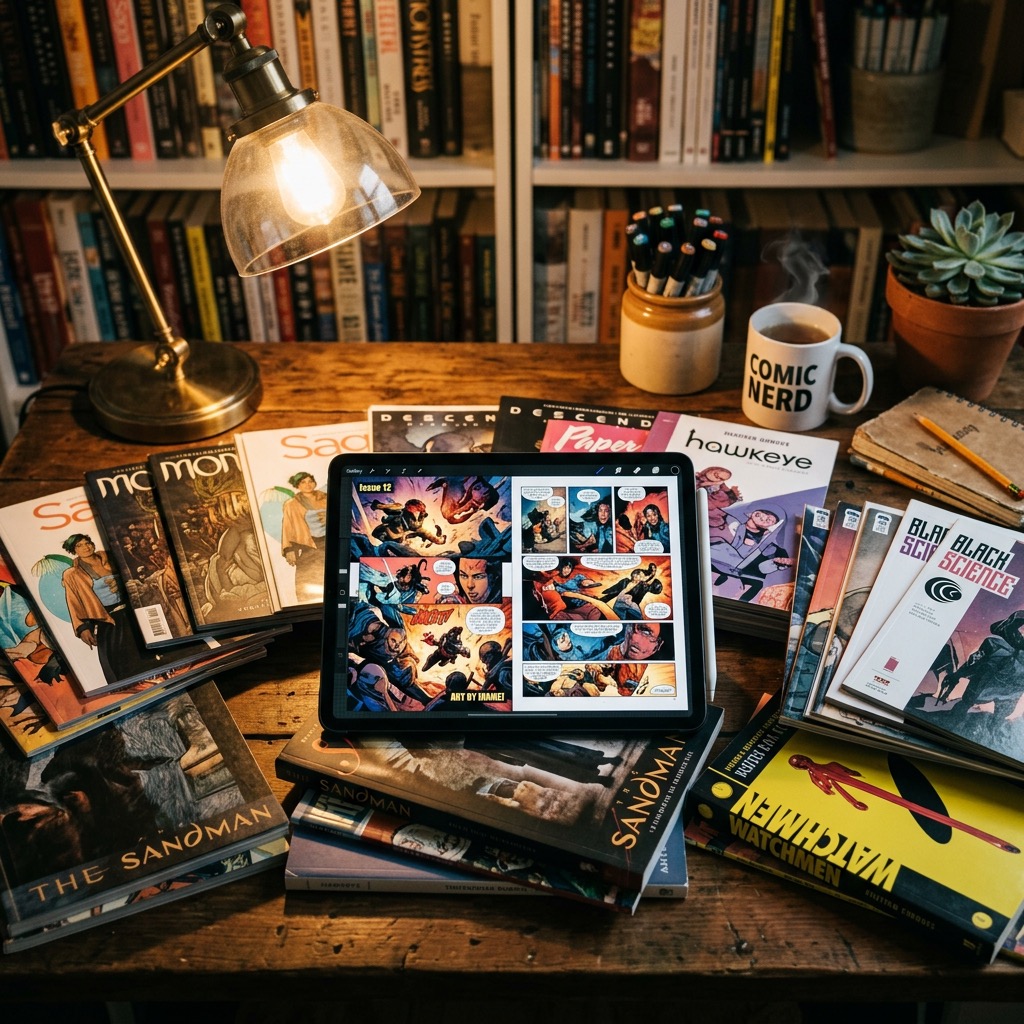 Where to Find DRM-Free Digital Comics You Actually OwnTired of losing access to comics you paid for? Here are the best places to buy DRM-free digital comics as CBZ, CBR, and PDF files that you truly own forever.
 Import a Whole Manga Series From One ZIP or RAR on iPhoneGot a complete manga series in one ZIP or RAR full of CBZ, CBR or PDF volumes? ComicFlow 3.8 unpacks it and adds each volume to your library on iPhone and iPad.
 Moving From Android to iPhone? How to Bring Your Manga Library With YouSwitching from Android to iPhone? Move your Mihon CBZ downloads and your Komga or Kavita library to iPhone, and see what stays behind on the old phone.
 How to Scan Manga You Own and Read It on iPhoneHow to scan manga you own with just your iPhone, or a sheet-fed scanner, and read the scans right to left with two-page spreads in a proper manga reader.
 Where to Buy DRM-Free Manga Legally, and Read It on iPhone and iPadWhere to buy manga as files you keep, checked in October 2026: Humble Bundle, Fanatical, J-Novel Club, BOOTH and creator stores. Which file to download, and how to read it right to left on iPhone and iPad.
 How to Read Humble Bundle Comics on iPhone and iPadHumble Bundle comics download as CBZ, PDF or EPUB depending on the publisher. Which file to pick for iPhone and iPad, how to get it onto the device, and how to read it offline.
Comic servers, NAS and Calibre
If your comics live on a home server, ComicFlow Pro can read them from Komga, Kavita or any OPDS server. Start with the Komga and Kavita comparison if you have not picked a server yet.
 Komga vs Kavita for Manga: Which Server to Run If You Read on iPhone (2026)Komga and Kavita are the two free manga servers most people run. See how they differ for manga readers, and how each one works on iPhone with ComicFlow.
 How to Read Manga From Your NAS on iPhone (With or Without Komga)Your manga lives on a NAS and you want it on your iPhone. Mount the share in Files and let ComicFlow watch a folder, or stream from Komga or Kavita.
 How to Read Your Calibre Manga Library on iPhone and iPadKeep your manga in Calibre on a PC or Mac and read it on your iPhone or iPad. Start Calibre's Content server, add it to ComicFlow and read right to left.
Organize and back up your library
A library stays usable when files are named and grouped consistently and backed up somewhere else. These guides cover collections, backups, tracking the series you follow, keeping your own copies offline, and freeing up storage.
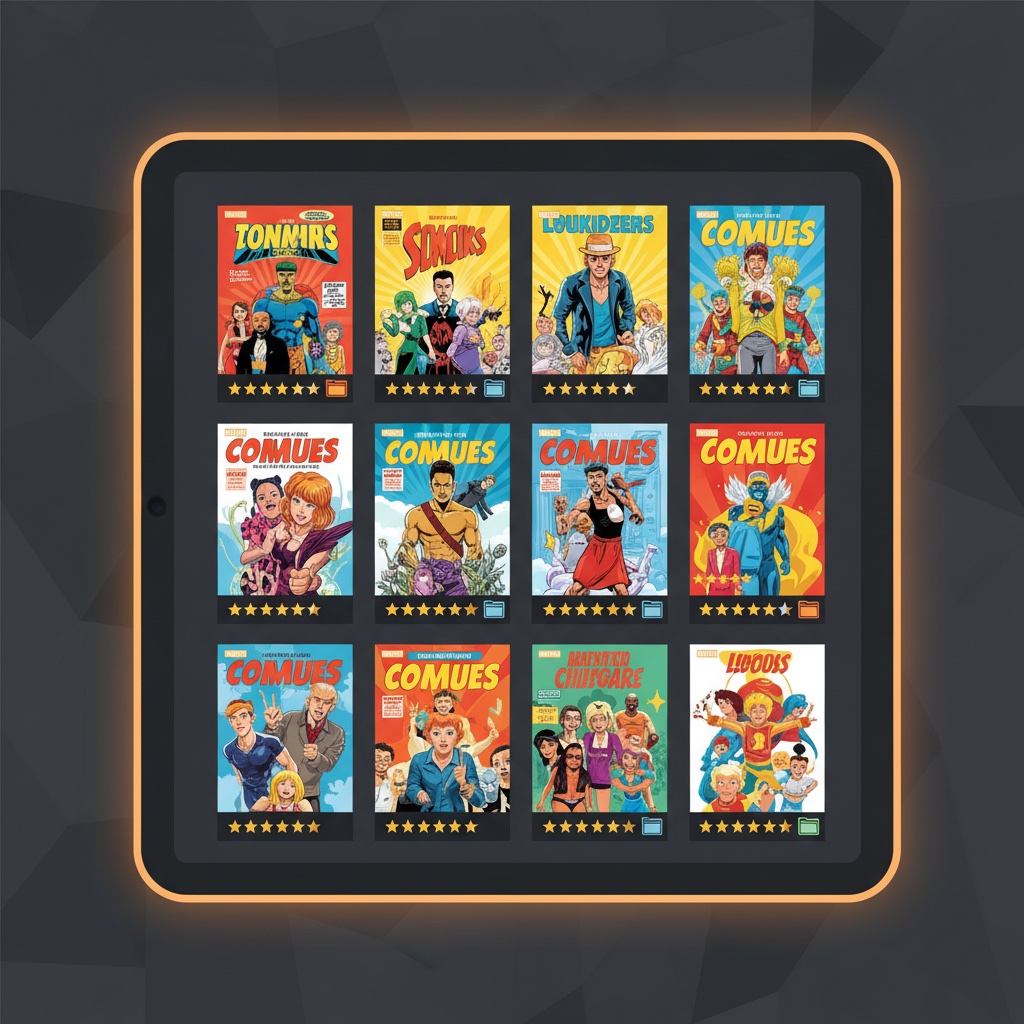 How to Organize Your Digital Comic CollectionStruggling with a messy digital comic library? Learn practical strategies to organize your collection with collections, ratings, tags, and reading progress tracking.
 How to Back Up Your Digital Comic CollectionProtect your digital comic library from drive failures and lost devices. A practical guide to backing up comic files so your collection survives anything.
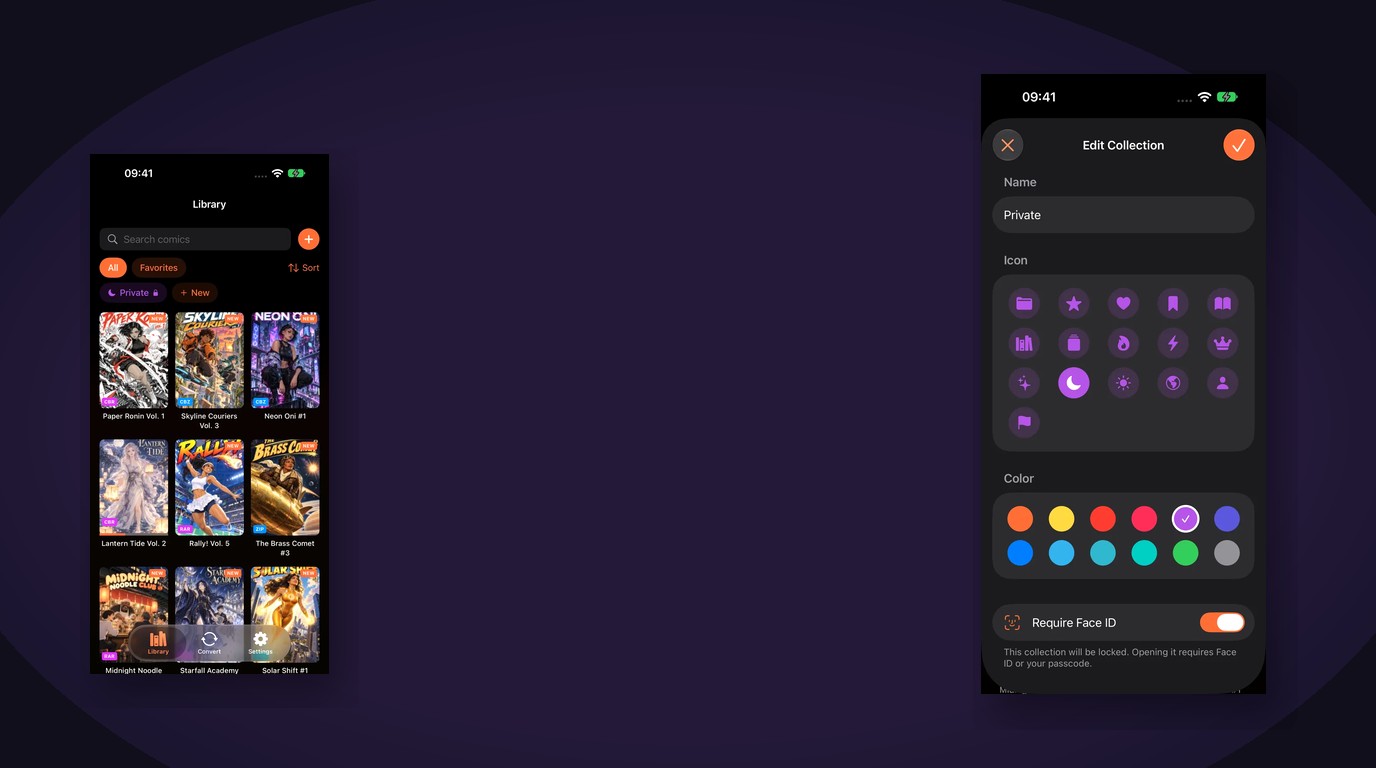 How to Lock Private Comics Behind Face ID on iPhoneHide a private comic collection on iPhone with Face ID, Touch ID, or a passcode. What ComicFlow Pro locks, how it works, and what stays unlocked.
 How to Build a Manga Library on iPhone (2026)Want to read manga on your iPhone? Learn where to buy digital manga, how to organize long-running series, and how to set up the perfect manga reading experience.
 How to Track Manga Series You're Still Reading on iPhoneJuggling One Piece-length stacks and seasonal titles? Track manga series on iPhone with Continue Reading, smart collections, ratings, tags and bookmarks in ComicFlow.
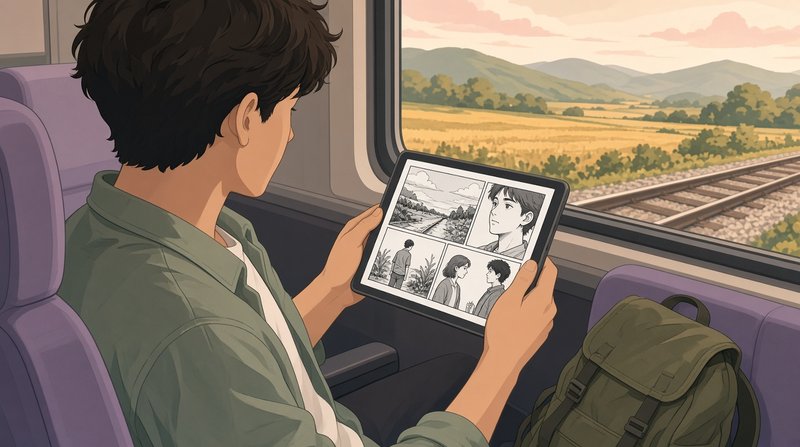 Keep Your Own Manga Files Offline, So an Outage Can't Take Your LibraryAO3 went down for weeks and readers with downloaded copies kept reading. How to keep the manga files you own on your iPhone or iPad, ready with no connection.
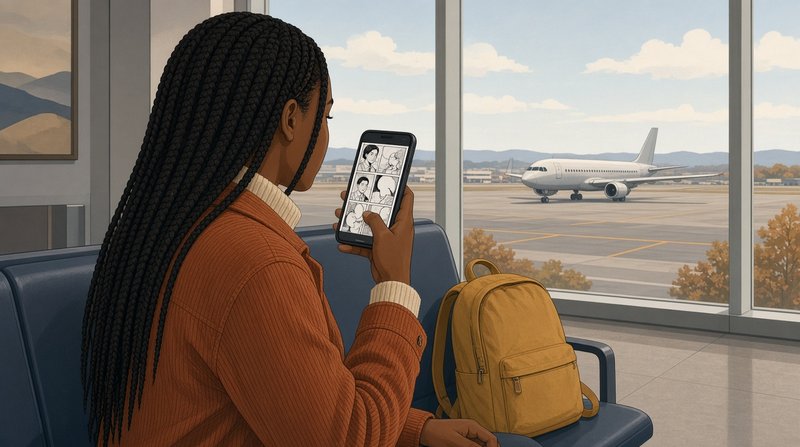 Manga Filling Up Your iPhone Storage? How to Free Space and Keep ReadingManga volumes are big, and a few series can fill an iPhone. See what is using the space, delete what you have read, avoid double copies, and keep only the next few volumes on the phone.
Read on an e-reader
ComicFlow Pro can send comics to Kobo, Boox, reMarkable and PocketBook e-readers as EPUB. The KOReader guide covers keeping your page in step between a Kobo and your iPhone.
 How to Read Comics on a Kobo, Boox, or reMarkableCBR and CBZ files don't open on most e-readers. Here are the three routes that work, which one suits your device, and why Kindle needs a different approach entirely.
 KOReader Sync on iPhone: Keep Your Manga Page Between a Kobo and Your PhoneRead manga on a Kobo with KOReader at home and on your iPhone on the go, on the same page. Set up KOReader sync with Komga and ComicFlow, step by step.
Troubleshooting and file formats
If a CBZ or CBR will not open, start with the troubleshooting guide. The formats guide explains what is inside each comic file type.
 Why Your CBZ or CBR File Won't Open, and How to Fix ItMost comic files that won't open are not corrupt. The extension usually lies about what is inside. Seven causes, how to tell them apart, and what fixes each.
 Comic Book File Formats Explained: CBR vs CBZ vs PDFWhat's the difference between CBR, CBZ, PDF, and other comic book file formats? Learn what each format is, which one to use, and how to read them all on iPhone.
About ComicFlow and release notes
The story behind the app, how it differs from the older app with the same name, and what changed in each major version.
 Why I Built ComicFlow (And What I Learned Shipping a Niche iOS App)I'm an indie iOS dev who shipped a comic reader into a market dominated by Panels and Shonen Jump. The unsexy decisions that worked, and the mistakes I made.
 ComicFlow (2012) vs ComicFlow Today: Two Different Comic Apps With the Same NameRemember ComicFlow as a free iPad comic reader, or found an old link that no longer opens? What that app was, what happened to it, and how today's app differs.
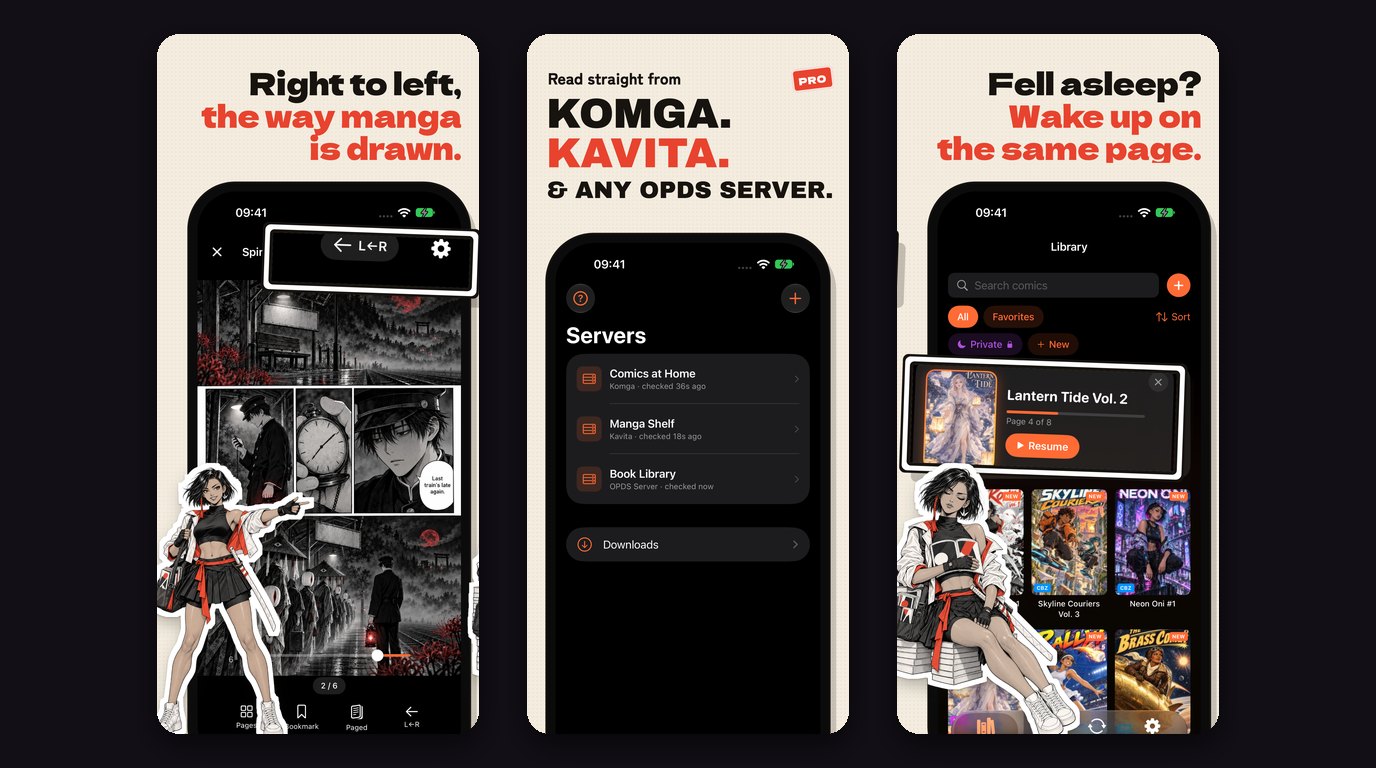 ComicFlow 3.7: Read Manga and Comics From Komga, Kavita and OPDS ServersComicFlow 3.7 reads your Komga, Kavita or OPDS server: stream or download, two-way progress sync with KOReader, right-to-left manga and Keep Downloaded.
 ComicFlow 3.5: iPhone Duo Support, Two-Page Spreads on iPad, and a Clearer Convert ScreenComicFlow 3.5 adds iPhone Duo support with a spread on each side of the fold, two pages on iPad in portrait and Split View, a sidebar, and a clearer Convert screen.
 ComicFlow 3.4: Watch Folders, Wi-Fi Upload, and Clearer Answers When a File Won't OpenComicFlow 3.4 adds two ways to get comics onto your iPhone without a cable, both included without Pro: watch a folder in Files, or drag comics onto a page in your computer's browser.
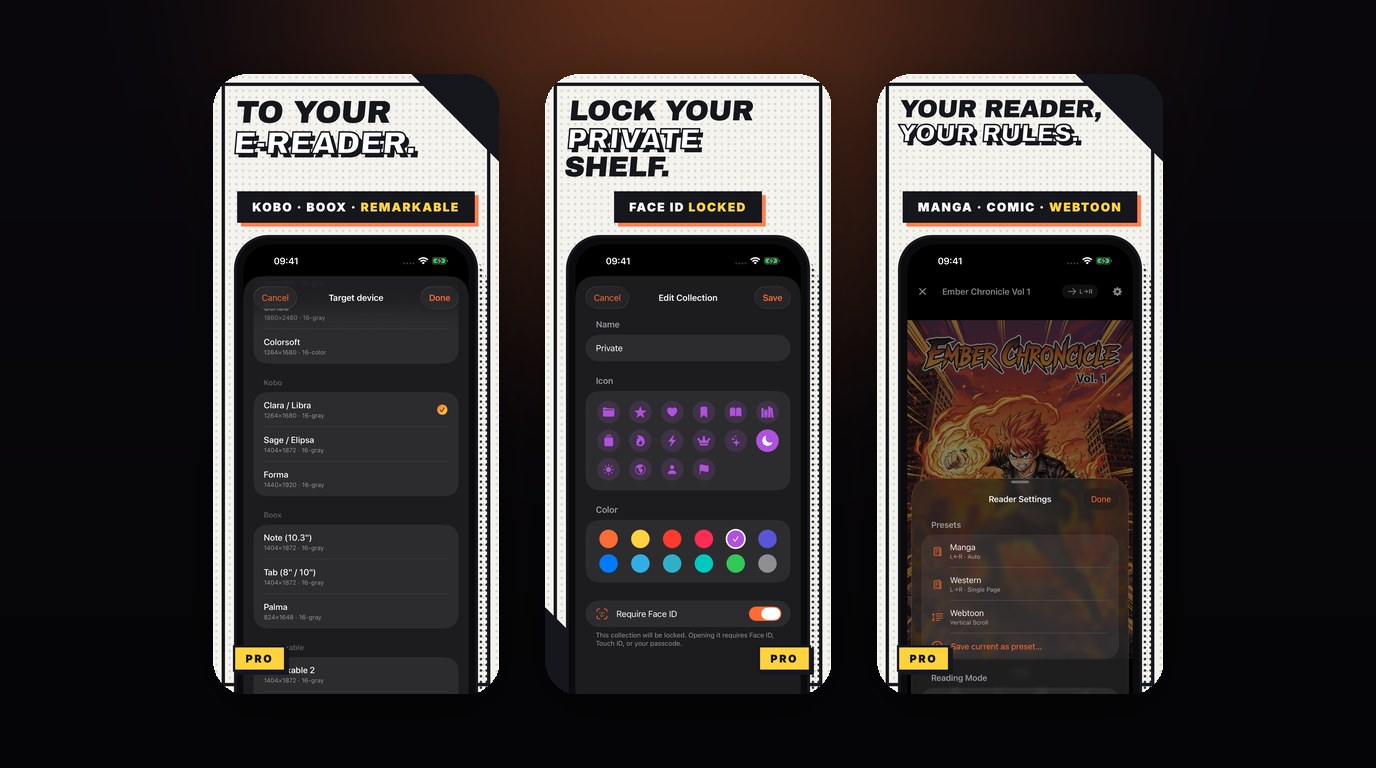 ComicFlow 3.0: Send Comics to Your E-Reader, Lock Private Shelves, and Export to CBZComicFlow 3.0 adds EPUB export for Kobo, Boox and reMarkable, Face ID-locked collections, reader presets, and CBZ export in the $2.99 app. No subscription, works offline.
Manga recommendations
Reading lists rather than app guides. These pick series to read, and you can open them in ComicFlow once you have the files.
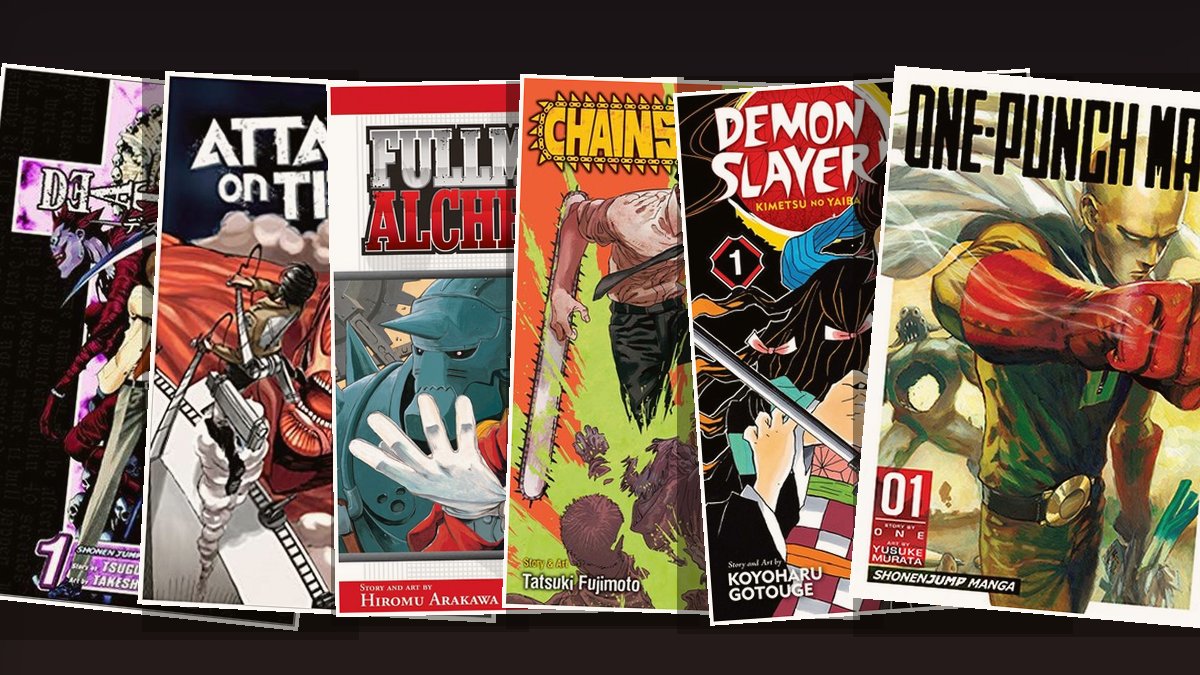 Best Manga for Beginners: 15 Series to Start With (2026)New to manga and not sure where to start? These 15 series are the best entry points, from short thrillers to epic adventures. Each one picked for how easy it is to get into and how hard it is to put down.
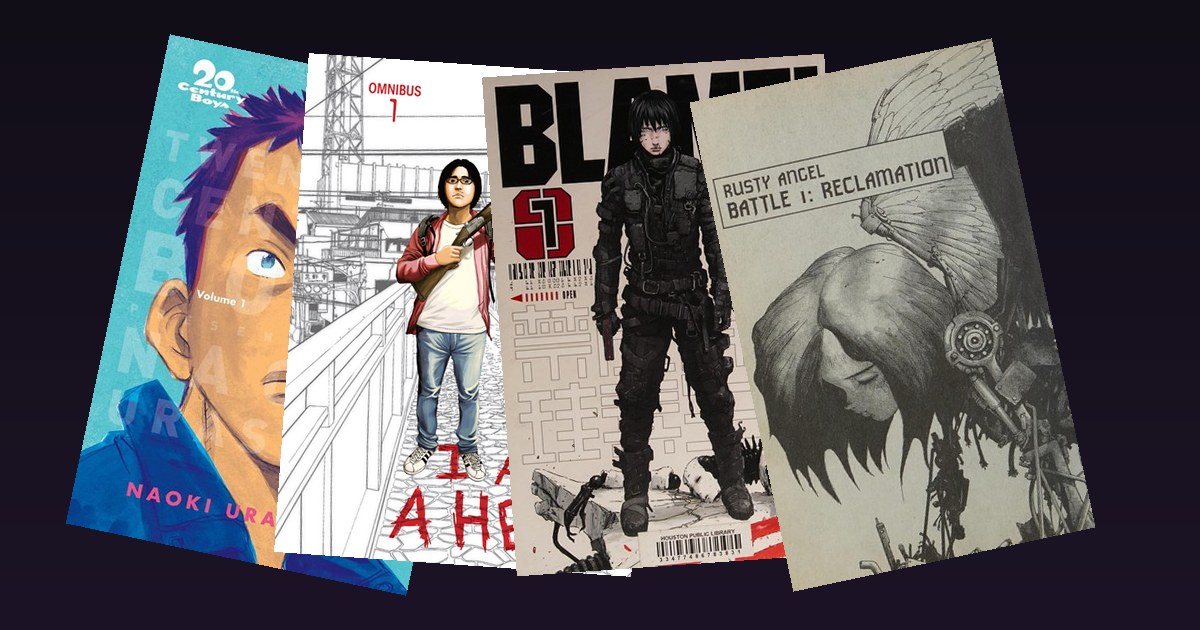 4 Manga to Binge in a Weekend: Seinen That Will Hijack Your Schedule (2026)Four completed seinen manga that will eat your entire weekend the moment you start them. Mystery thrillers, zombie horror, cyberpunk, and martial arts sci-fi, each one finishable in a few days, each one impossible to put down.
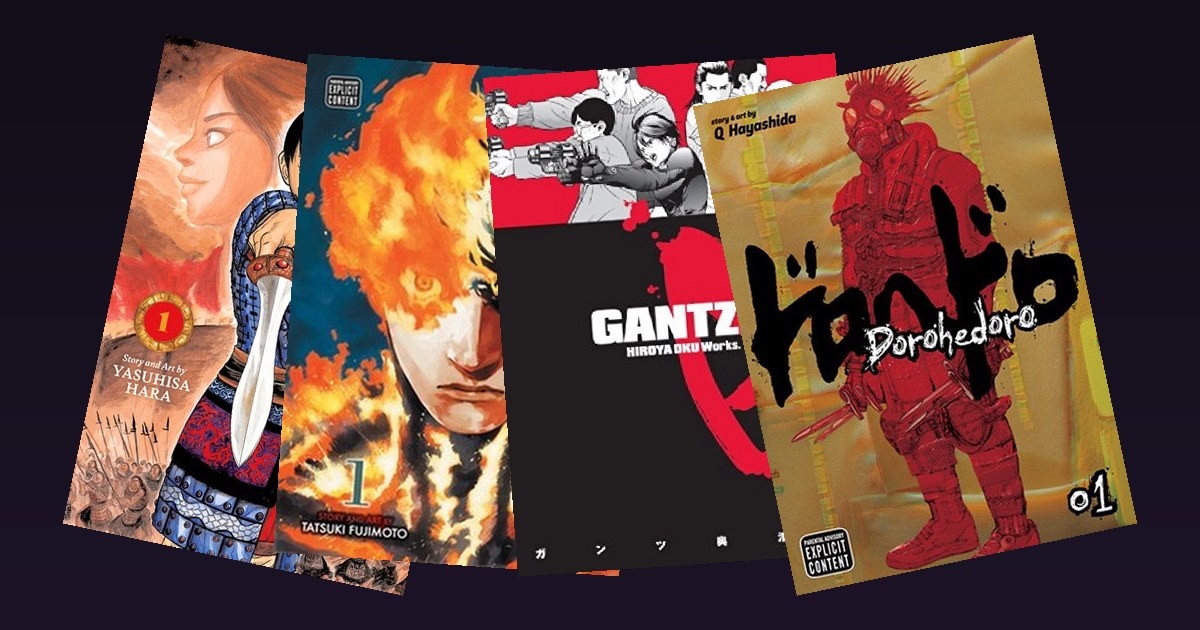 4 Manga You Physically Cannot Put Down (2026): The Most Addictive Series Ever DrawnFour manga series so addictive that starting one will erase your entire week. Strategy war epic, devastating short read, escalating sci-fi survival, and the most original world-building in manga.
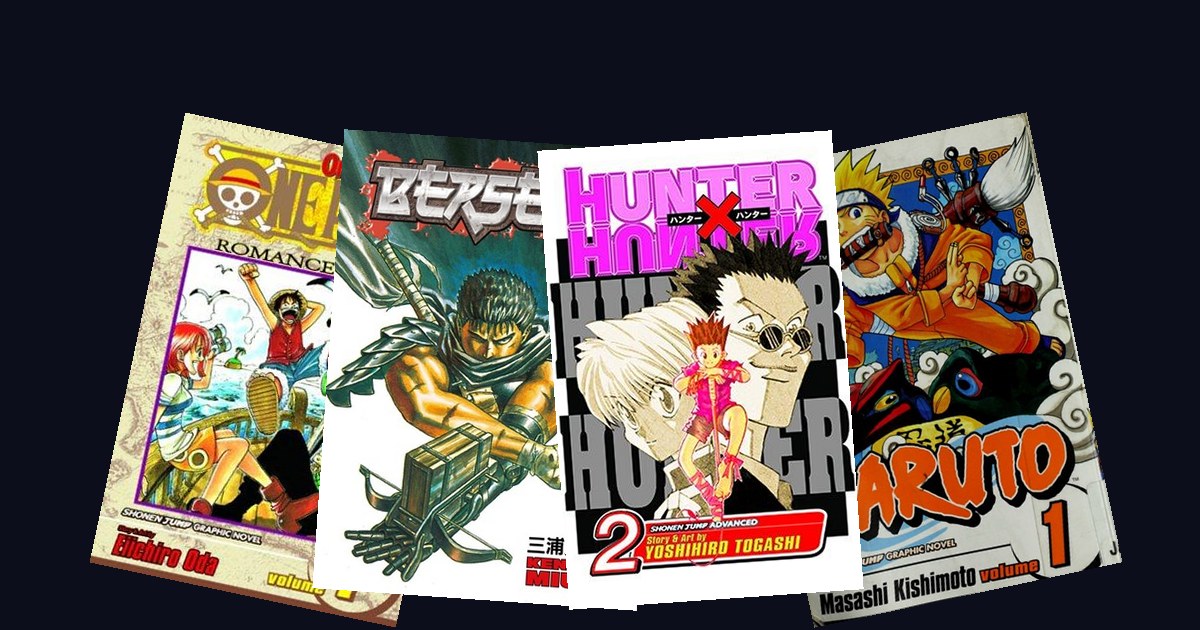 4 Manga Everyone Pretends to Have Read (2026): The Series Most Fans Lie AboutThe four manga every fan claims to have finished but almost nobody actually has. From the 1,100-chapter behemoth to the legendary dark fantasy that runs longer than most readers' patience, these are the lies the manga community keeps telling itself.
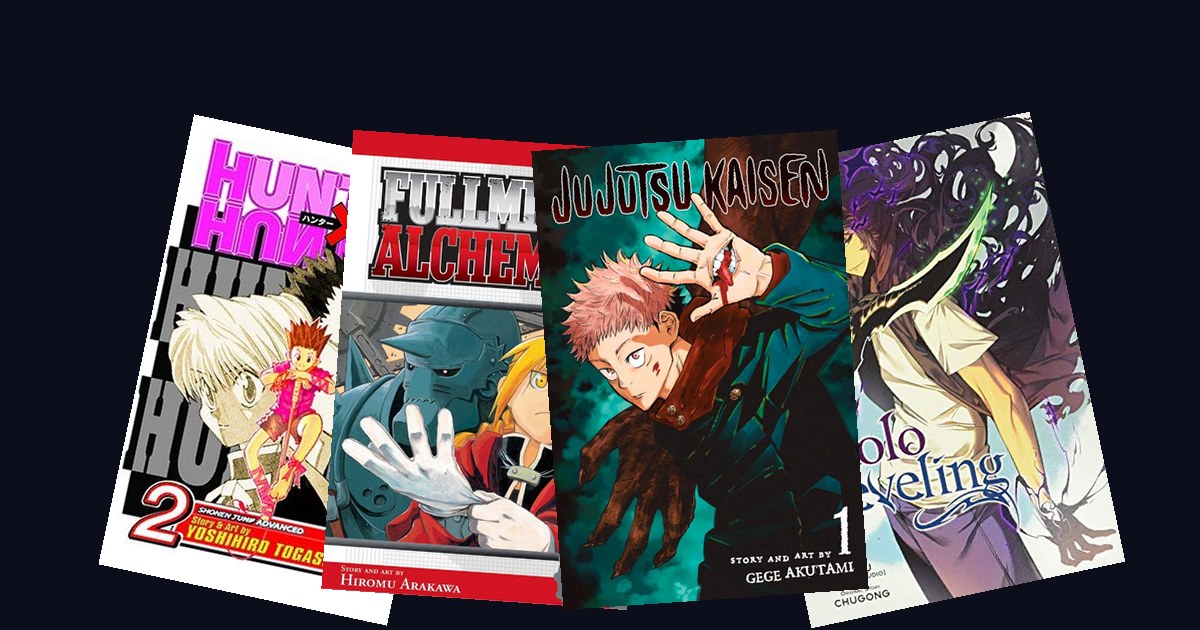 4 Manga to Read Before You Die (2026): The Bucket List Every Reader Should FinishFour manga that genuinely change how you see storytelling. From the most intelligent power system ever written to the most addictive manhwa of the decade, this is the bucket list every serious reader needs to finish.
 4 Manga Guaranteed to Make You Cry (2026): The Most Devastating Reads in the MediumFour manga so emotionally devastating they will physically break you. From a redemption story about bullying and disability to one of the saddest coming-of-age tales ever written, these aren't 'might make you sad' reads. They're guaranteed.
 4 Women Who Changed Manga Forever (2026): The Mangaka Who Built the Modern IndustryFour women whose manga didn't just succeed, they reshaped entire genres. From the most-published female mangaka in history to the artist who created the magical girl genre as we know it, these are the careers that built modern manga.
 4 Food Manga That Will Make You Hungry (2026): The Best Cooking Manga to Read NextFour food manga worth reading: Delicious in Dungeon, What Did You Eat Yesterday?, Food Wars! and Cooking Master Boy. Volumes, where to start, and how to read them on iPhone and iPad.
 4 Manga Set in Ancient China (2026): Palace Mysteries, War Epics and GodsFour manga set in ancient China: The Apothecary Diaries, Kingdom, Hoshin Engi and Fushigi Yûgi. Volume counts, where to start, and how to read each one on iPhone.
 4 Manga With the Best Art Ever Drawn (2026), and How to Read the Spreads ProperlyFour manga with the best art in the medium: Berserk, Vinland Saga, Blame! and One-Punch Man. Plus how to read their two-page spreads on iPhone and iPad.