You picked up a Humble Bundle of comics. Twenty-odd books, a good cause, a price you chose. Then you open the download page on your iPhone and every title has two or three buttons: PDF, EPUB, maybe CBZ. Which one do you actually want?
This guide answers that, then gets the files onto your iPhone or iPad and into a reader that works offline. The short version: take CBZ if it is there, PDF if it is not, and skip EPUB. The reader I use is ComicFlow, which I build: $2.99 once, with an optional $6.99 one-time Pro unlock.
Disclosure: I make ComicFlow at Applestan. Every ComicFlow feature below was checked against the app's source code for version 3.7, and the Humble formats against Humble's help pages and the comic bundles on sale on October 22, 2026. The files I checked are listed at the end.

What formats Humble comic bundles come in #
There is no single answer, because each publisher supplies its own files. Humble's help page for comics lists PDF, EPUB and CBZ, and each bundle page states which of those it includes.
Here is what the comic bundles on sale on October 22, 2026 said about themselves:
| Bundle | Publisher | Formats listed |
|---|---|---|
| Kurt Busiek's Astro City: The 30th Anniversary | Image Comics | CBZ and PDF |
| Dark Places and Endless Night: Sheer Horror | IDW | PDF and EPUB |
| 50 Essential Fantagraphics Titles | Fantagraphics | |
| The EC Archives: Tales From the Crypt and Other Stories | Dark Horse and EC Comics | |
| The Dynamite Trick-or-Treat Bundle | Dynamite | |
| Gatchaman and Speed Racer | Mad Cave Studios |
Bundles change every few weeks, so treat that table as a snapshot, not a promise. The pattern is the useful part: PDF is almost always there, CBZ shows up when the publisher supplies it, and EPUB is common too.
Not every comic bundle is a download #
Some bundles hand you a key for another platform instead of files. The DC Batman Day bundle running in October 2026 is redeemed on GlobalComix, and its page says the titles are not available for download off GlobalComix. A DSTLRY bundle from the same month is delivered through Neon Ichiban, which its page says offers DRM-free downloads.
So before you buy for the files, read the highlighted note in the bundle's description. If it says "Redeemed on" another platform, check whether that platform lets you download.
Which file to download for iPhone and iPad #
ComicFlow imports CBZ, CBR, ZIP, RAR and PDF. Here is how each Humble format fares:
| Format | Opens in ComicFlow? | Notes |
|---|---|---|
| CBZ | Yes | The pages exactly as the publisher scanned them, in a ZIP. First choice. |
| Yes | Works fine, and it is the format nearly every bundle has. | |
| EPUB | No | ComicFlow does not import EPUB. Download CBZ or PDF instead. |
| CBR | Yes | Rare on Humble, but older bundles sometimes have it. |
To be plain about the EPUB row: if you add an EPUB to ComicFlow, it will tell you the file format is not supported. ComicFlow Pro can export comics to EPUB for e-readers, but the app does not read EPUB. If you already downloaded only the EPUBs, go back to the bundle's download page in your Humble library and grab the CBZ or PDF of the same titles.
Why CBZ over PDF when you have the choice? A CBZ is just the page images in a ZIP, so nothing gets re-rendered, and it tends to be what comic readers handle best. A PDF is fine too, and for most bundles it is the only option. For a longer comparison, see CBR vs CBZ vs PDF.
Comic files can be large. Humble's help page notes that file sizes are shown on your download page, so check them before you start a big batch over mobile data.
Getting the files onto your iPhone or iPad #
Straight from Humble on the device #
You do not need a computer for this.
- Open your Humble library in Safari on the iPhone or iPad, open the bundle, and tap CBZ (or PDF) next to each title. Safari saves them to the Downloads folder in the Files app unless you changed that.
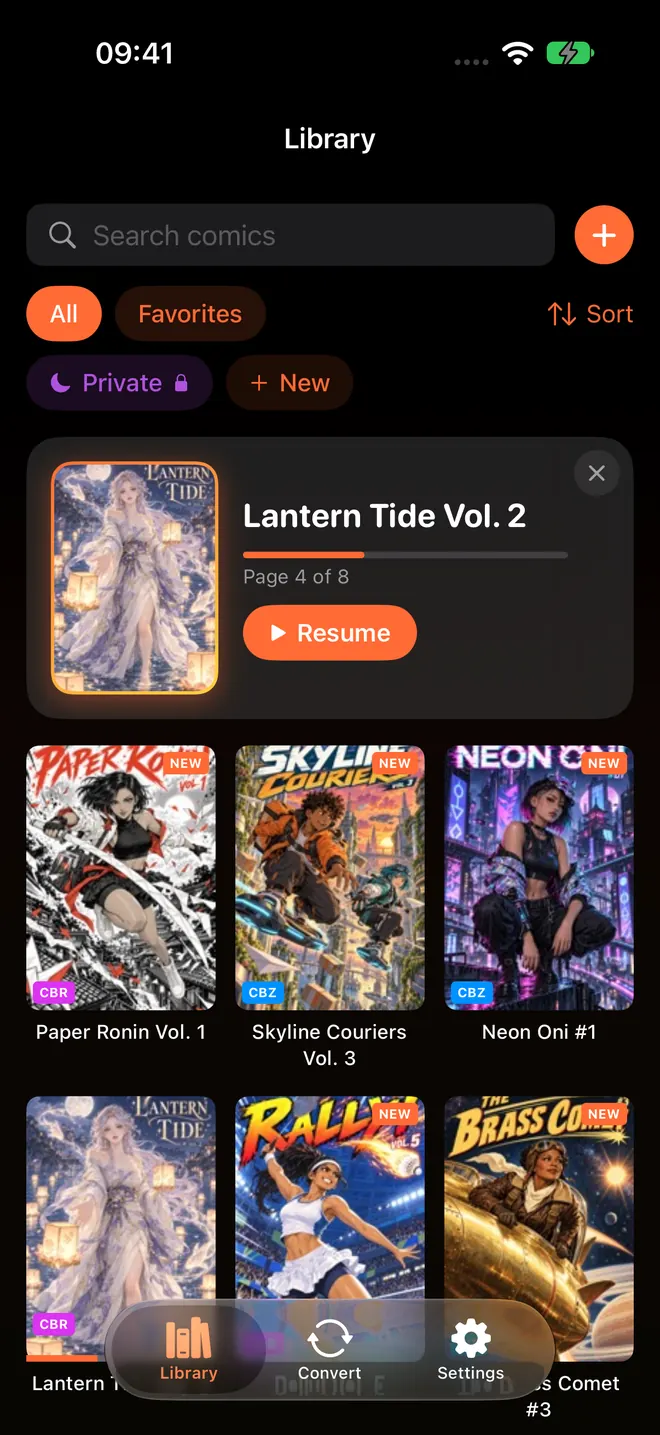
- Open ComicFlow and tap the orange + next to the library search field. On an empty library the button says Import Comics.
- Pick the files from Downloads. You can select several at once.
Each one appears in the library with its cover and page count. For CBZ files you can also use the share sheet in Files and hand them to ComicFlow directly.
A whole bundle from your computer #
If you downloaded the bundle on a Mac or PC, ComicFlow's Wi-Fi Upload is the quickest way across. In ComicFlow, open Settings, then Sources, then Wi-Fi Upload, type the address it shows into your computer's browser, and drag the files onto the page. Keep the ComicFlow screen open until the Added count stops moving. The full walkthrough is in transferring comics to iPhone over Wi-Fi.
Every future bundle, automatically #
Make a folder in iCloud Drive called something like Humble Comics, then in ComicFlow go to Settings, then Sources, then Add Watch Folder, and pick it. From then on, anything you save into that folder (or a subfolder per bundle) is imported when you open ComicFlow or pull down on the library. The originals stay in iCloud Drive, which doubles as a backup.
Wi-Fi Upload and watch folders are both included in the $2.99 app without Pro.

Reading them #
- Offline, for good. ComicFlow copies every imported file into its own library on the device. Reading never contacts Humble or any server, so a bundle reads the same in airplane mode, and it keeps working whatever happens to a store or a website later. Reading comics offline covers the rest of an offline setup.
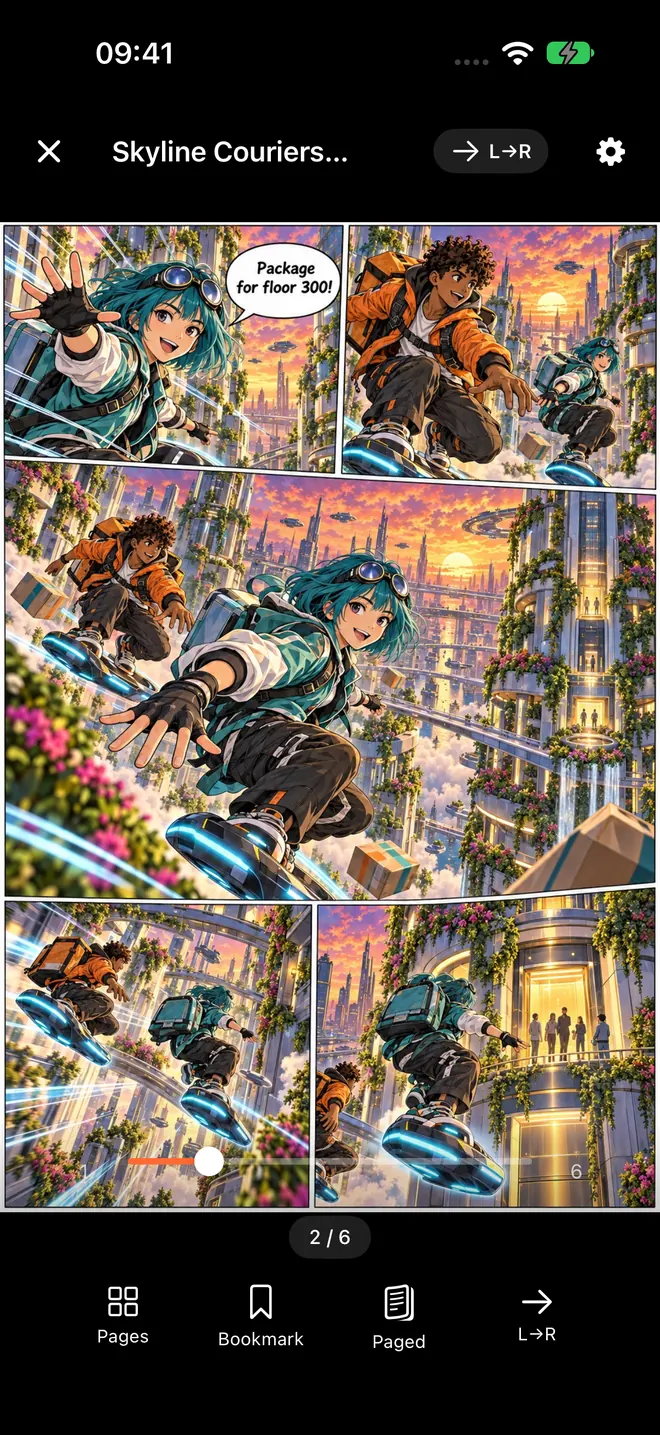
- Two-page spreads on iPad. With the page layout on Auto, ComicFlow shows two pages side by side whenever the screen is wide enough, and one page when it is not. Reading comics on iPad goes deeper.
- Manga bundles read right to left. Humble runs manga bundles too. Set Reading Direction to Right to Left (Manga) in the reader settings, or choose Manga when ComicFlow asks what you read on first launch, and new books open that way. See reading manga right-to-left on iPhone.
- Pick up where you left off. Your page is saved as you read, and the library's Continue Reading card takes you back to it.
Keep a copy outside the app #
A Humble bundle is yours to keep, but your download page is still a web page on someone else's server. Keep the original files somewhere of your own too: the iCloud Drive watch folder above, plus a copy on a computer or an external drive. Backing up your digital comic collection has a setup that does not take long.
If you want more DRM-free comics beyond Humble, where to find DRM-free comics lists the publishers and stores that sell them as files.
What it costs #
ComicFlow is $2.99 on the App Store, once. That includes importing CBZ, CBR, ZIP, RAR and PDF, Wi-Fi Upload, watch folders, two-page spreads, right-to-left reading, collections and conversion to PDF or CBZ. There are no ads or ad tracking. It sends anonymous usage analytics that you can switch off in Settings, then Privacy, then Share Usage Data, and that switch starts off in the EU, EEA, UK and Switzerland. The privacy policy lists what it covers.
ComicFlow Pro is an optional $6.99 one-time unlock, not a subscription. It adds EPUB export for Kobo, Boox, reMarkable and PocketBook, Komga, Kavita and OPDS servers, Face ID-locked collections, reader presets, themes and alternate app icons. You do not need it to read a Humble bundle.
Quick checklist #
- Before buying, check the bundle page for the formats and for any "Redeemed on" note.
- Download CBZ where offered, otherwise PDF. Skip EPUB for ComicFlow.
- Import with the + button, Wi-Fi Upload, or an iCloud Drive watch folder.
- Keep the originals somewhere outside the app.
How this was checked #
ComicFlow claims in this post were checked against the version 3.7 source code, in these files:
- Import formats and the import path:
ComicFlow/Views/ImportView.swift,ComicFlow/Views/LibraryView.swift,ComicFlow/Services/ComicFilePickerTypes.swift,ComicFlow/Services/ImportPipeline.swift,ComicFlow/Services/IncomingFileImporter.swift,ComicFlow/Info.plist - EPUB not importing:
ComicFlow/Services/ImportPipeline.swift,ComicFlow/Services/ArchiveOpenFailure.swift - Watch folders and the Files app:
ComicFlow/Services/Sources/WatchFolderScanner.swift,ComicFlow/Views/Sources/SourcesSettingsSection.swift - Wi-Fi Upload:
ComicFlow/Services/Sources/WiFiUploadServer.swift,ComicFlow/Services/Sources/WiFiUploadPage.swift - Two-page spreads and right-to-left:
ComicFlow/Reader/ReaderSettings.swift,ComicFlow/Reader/ReadingProgress.swift,ComicFlow/Views/OnboardingView.swift - What Pro covers:
ComicFlow/Services/Pro/ProGate.swift - Analytics defaults:
ComicFlow/ComicFlowApp.swift,ComicFlow/Services/Analytics+ComicFlow.swift
Humble formats come from Humble's help pages and the bundle pages themselves, read on October 22, 2026.
Related reading #
- Where to find DRM-free comics: Humble and the other places that sell comics as files
- Read PDF comics on iPhone and iPad: for bundles that only come as PDF
- How to read CBR and CBZ files on iPhone: opening comic archives on iOS
- Transfer comics to iPhone over Wi-Fi: Wi-Fi Upload step by step
- Back up your digital comic collection: keep the files you bought safe
Frequently asked questions
What format are Humble Bundle comics?
It depends on the bundle and the publisher. Humble's own help page lists PDF, EPUB and CBZ for comics. On the comic bundles live on October 22, 2026, an Image Comics bundle came as CBZ and PDF, an IDW bundle as PDF and EPUB, and the Fantagraphics, Dark Horse and EC, Dynamite and Mad Cave bundles as PDF only. Each bundle page says which formats it includes.
Should I download the CBZ, PDF or EPUB version for iPhone?
Pick CBZ when a title offers it, and PDF when it does not. Both open in ComicFlow. EPUB files do not open in ComicFlow, so skip that download unless you also read on an e-reader.
Are all Humble Bundle comics DRM-free downloads?
No. Most of the comic bundles on sale in October 2026 were DRM-free downloads, but some are redeemed on another platform instead. The Batman Day bundle from DC, for example, is redeemed on GlobalComix, and its page says the titles cannot be downloaded from there. If you want files, read the highlighted note in the bundle's description before you buy.
Can I read Humble Bundle comics offline on iPhone?
Yes, once they are imported. ComicFlow copies each file into its own library on the iPhone or iPad, so it reads in airplane mode with no account and no connection to Humble.
Do I need ComicFlow Pro to read Humble Bundle comics?
No. Importing CBZ and PDF files, Wi-Fi Upload, watch folders, two-page spreads and right-to-left reading are all included in the $2.99 app without Pro. The optional $6.99 one-time Pro adds things like EPUB export for e-readers, comic servers and Face ID-locked collections.