TL;DR: A comic file that will not open is usually not damaged. The extension is lying about what is inside, and the app is trusting it. Check the first few bytes of the file: PK means ZIP, Rar! means RAR. After that, the usual suspects are macOS zip junk, pages in an image format the reader cannot decode, filename sorting that scrambles the page order, and password-protected archives.
"Corrupted file" is the message you get, and it is almost never true. Comic archives are among the simplest file formats in circulation, which means there is very little inside one that can actually break. What goes wrong is nearly always the layer above: something about the file is mislabelled, and software makes a decision based on the label instead of the contents.
This is the list, in the order the causes actually turn up.
First, what these files are #
A CBZ is a ZIP archive containing numbered page images and nothing else. A CBR is the same idea in a RAR archive. A CB7 uses 7-Zip. The extension exists to tell a reader app "this is a comic, open it in reading mode" and carries no other information.
Rename a CBZ to .zip and double-click it. You will get a folder of JPEGs. That is the whole format.
Which means the useful question is never "how do I repair this file". It is "what is actually inside it, and which part of the chain is confused".
Cause 1: the extension is lying #
This is the big one, and it is not close.
Scanlation releases get renamed by hand. People rename a .cbr to .cbz hoping it will help. Some sites serve a ZIP with a .cbr filename because a script somewhere is careless. The result is a file whose name says one thing and whose contents say another.
An app that branches on the extension then sends a ZIP to its RAR decoder, or a RAR to its ZIP decoder, and gets nothing back. The error it shows is "invalid file", which reads as "your file is broken" when the truth is "this app looked in the wrong place".
We know the size of this because it happened to us. On ComicFlow 3.2, twenty of these came in between 8 August and 2 September 2026: files that opened fine everywhere else and failed here, purely because the reader and the converter both branched on pathExtension. Version 3.3, released on 3 September, reads the first eight bytes of the file and routes on what it finds, falling back to the extension only when the header is unrecognisable. Mislabelled files now open normally.
You can run the same check by hand. Every archive format starts with a fixed signature:
| First bytes | What it really is |
|---|---|
PK (50 4B) |
ZIP, so a valid CBZ whatever it is called |
Rar! (52 61 72 21) |
RAR, so a CBR |
%PDF- |
A PDF |
7z (37 7A BC AF) |
7-Zip, which most comic apps do not read |
On a Mac or Linux, head -c 4 yourfile.cbz prints it. On Windows, any hex viewer will do. If the file begins with PK and is named .cbr, rename it to .cbz and it will open in nearly everything.

Cause 2: the archive opens but reports no pages #
The archive is valid, the reader gets inside it, and then says there are no images. Two things cause that.
The pages are in a format the reader does not decode. Older comic apps accept JPEG and PNG and stop there. Archives built from newer sources increasingly hold WebP, AVIF or HEIC, because they are much smaller at the same quality. A reader with a four-format allow-list looks at a folder full of images and honestly reports finding none.
ComicFlow reads JPEG, JFIF, PNG, GIF, WebP, BMP, TIFF, HEIC, HEIF and AVIF inside an archive, because iOS decodes all of them natively and there was no good reason to refuse the rest.
Or the archive genuinely has no pages in it. An empty ZIP is still a valid ZIP. If a download failed early you can end up with a technically correct archive containing nothing at all.
Cause 3: it was zipped on a Mac #
Zip a folder in macOS Finder and the archive gets a hidden __MACOSX directory alongside your files, holding a ._page001.jpg sidecar for every real page001.jpg.
Those sidecars carry an image extension and are real entries, so a naive reader counts them as pages. Worse, they sort before the real pages alphabetically, so the first thing the reader tries to display is a resource fork rather than an image.
This broke conversion outright in an earlier ComicFlow version: any CBZ zipped on a Mac failed with "could not read first image". The fix is to filter __MACOSX, anything beginning with ._, plus .DS_Store and Thumbs.db, before deciding what counts as a page. If your reader does not do that, unzipping the archive, deleting the junk and re-zipping it will.
Cause 4: the pages are in the wrong order #
The archive opens, every page is there, and the reading order is nonsense.
Filenames inside comic archives are frequently not zero-padded, so sorting them as text gives you 1.jpg, 10.jpg, 11.jpg, 2.jpg. Page ten arrives right after page one and the whole issue reads out of sequence.
The answer is a numeric-aware sort, where page2 correctly precedes page10. There is a second half to it that plenty of readers miss: archives that group pages into one folder per chapter have to be sorted on the full path, not the filename. Sort on the filename alone and ch2/001.jpg lands ahead of ch1/002.jpg, interleaving every chapter.
If you want to fix it at the source instead, rename the pages inside the archive to 001, 002, 003 and it will read correctly in every app, including the ones with a naive sort.
Cause 5: the archive is password-protected #
Some archives are encrypted, either whole or per-entry. A reader can usually see the file listing and cannot decrypt the contents, which surfaces as "no images found" or an outright failure rather than a password prompt.
ComicFlow reports this as its own state rather than folding it into "corrupt", because they need different responses from you. A password-protected archive has to be unlocked on a computer with the password, and no reader can do anything about it without one.
The same applies to encrypted PDFs. An encrypted and locked PDF renders blank pages rather than failing, so ComicFlow refuses it outright instead of handing you an export full of empty sheets.
Cause 6: the file is incomplete or split #
Multi-part RAR. Archives named comic.part1.rar, comic.part2.rar and so on are one archive cut into pieces. A single part on its own is not readable, and opening part one will not work. All parts must be in the same folder and joined on a computer first.
A truncated download. A file that stopped partway is a real, common cause of genuine corruption, and it is worth checking before assuming anything cleverer. Compare the file size against the source if you can. A 3 MB "graphic novel" is a failed download.
Cause 7: the file is not really on your device #
This one is specific to iOS and catches people constantly.
Files stored in iCloud Drive show up in the Files app whether or not they have been downloaded. The name and the icon are there, and the data may not be. An app that opens the file gets a placeholder, and reports something unhelpful.
If a file has a small cloud icon beside it in Files, tap it and wait for the download to finish before opening it anywhere else. Large comic archives over a slow connection take longer than the interface suggests.
Cause 8: it is 7-Zip #
CB7 and 7z compress better than ZIP or RAR, which is why they show up occasionally in comic archives. Support for them in comic readers is rare, ComicFlow included: it identifies the format from the header and tells you plainly that it cannot read it, rather than failing with a vague error.
Repacking a CB7 as a CBZ on a desktop, with 7-Zip on Windows or Keka on macOS, gets you a file that opens everywhere.
Working out which one you have #
A short sequence that resolves most cases:
- Check the size. A comic issue that is under a megabyte or two probably did not finish downloading.
- Check the first four bytes. If they disagree with the extension, rename the file and try again. This alone fixes the largest single category.
- Rename a copy to .zip and open it. If a folder of images appears, the archive is fine and the problem is in the reader. If your unarchiver complains too, the file is genuinely damaged.
- Look at what is inside. Are the pages JPEG or PNG, or something newer? Is there a
__MACOSXfolder? Are the filenames zero-padded? Is everything nested three folders deep? - Only then assume corruption. By this point you have eliminated the causes that account for most failures.
For step four, the comic file inspector does it in your browser: drop a CBZ or ZIP in and it lists every entry, the page count, image dimensions and per-page file sizes, without uploading anything anywhere. It reads ZIP-based files only, so a CBR has to be repacked first, which is itself a useful signal about what you are holding.
What ComicFlow does about all of this #
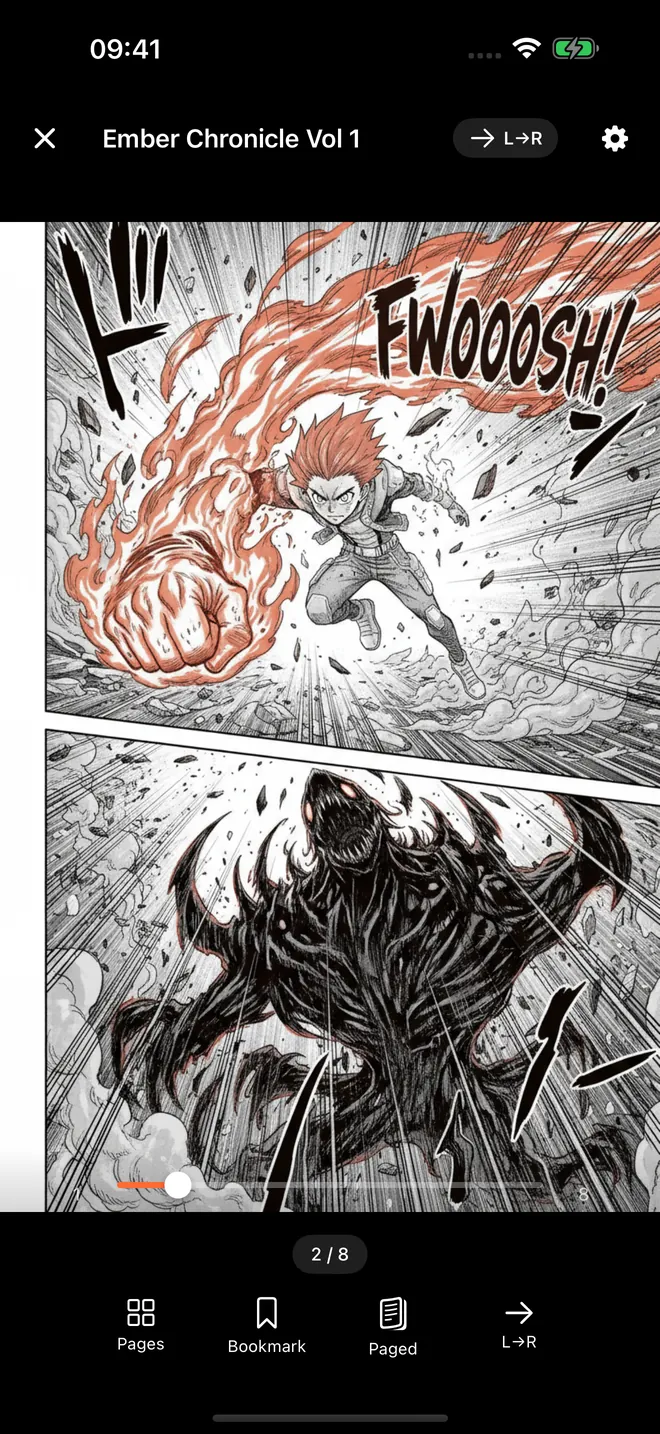
ComicFlow reads CBR, CBZ, RAR, ZIP and PDF directly on iPhone and iPad, and most of the behaviour above exists because these failures arrived as support email.
It identifies the container from the file header rather than the extension, so mislabelled archives open. It accepts ten image formats inside an archive rather than four. It filters macOS resource forks and system files out of the page list. It sorts pages on the full path with a numeric-aware comparison, so chapter folders stay grouped and page 2 comes before page 10. Password-protected archives, empty archives and unreadable files each report as themselves rather than all landing on "invalid file".
It is a one-time $2.99 purchase with an optional $6.99 Pro unlock for e-reader export, locked collections and reader presets. No subscription, no ads, and everything runs on the device with nothing uploaded.
What it will not do is repair a genuinely damaged archive, join a split RAR, or crack an encrypted one. Those need a computer, and for the split and encrypted cases they need the missing pieces or the password.
The short version #
Before you go looking for a repair tool, check whether the file is what its name claims. A CBZ that begins with Rar! is not broken, it is misnamed, and that single check accounts for more failures than every other cause on this list put together.
After that: macOS zip junk, image formats the reader is too old to decode, text sorting that scrambles the page order, and downloads that never finished. Actual corruption is last, and it is rarer than the error messages suggest.
Frequently asked questions
Why won't my CBZ file open?
The most common reason is that it is not a CBZ. A CBZ is a ZIP archive and a CBR is a RAR archive, and the two get renamed by hand constantly, so a file called .cbz is often a RAR inside. An app that trusts the extension hands it to the wrong decoder and reports it as invalid, even though the file itself is fine.
Is a CBZ just a ZIP file?
Yes. A CBZ is a ZIP archive containing numbered page images and nothing else. Renaming it to .zip and opening it will show you the pages. A CBR is the same idea using RAR compression, and CB7 uses 7-Zip, which far fewer readers support.
How can I tell what a comic file really is?
Look at the first few bytes. A ZIP, and therefore a real CBZ, starts with the letters PK. A RAR starts with Rar! followed by a control character. A PDF starts with %PDF-. On a Mac, `head -c 4 yourfile.cbz` prints it. If the first two characters are PK and the file is named .cbr, the name is wrong and the file is fine.
Why are my comic pages in the wrong order?
Because they are sorted as text rather than as numbers. Filenames without zero padding sort as 1, 10, 11, 2, so page 10 lands right after page 1. A reader that compares numerically puts them right, and renaming the pages inside the archive to 001, 002 and so on fixes it everywhere.
Why does my comic open on my computer but not on my phone?
Usually one of three things. The archive uses RAR5 or 7-Zip compression that the phone app does not decode, the pages inside are in an image format the phone cannot read, or the file has not finished downloading from iCloud and only a placeholder is on the device.