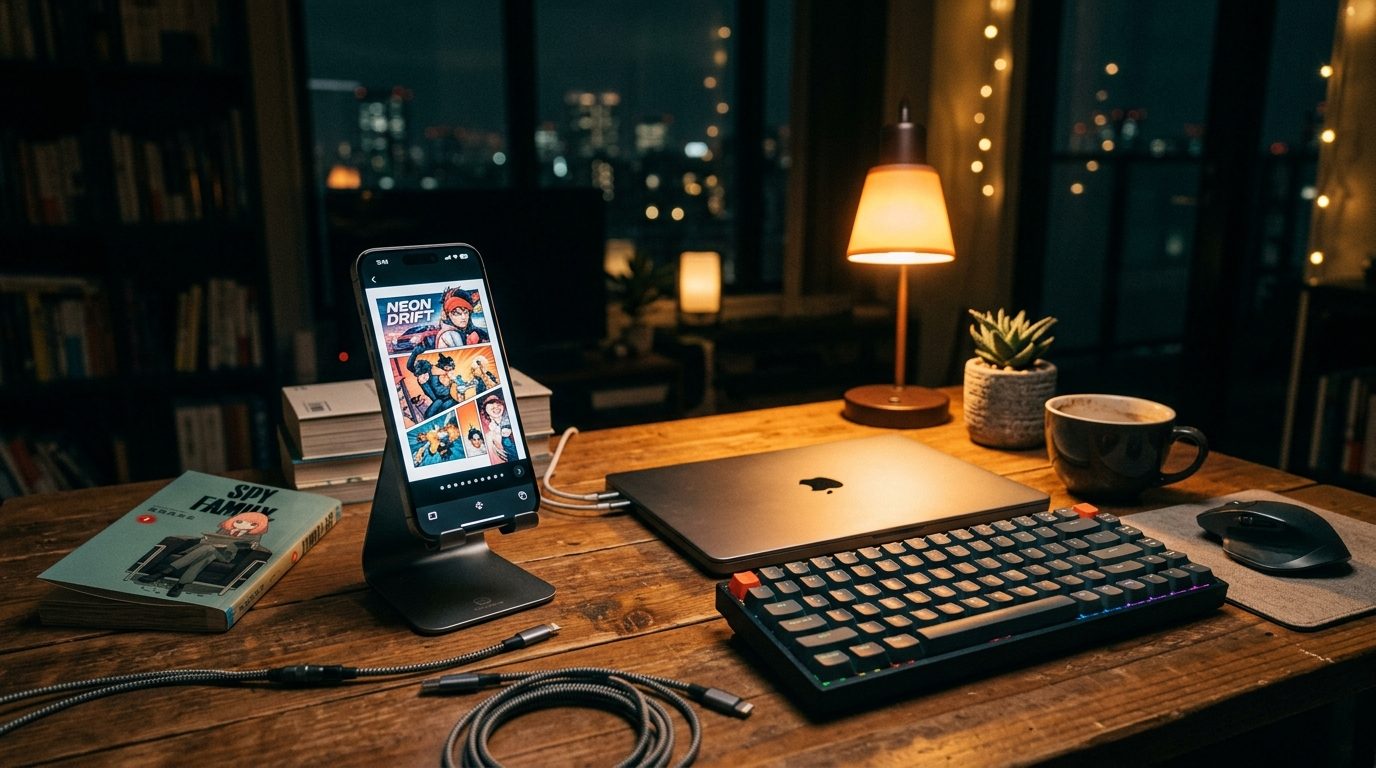
A friend asked me last month why I built another comic reader when Panels already exists. The honest answer is that I didn't set out to build one. I set out to read a single .cbr file on my phone one weekend in 2025, failed, and a few weeks later I had shipped an app.
This is the story of how that happens to an indie iOS developer. It's also a deliberately honest write-up of what worked, what didn't, and what I'd do differently, because I read a lot of "I made $X with my app" posts when I was starting out, and almost none of them include the parts where the founder looked stupid.

The Problem That Wouldn't Solve Itself #
I had a .cbr file from a Humble Bundle. iOS wouldn't open it. The Files app shrugged. Apple Books said no. I tried renaming it to .zip, which technically extracted, and then I had a folder of 187 JPEGs that I was supposed to read one at a time in the Photos app.
So I downloaded the popular alternatives. Panels was beautiful, and asked me to pay $10 upfront plus $30/year if I wanted Dropbox sync. Chunky Comic Reader was fine, but the free tier capped at six recent issues, and the paid tier bundled a Mac app I didn't need.
I'm a developer. I have the destructive habit of looking at any tool that costs money and thinking "I could build that." Most of the time the correct answer is to pay the $10 and get back to your actual work. But the more I looked at the underlying problem, extract an archive, render images in order, swipe between them, save the page, the more I thought this is genuinely a weekend project.
It wasn't quite. We'll get to that.
Why Not Just Use Panels? #
I want to take this seriously, because "why not use the existing thing" is the question every indie dev should be able to answer before they pour their life into a new app.
Panels is genuinely good. If I had a 5,000-issue library spread across multiple cloud providers and wanted OPDS streaming from a home server, Panels would be the right call. But that's not what I had. I had a folder of CBR files in iCloud Drive, and I wanted to tap one and read it. The subscription model, built for the heavy-collector workflow, was overkill for "open file, read comic."
That's a recurring pattern in iOS apps. Most categories have one or two "professional" apps with strong cloud features behind subscription paywalls, and almost nothing in the casual middle. There's a real gap between "free with ads" and "$30/year subscription," and I bet on filling it for comics.
The bet was: there are enough people with a few hundred CBR files on iCloud who'd pay $2.99 once to read them, without subscriptions or accounts or a cloud connection. We'll see if I was right.
The Decisions I Made That Mattered #
These are the choices I'd defend if you cornered me at a meetup.
One-time purchase, $2.99, no subscription. Comic readers are a tool category, not a service category. There's nothing recurring about reading a CBR file. A subscription would have been pure rent-extraction. One shot to convince each user, which feels honest.
Offline-first, no account, no sync. Selfishly: I read comics on flights. Practically: every cloud-syncing app in this category has a "first run wants you to connect Dropbox" flow that adds 30 seconds of friction before you can read anything. I wanted file → reader → done.
No ads. No tracking. No third-party ad SDKs. Easy to brag about, less easy to commit to when you're trying to figure out why people abandon the app. I eventually added PostHog for opt-in product analytics. That told me my onboarding had a 56% drop-off at the "import your first file" step. That's the kind of data I needed. But it's opt-in product telemetry, not the ad-tech SDKs that sell user data to third parties. Different category.
Native RAR support. This sounds boring but it was the decision that made ComicFlow actually useful. iOS has zero native RAR support. Most reader apps work around this by telling users to convert CBR to CBZ on a PC first. I shipped a native RAR extractor. That's the reason the App Store name is "ComicFlow: CBR to PDF" rather than just "Comic Reader". Handling RAR natively is the technical differentiator that nobody mentions in their store listing.
CBR-to-PDF conversion as a side feature, not the headline. Originally I thought the converter would be the differentiator. It's a feature, not the lead. The lead is "open the file and read." Conversion matters when you specifically want a PDF, sharing, Apple Books, printing, but it's not the daily workflow.
What Didn't Work #
This is the part most indie-hacker posts skip. I have a list.
The first version of the import flow was bad. I assumed users would tap a CBR file in Files and naturally find "Open in ComicFlow" in the share sheet. They didn't. The 56% drop-off at onboarding is the cost of that assumption. I've since added an in-app file picker and a Files-app integration guide; the drop-off is still around 50%. There's more work to do.
My first marketing attempt was the wrong audience. I posted on developer forums about how I built a comic reader. Got upvotes. Zero downloads. Developers don't read comics, or if they do, they're not buying tools to do it from other developers. The actual audience was on TikTok, where casual manga readers complain about CBR files in the comments of every "where can I read X" post.
TikTok was its own learning curve. My first carousel got around three views and a 1.8/6 photos-viewed completion rate. The content quality was the problem. Text-heavy slides after a lifestyle photo will make people bounce instantly. It took me thirty-ish posts to figure out that the title card has to be a single eye-catching lifestyle photo with a question hook, and the inner slides have to be visually distinct from the title card. I had to rediscover most of this post-by-post because nobody writes about the actual mechanics.
I overestimated how many people search for "comic reader." This was the biggest one. I tracked rankings for "comic reader," "manga reader," "comic book reader", and ComicFlow doesn't rank in the top 200 for any of them. Panels (around 11K ratings) and Shonen Jump (around 250K ratings) own those terms and there's no realistic path to outranking them without a marketing budget I don't have. What I actually rank well for is "cbr to pdf" (which was #1 for a while) and "cbr cbz" (#4). Niche keywords with high purchase intent and low search volume. That's the moat. It took me a while to accept that "stop trying to win generic queries" was the right move.
App Store updates can hurt your ranking. I shipped four updates in six days during a feature sprint in early 2026. ComicFlow's "cbr to pdf" ranking crashed from #1 to around #70 over that week. Updating an app too often is apparently a signal Apple uses in stability scoring. I now batch changes and ship every 2-3 weeks at most.
The Shape of the Numbers #
I'm not going to do a revenue breakdown, too many specifics that would distract from the story. But the shape of it:
- ComicFlow earns more than it costs to keep running. That's a low bar, and most indie apps don't clear it.
- Most downloads come from App Store search. The website you're reading this on is the second-biggest channel.
- TikTok drives a smaller but more loyal segment. People who arrive from a manga recommendation carousel tend to read more, leave more reviews, and ask better feature-request questions in the App Store.
- Refunds are rare. The $2.99 price seems to set expectations honestly, people who buy it knew what they were paying for.
This is not a "quit my job, $10K MRR" story. It's a "this earns enough that I'm motivated to keep improving it, and it pays for the next experiment" story. Most indie apps that survive are the second kind. The first kind makes louder posts.
What I'd Do Differently #
If I were starting ComicFlow over today:
- Ship onboarding in v1. The 56% import-step drop-off was avoidable. A 60-second in-app walkthrough showing exactly how to get a file from Files → ComicFlow would have caught most of those users. I shipped without it because I thought it was obvious. It wasn't.
- Target the niche keywords from day one. I spent the first stretch trying to compete on "comic reader." Should have gone straight for "cbr to pdf" and "open cbr on iphone" with clear positioning.
- Build the website earlier. It's now my #2 acquisition channel. Should have shipped it in month one of the app, not month six.
- Be more honest in marketing copy. Early App Store description called ComicFlow "the best comic reader." That's not true (Panels is better in several specific ways) and it makes the listing sound like every other app. Now I say what it specifically is, "open CBR/CBZ files without conversion", and let the comparison stand on its own.
What's Coming #
I'll keep writing these. The next thing I want to dig into is the PostHog-driven onboarding rewrite, because the analysis is interesting even if some of the conclusions are obvious in hindsight. If you want to follow along, the blog is where I dump everything.
If you want the app: ComicFlow on the App Store, $2.99 once, no subscription, no tracking. If you'd rather try alternatives I respect: Panels ($10 + $30/yr, beautiful UI, cloud sync) and Chunky (free + $5 pro). All three actually work. Pick the one that matches your library and your budget.
Related Articles #
- Read CBR & CBZ Files on iPhone, A Dev's Honest Setup, The technical guide that pairs with this story
- Best Comic Reader Apps for iPhone in 2026. Honest comparison including Panels and Chunky
- ComicFlow app page. Features, screenshots, App Store link