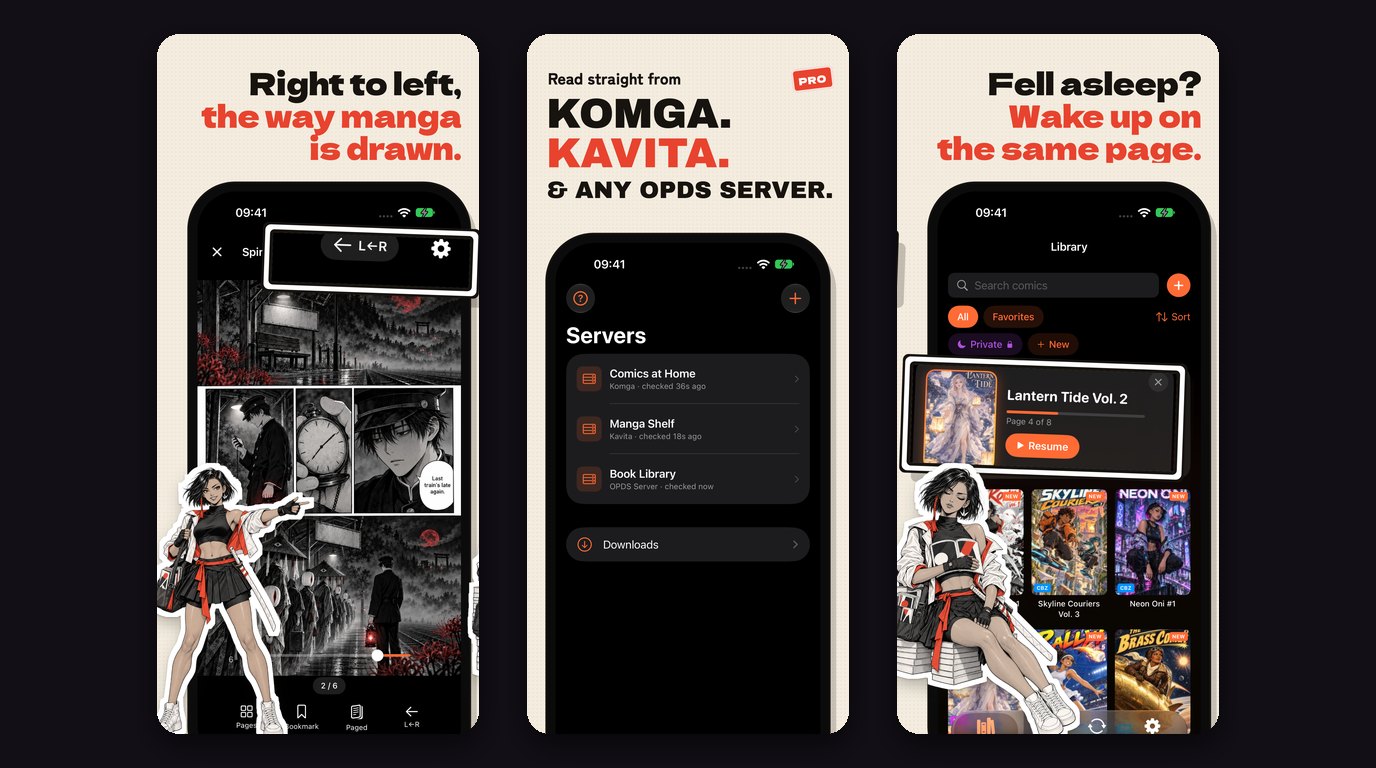
Left to right: right-to-left manga in the reader, the new Servers tab, and Continue Reading. Frames from ComicFlow's App Store listing, shown side by side.
If your manga lives on a Komga or Kavita server at home, ComicFlow 3.7 is for you. It reads straight from your comic server, keeps your place in sync with it, and handles a long-running series the way you actually read one: right to left, one volume after the next.

Read from your comic server #
Connect ComicFlow to Komga, Kavita or any OPDS server, such as Calibre, Codex or Stump. It works at home, over Tailscale or over the internet. Your servers get their own tab, and from there you browse your whole collection.
Open any book straight from the server without downloading it first. Or download it to read offline, on a plane or wherever your server is out of reach. Downloaded books stay in a Downloads list and keep syncing their progress.
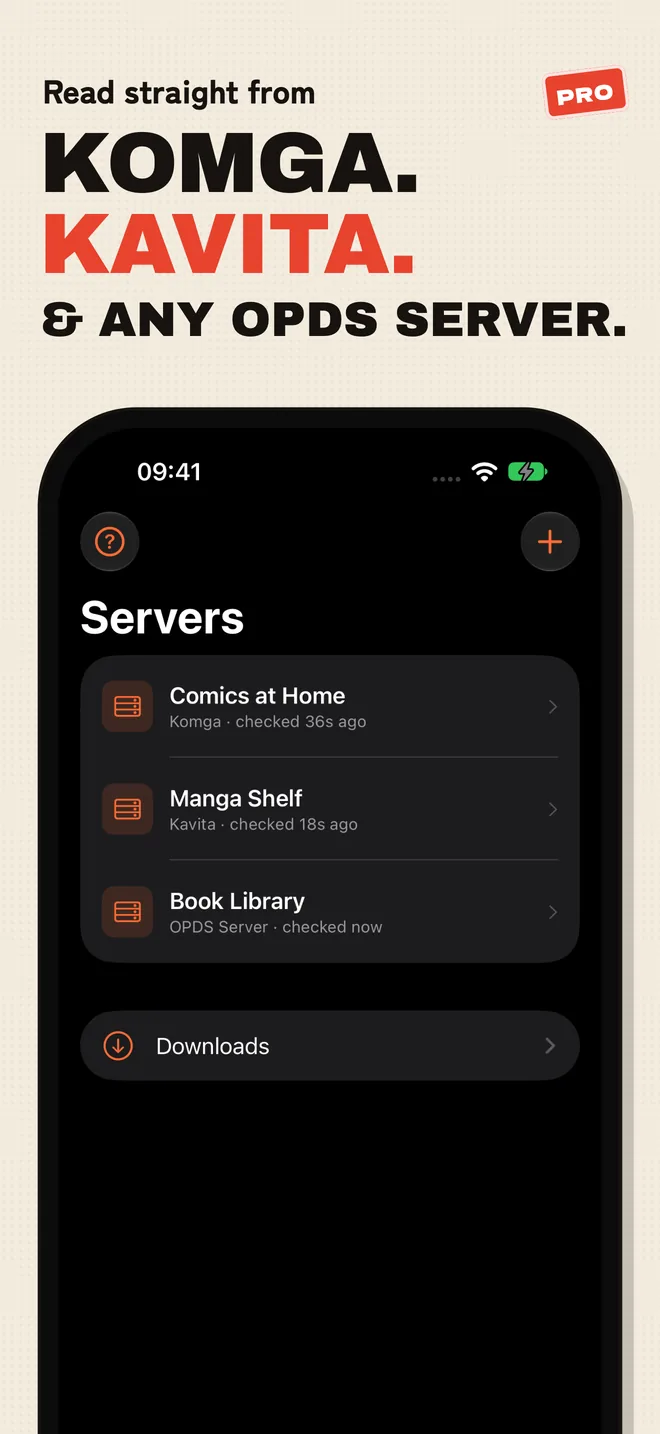
New to servers? Tap the question mark on the Servers tab for a short guide: what a comic server is, whether you need one, and how to reach it from outside your home network. You don't need one to use ComicFlow. If your comics are files on your device or in iCloud Drive, the Library works exactly as before.
Made for manga and long series #
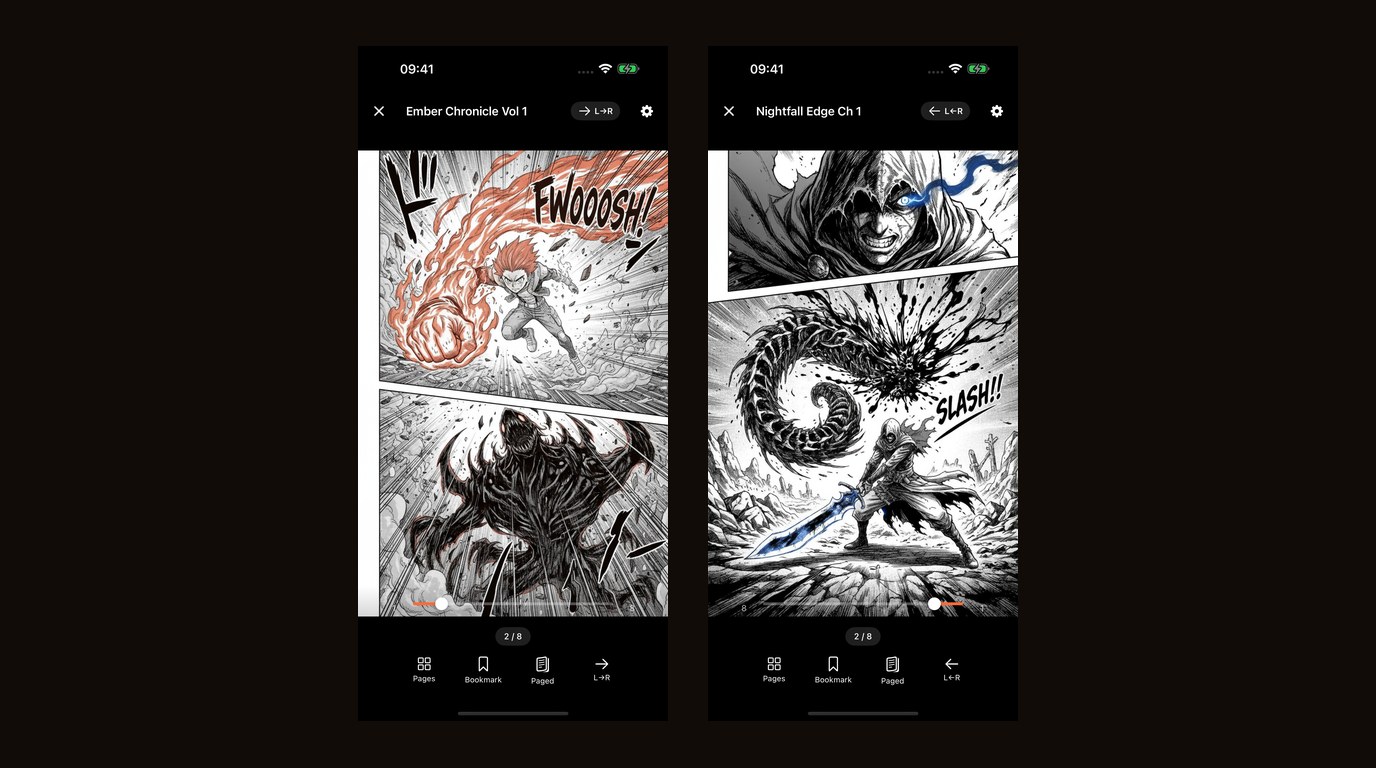
Manga opens right to left when your server marks the series that way, so you are not flipping the reading direction every time you start a new volume. Wide spreads stay whole.
When you finish a book, the next one in the series is one tap away. From a series you can also download every book or only the unread ones, and mark the whole series as read or unread.
Your place, everywhere #
Your place syncs both ways with the server, for streamed and downloaded books alike. Read a few chapters on your iPhone, then pick up on another device that reads from the same server.
Downloaded books can also sync with KOReader devices. Turn on KOReader Sync for a server and leave the address empty to use your server's own KOReader sync, or enter a separate KOReader sync address.
Keep Downloaded #
For a series or reading list on Komga or Kavita, Keep Downloaded keeps the next unread books on your device, so the next volume is ready offline before you need it. Choose how many to keep, and it can delete the books you have read, right away or after a few days.
It runs when ComicFlow opens and when you finish a book.
Also new #
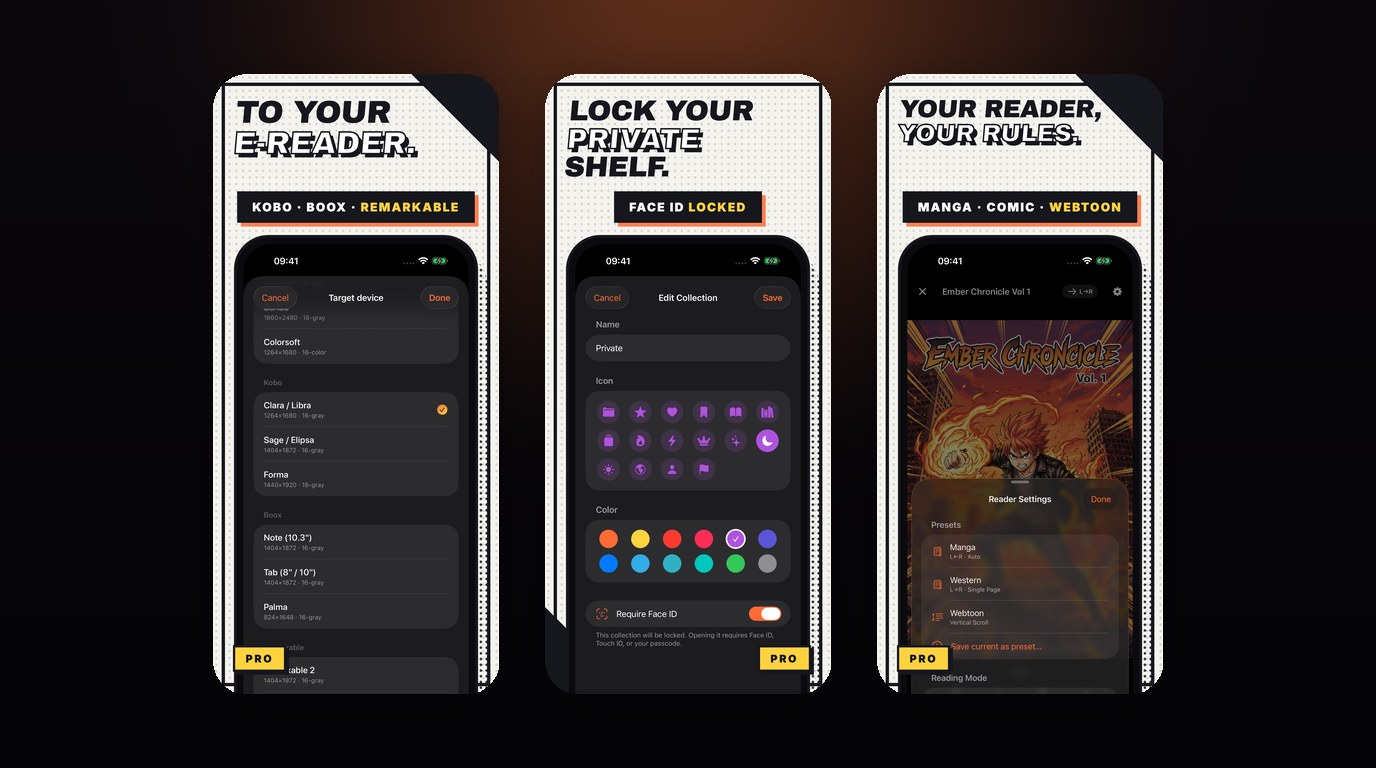
- Lock a server behind Face ID. ComicFlow asks you to unlock before that server opens, using Face ID, Touch ID or your passcode.
- Send a server book to your e-reader. A book from your server can go through the same e-reader export as the rest of your library.
- Siri and Shortcuts. Say "Continue reading in ComicFlow", or use the Shortcuts action, and the comic you were reading opens. That covers books from your library and books you were streaming from a server.
What's free and what's Pro #
Comic servers are part of ComicFlow Pro, a one-time $6.99 unlock. That covers browsing, streaming, downloading, syncing, Keep Downloaded and server locks. You can add your server and test the connection without Pro, so you know it works before you pay.
The Siri and Shortcuts action works in the base app for comics in your library. Resuming a streamed server book needs Pro, like the rest of the server features.
ComicFlow itself is $2.99 once. Pro also includes EPUB export for Kobo, Boox, reMarkable and PocketBook, Face ID-locked collections, and saved reader presets. Still a one-time purchase. No subscription, no ads, ever.
Everything else #
3.7 keeps what the app already did. Read CBR, CBZ, RAR, ZIP and PDF directly, watch folders and Wi-Fi Upload, iPhone Duo support and two-page spreads on iPad from 3.5, the full library with collections, ratings, tags and bookmarks, right-to-left manga, 18 languages and optional iCloud sync. Files on your device read offline, as always.
ComicFlow doesn't host comics or run a server for you. It connects to one you set up yourself.
Related Articles #
- ComicFlow 3.5: iPhone Duo Support, Two-Page Spreads on iPad, and a Clearer Convert Screen: the last feature release
- How to Read Manga on iPhone: RTL Reading Setup: reading direction for files on your device
- Comic Reader App With No Subscription: what $2.99 and the $6.99 Pro unlock each cover
- How to Read Comics Offline on iPhone and iPad: an offline library that goes where you go
- ComicFlow app page: full feature list, screenshots, and App Store link
Frequently asked questions
Does ComicFlow work with Komga and Kavita?
Yes, since version 3.7. Add your server on the Servers tab and browse the whole collection. ComicFlow also reads from any OPDS server, such as Calibre, Codex or Stump, at home, over Tailscale or over the internet. You can stream a book without downloading it, or download it to read offline.
Do manga series from my server open right to left?
Yes, when your server marks the series as right to left. Wide spreads stay whole, and the next book in the series is one tap away when you finish one.
Does ComicFlow sync reading progress with my server and KOReader?
Yes. Your place syncs both ways with the server, for streamed and downloaded books. Downloaded books can also sync with KOReader devices, through your server's own KOReader sync or a KOReader sync address you enter.
Do I need ComicFlow Pro to read from a comic server?
Yes. Comic servers are part of ComicFlow Pro, a one-time $6.99 unlock. You can test the connection to your server without it. The app itself is $2.99 once, and neither is a subscription.