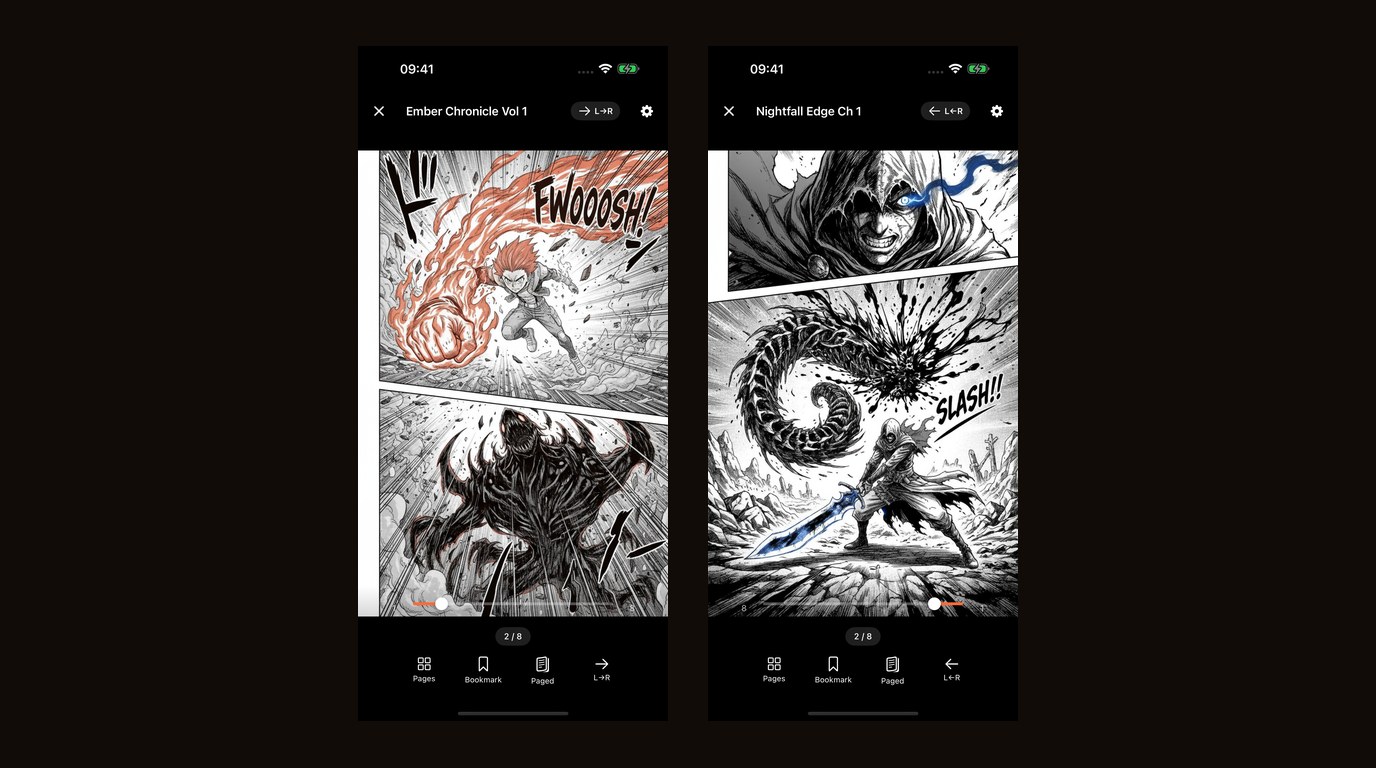
ComicFlow 3.5 is about screen size. Most of it is for people reading on an iPad or on an iPhone Duo, plus a rebuilt Convert screen that is easier to follow.

Made for iPhone Duo #
ComicFlow now fills both displays. Fold the device like a book and a two-page spread lands on either side of the crease, one page per side, so a page is never bent across the fold.
Stand it on a table and the page sits above the fold with the controls below. Fold, unfold or rotate, and you stay on the same page.
Two pages on iPad, even in portrait #
Until now, a spread on iPad mostly meant turning the device sideways. In 3.5 the reader shows a spread whenever there is room for two readable pages, in portrait as well as landscape.
It also follows the window you are really reading in. In Split View and Slide Over, page turns and page sizes match the window, not the whole screen.
Two-page spreads also no longer appear reversed on a device set to a right-to-left language.
A sidebar on iPad and the open iPhone Duo #
On iPad and on an open iPhone Duo, your collections and Settings move into a sidebar. Covers fill the grid at every screen size, and titles line up.
A clearer Convert screen #
Pick a file, choose a format, convert. Each file shows its own progress, and a file that fails says why. Converting a batch no longer leaves you guessing which file is which.
Conversion is unchanged underneath. PDF at three quality levels or CBZ, single files or batches, all on the device.
Also fixed #
Locked collections now name the unlock method your device actually has.
Everything else #
3.5 keeps what the app already did. Read CBR, CBZ, RAR, ZIP and PDF directly, watch folders and Wi-Fi Upload from 3.4, the full library with collections, ratings, tags and bookmarks, right-to-left manga, 18 languages, optional iCloud sync, and it all works offline.
The optional Pro unlock is unchanged: EPUB export for Kobo, Boox, reMarkable and PocketBook, Face ID-locked collections, and saved reader presets. ComicFlow is $2.99 once, and Pro is a separate $6.99 once. Still not a subscription.
Related Articles #
- ComicFlow 3.4: Watch Folders, Wi-Fi Upload, and Clearer Answers When a File Won't Open: the previous release
- ComicFlow 3.0: Send Comics to Your E-Reader, Lock Private Shelves, and Free CBZ Export: the last major release
- How to Convert CBR and CBZ to PDF on iPhone: the full conversion walkthrough
- ComicFlow app page: full feature list, screenshots, and App Store link
Frequently asked questions
Does ComicFlow 3.5 support iPhone Duo?
Yes. Fold it like a book and a two-page spread lands on either side of the crease, one page per side, never bent across the fold. Stand it on a table and the page sits above the fold with the controls below. Fold, unfold or rotate and you stay on the same page.
Can ComicFlow show two pages at once on iPad in portrait?
Yes, from version 3.5. The reader shows a spread whenever there is room for two readable pages, not only in landscape. In Split View and Slide Over, page turns and page sizes follow the window you are actually reading in.
Do I need to pay again for ComicFlow 3.5?
No. 3.5 is an update to the same app. ComicFlow is a one-time purchase of $2.99 with no subscription and no ads, and the optional Pro unlock is a separate one-time $6.99.