One App Replaces
Four
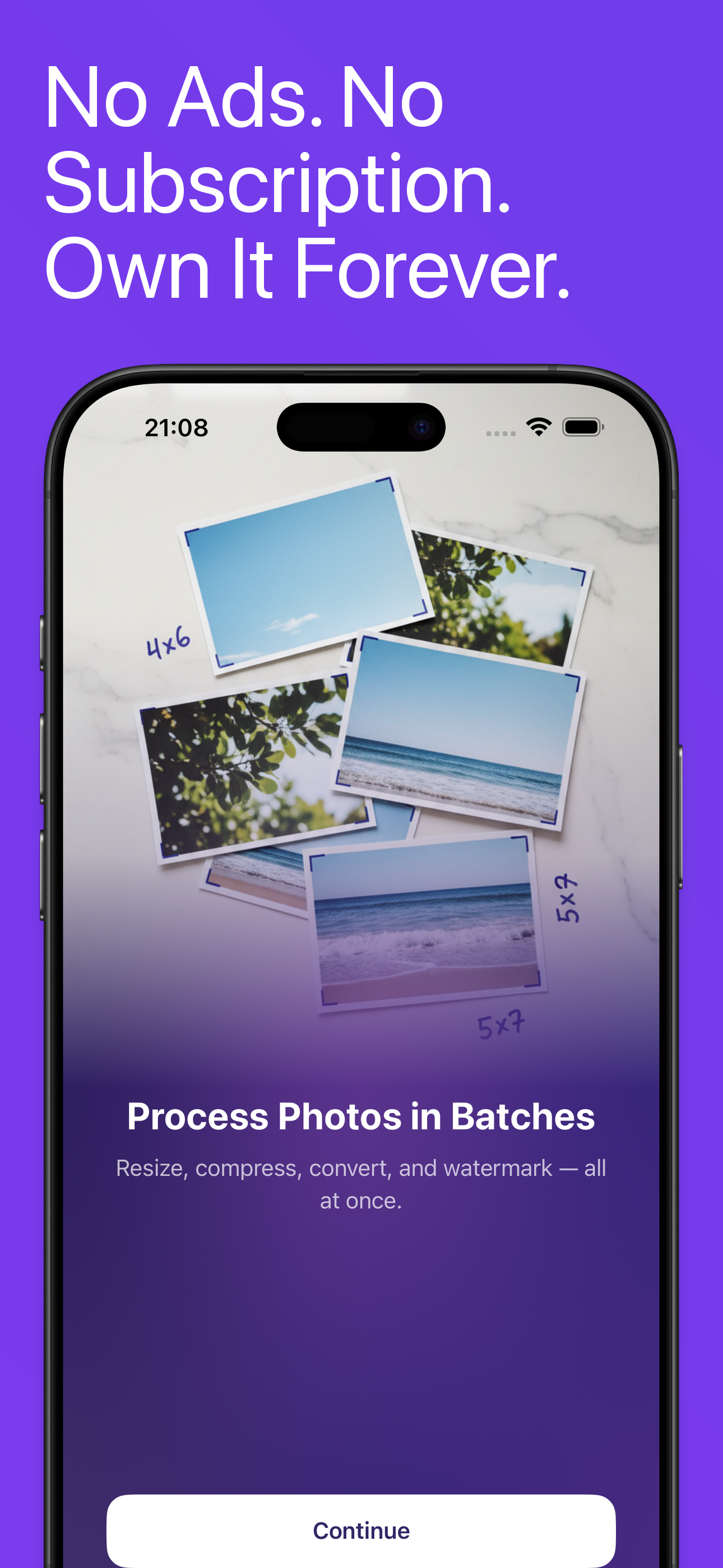
Resize, compress, convert, strip metadata, and watermark, all in one tap. No ads, no subscription. $4.99 once, yours forever.
What Can PhotoStrip Do?
Resize, compress, convert, strip metadata, watermark, and more. All in one app.
Batch Processing
Select hundreds of photos and process them all at once. Handles massive batches without crashing, with background processing support.
Smart Resize
7 resize modes: scale by percentage, fit within bounds, crop to fill, exact dimensions, or target width/height. 6 built-in presets for social media and HD.
Compress & Save Space
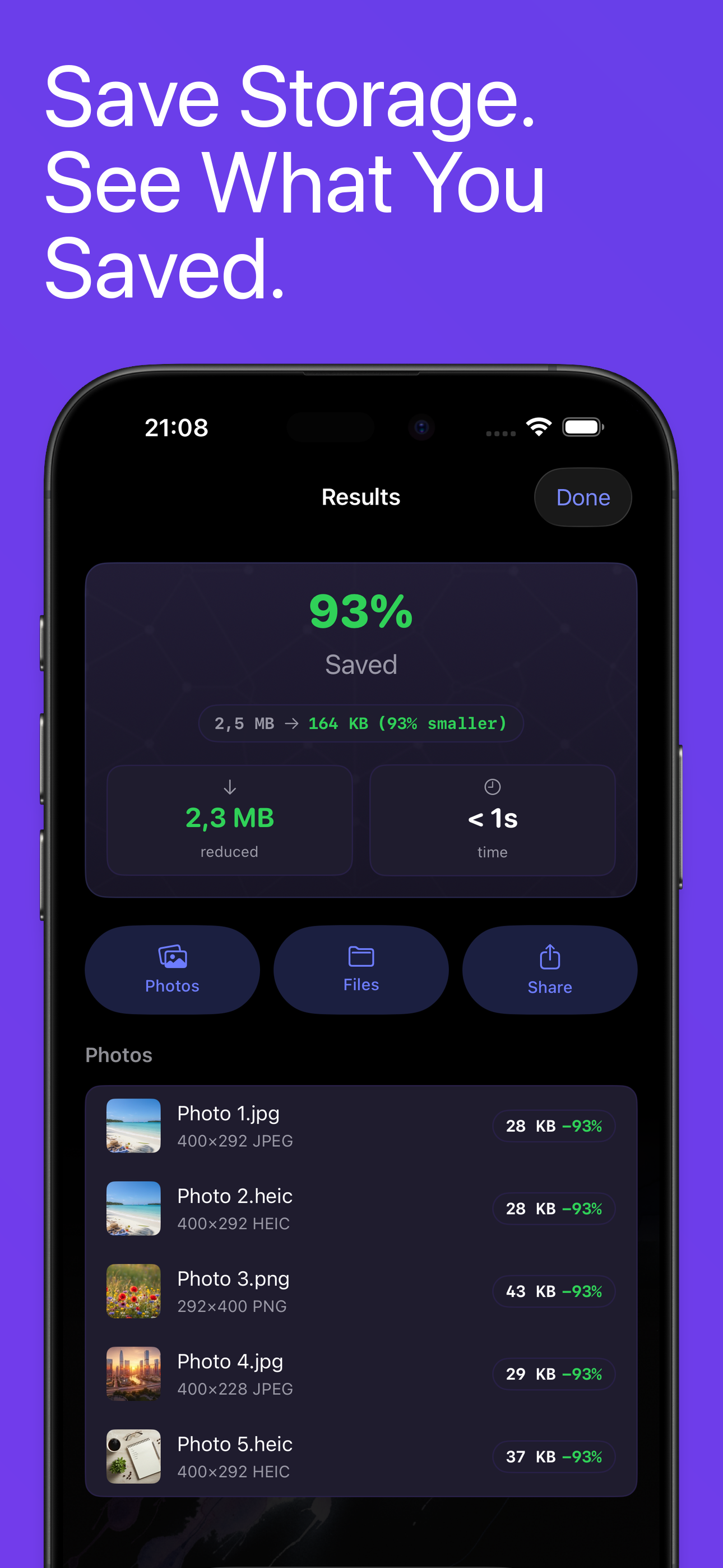
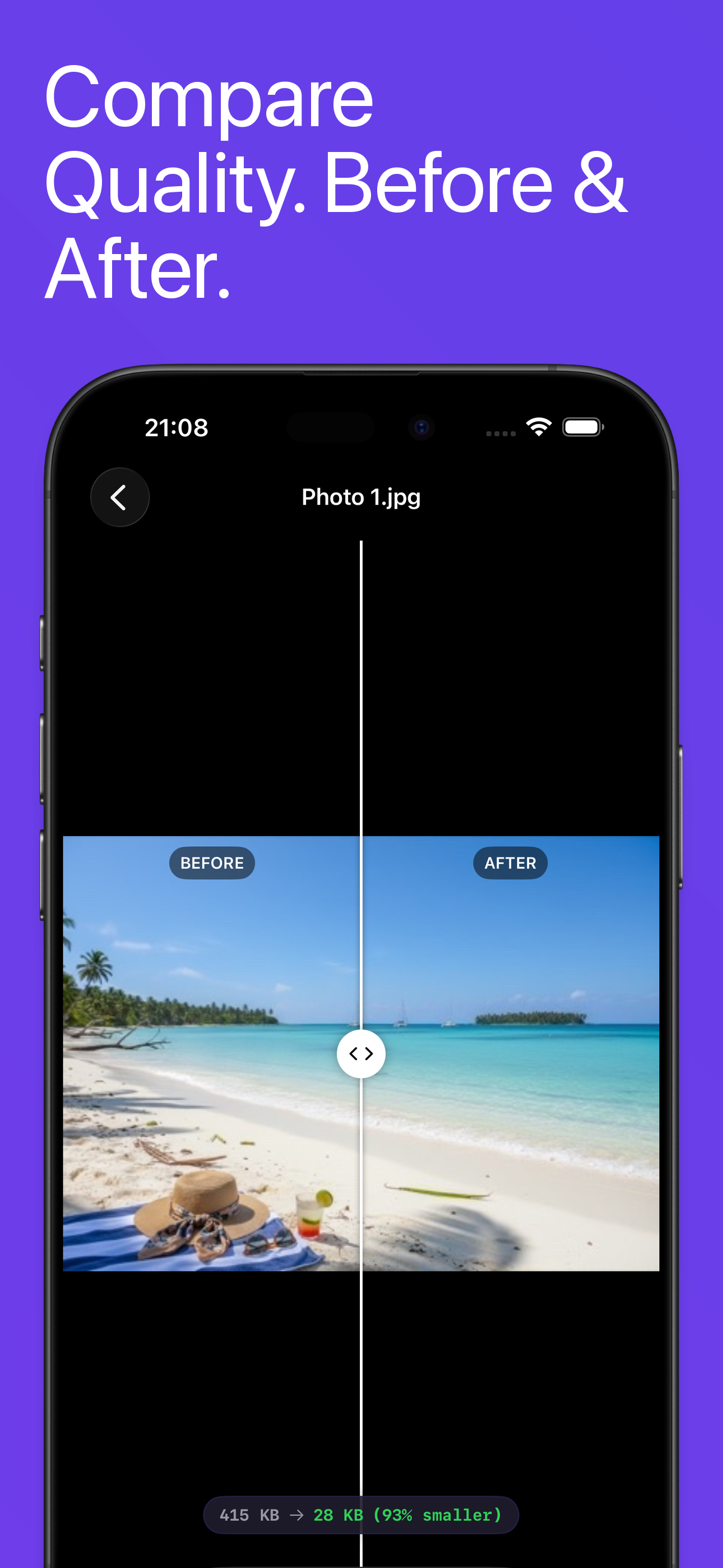
Quality slider from 1-100% with before/after file size comparison on every photo. Every output is verified, and if compressing would not make a photo smaller, PhotoStrip keeps the original.
5 Format Conversion
Convert to HEIC, JPEG, PNG, TIFF, or GIF, and open WebP photos to convert them. Convert your entire library in one batch.
Privacy Protection
See exactly what hidden data your photos contain. Strip GPS location, camera info, timestamps, or all metadata before sharing, without re-compressing the photo.
Text & Image Watermarks
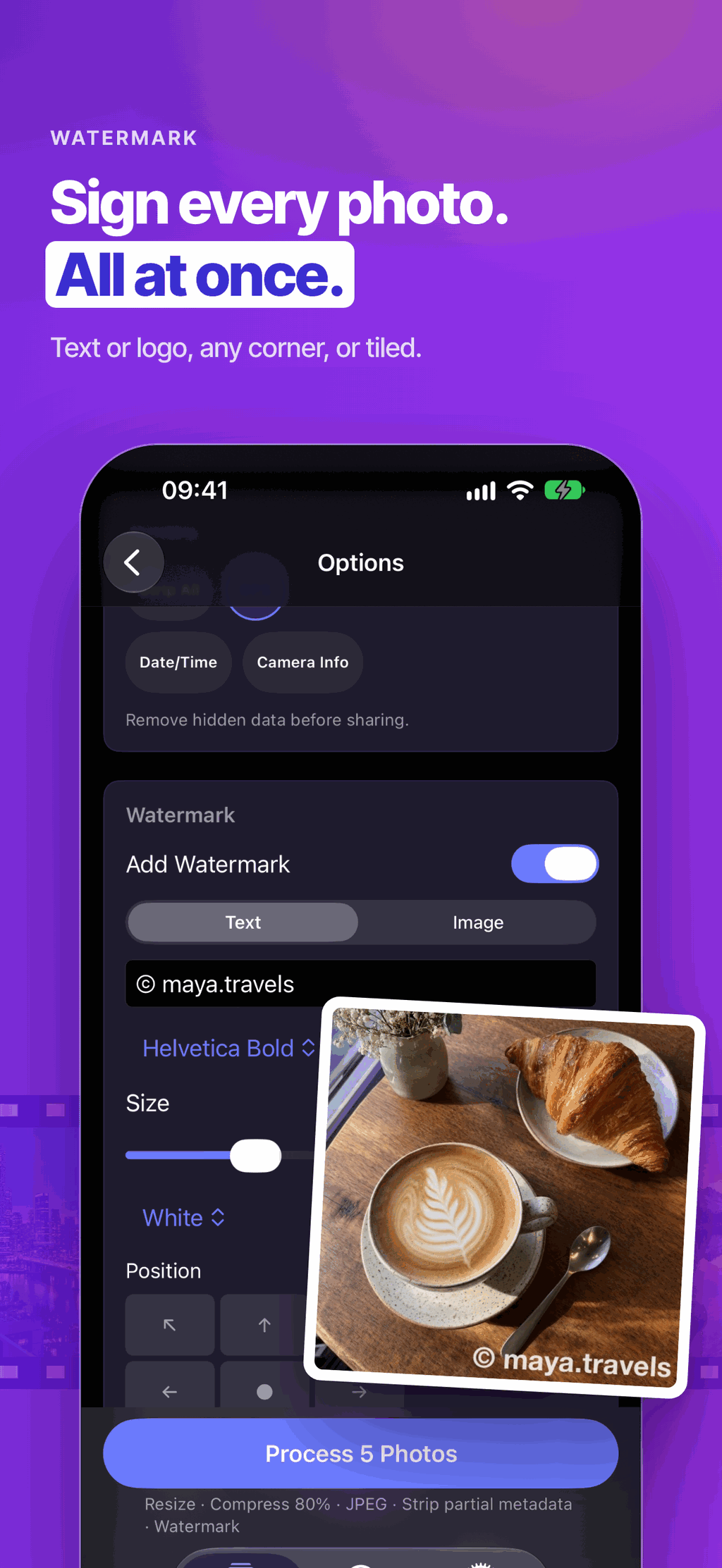
Overlay text or your logo on every photo. Customize position, size, opacity, font, color, and rotation.
On-Device AI
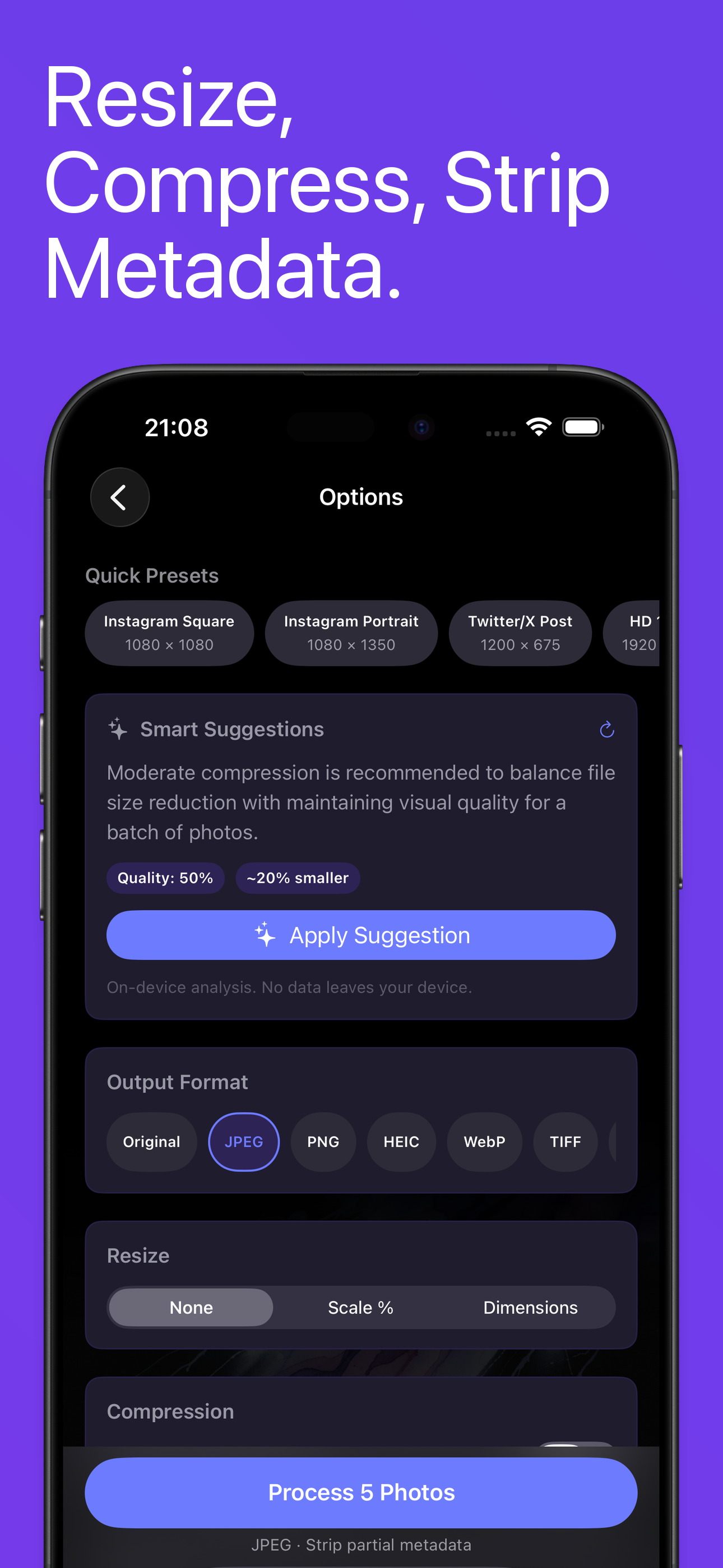
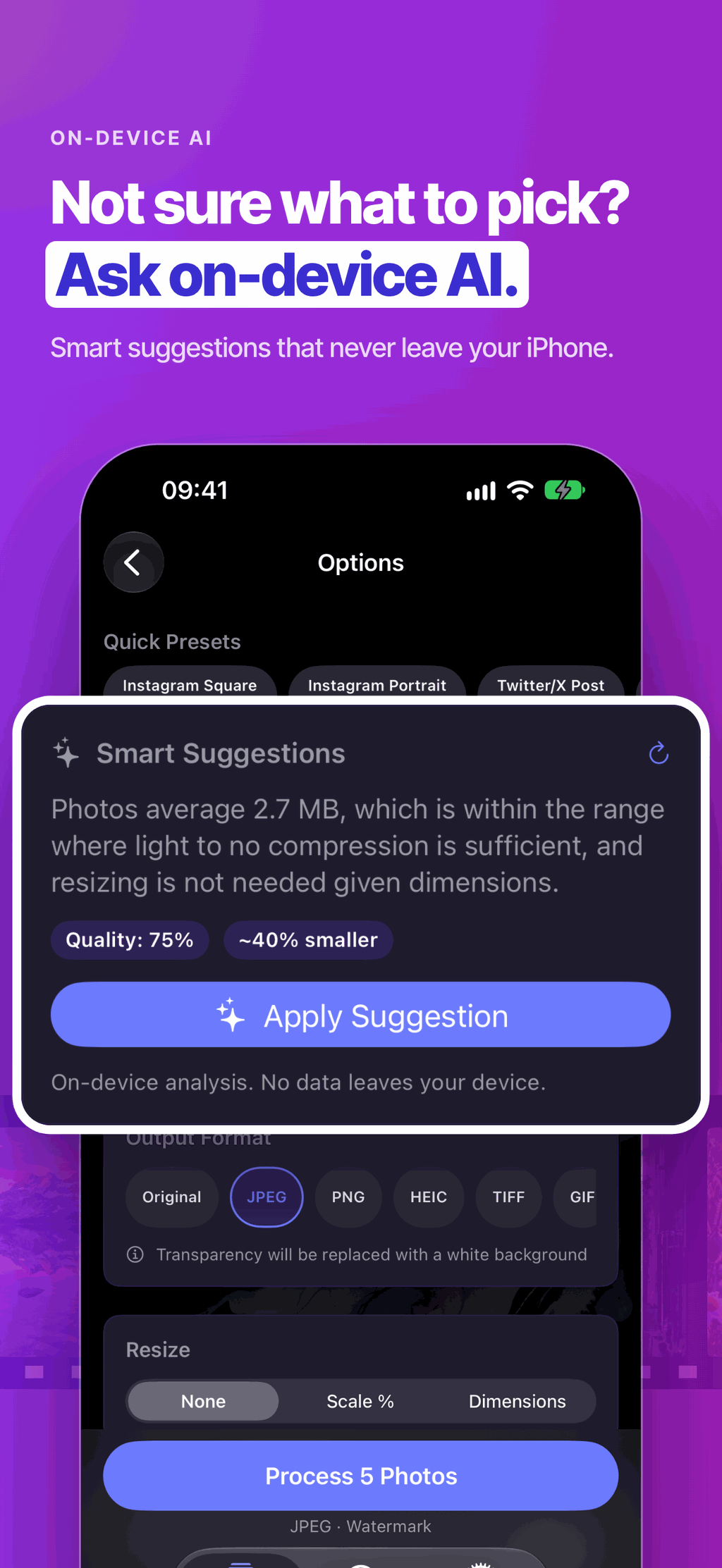
Smart compression suggestions powered by Apple's Foundation Models. Analyzes your batch and recommends optimal settings. Never leaves your device.
Siri Shortcuts & Widgets
Process photos from the Share Sheet, automate with Siri Shortcuts, and track savings from Home Screen widgets.
What's New in PhotoStrip 1.1?
A reliability update: your photos come out the right way up, in the right place in your library, and never bigger than they went in.
Your Library Stays in Order
Capture date, location and camera info are kept unless you choose to strip them, so processed photos land in the right place in your library. Portrait photos stay upright after resizing, compressing or converting.
Lossless Metadata Removal
Removing metadata no longer re-compresses your photo. The pixels stay identical and the file gets smaller, never bigger.
Never Bigger Than the Original
If compressing would not make a photo smaller, PhotoStrip keeps the original, so a batch never costs you storage.
Built for Big Batches
Large 48 MP photos and big batches use less memory, and the Share Sheet handles large photos without closing unexpectedly.
Now in 5 Languages
PhotoStrip now speaks Japanese, German, French and Spanish as well as English.
Cleaner Watermarks
Watermark text no longer gets cut off at the edge of the photo, and photos that can't be loaded from iCloud now get a clearer message.
How Does PhotoStrip Work?
Select, configure, process, and save. That's it.
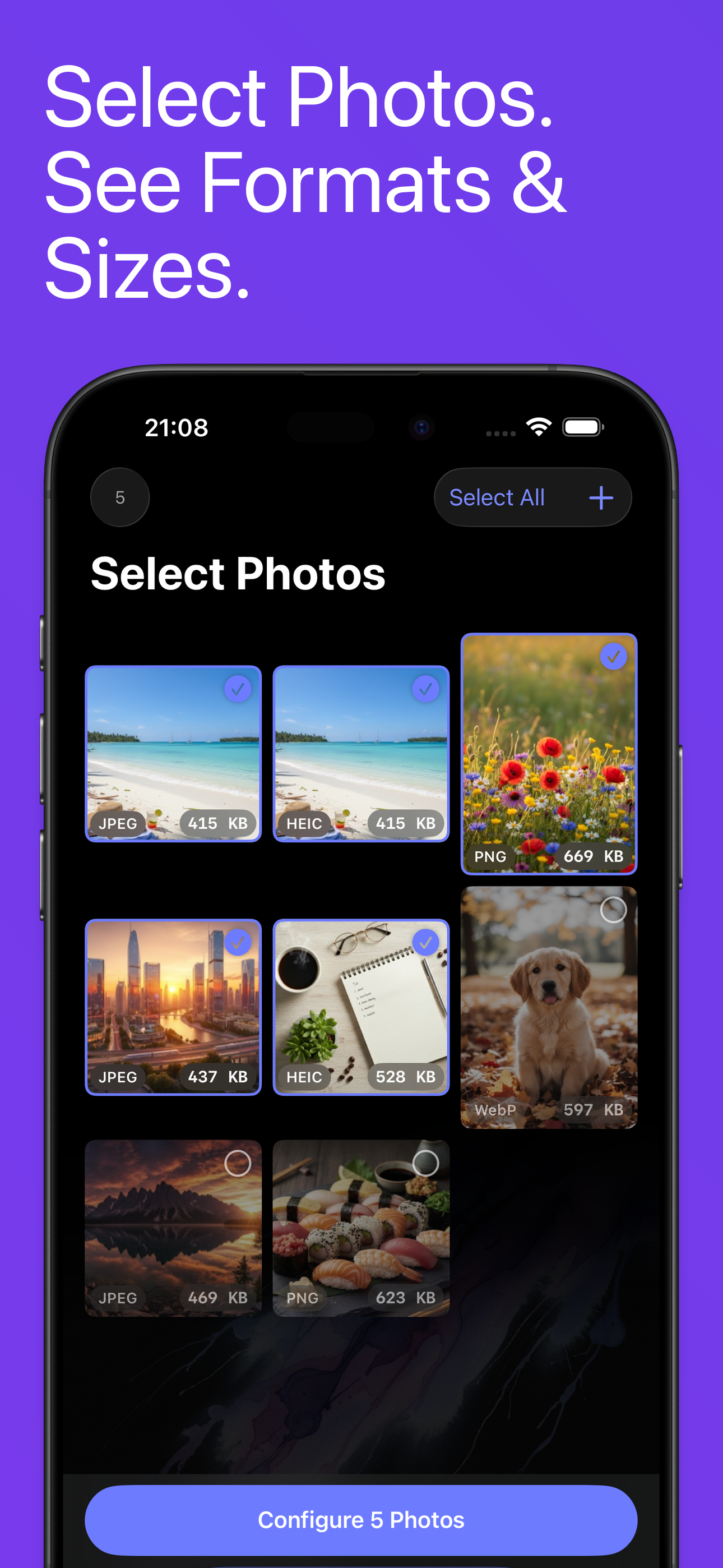
Select
Pick photos from your library. See formats and file sizes instantly.
Configure
Choose what to do: resize, compress, convert, strip metadata, watermark.
Process
Tap once. PhotoStrip processes your entire batch with real-time progress.
Save
See before/after on every photo. Export to Photos, Files, or share anywhere.
See It In Action
A clean, no-nonsense interface built for getting things done.
How Does PhotoStrip Compare?
See how PhotoStrip stacks up against the competition.
| Feature | PhotoStrip | Others |
|---|---|---|
| Ads | None, ever | Full-screen ads |
| Pricing | $4.99 once | $9.99/month subscription |
| Batch Limit | Unlimited (Pro) | 5-10 photos |
| Formats | 5 formats | JPEG/PNG only |
| Metadata Stripping | Full control | Not available |
| Watermarks | Text & image | Separate app |
| Privacy | 100% on-device | Cloud upload |
Is PhotoStrip Private
and Secure?
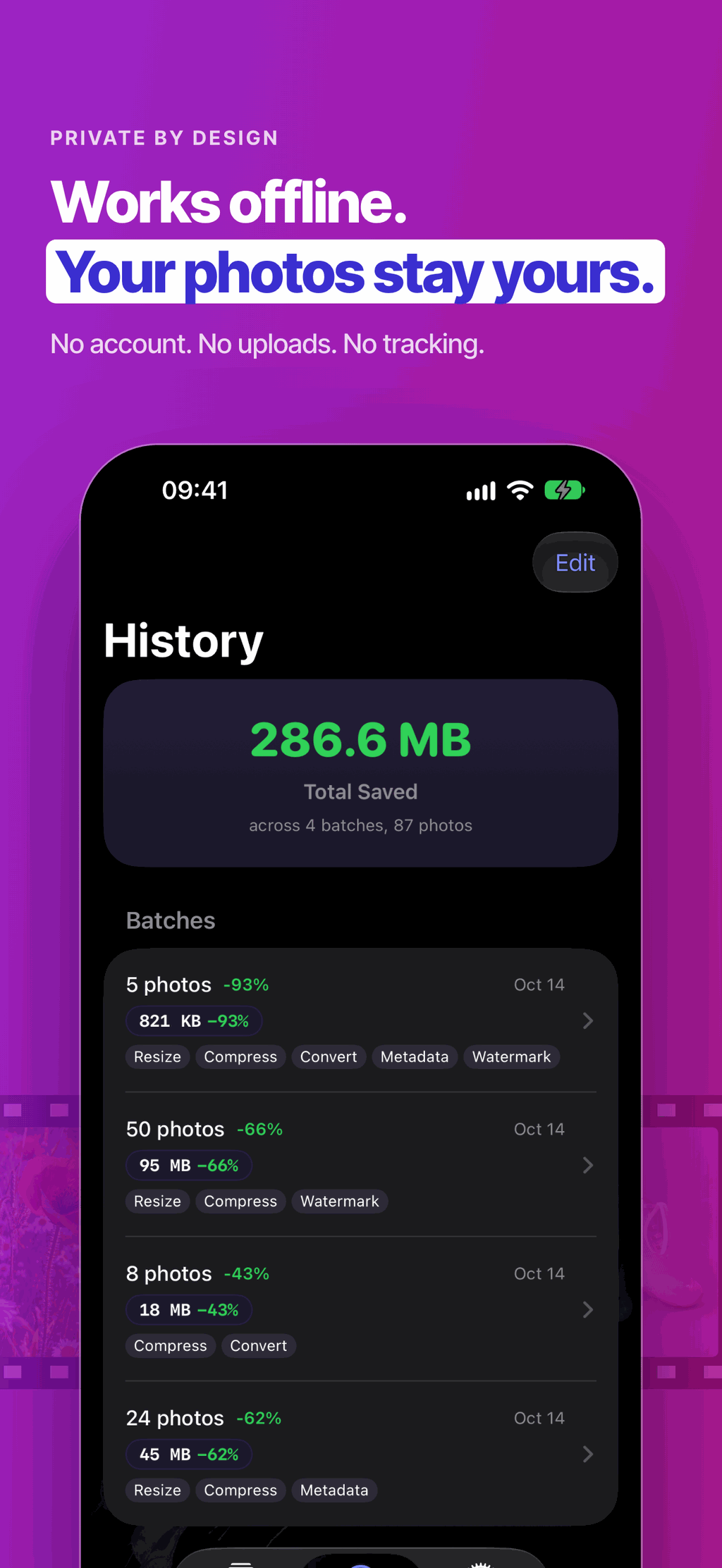
PhotoStrip processes everything locally on your iPhone. Your photos are never uploaded to any server. No analytics, no tracking. Complete privacy, guaranteed.
How Much Does PhotoStrip Cost?
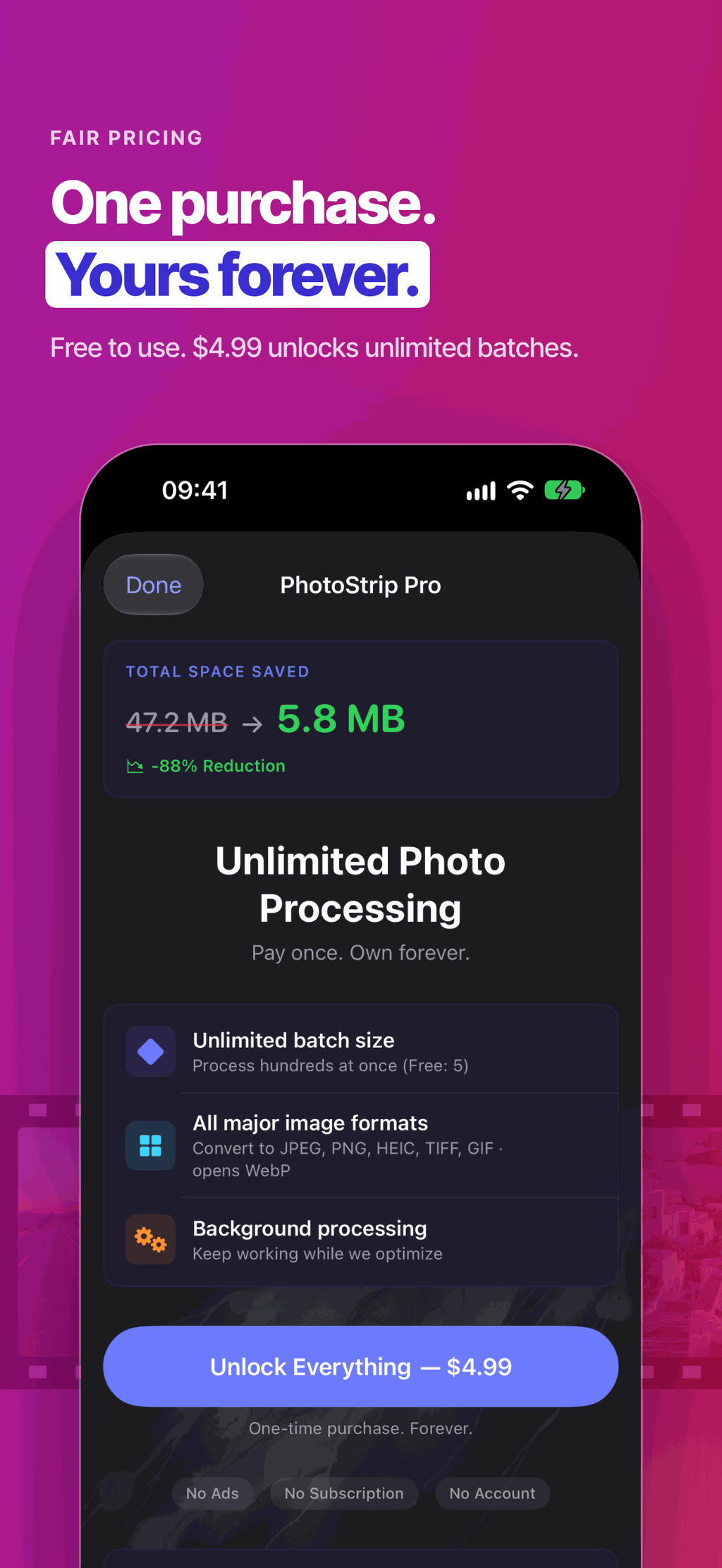
Start free. Unlock unlimited for a one-time price.
5 photos per batch. All features unlocked.
- All features included
- 5 photos per batch
- No ads, no account
- All 5 output formats
Pay once, own forever. No subscription.
- Unlimited batch size
- All features unlocked
- All future updates
- No ads, no tracking
Related Guides
How-tos and comparisons for managing your photos on iPhone.
Free Online Tools
Browser-based utilities for checking and converting your photos.
Ready to Process Your Photos?
Download PhotoStrip free and process 5 photos per batch.
Unlock unlimited for $4.99. One purchase, no subscription.

About PhotoStrip
PhotoStrip is a batch photo processing toolkit for iPhone that handles resizing, compression, format conversion, metadata stripping, and watermarking for hundreds of photos at once. It is free to download with no ads or subscription, and a one-time $4.99 purchase unlocks unlimited batches. It offers seven resize modes (scale, fit, crop, exact dimensions, target width, target height, and six built-in presets), conversion to five formats (HEIC, JPEG, PNG, TIFF, and GIF), and granular metadata removal for GPS location, camera info, timestamps, or all EXIF data. The watermark tool supports both text and image overlays with adjustable position, opacity, and rotation. PhotoStrip includes on-device AI suggestions for optimal compression settings and a before-and-after comparison view showing file size savings. Since version 1.1, PhotoStrip keeps capture date, location and camera info unless the user chooses to strip them, keeps portrait photos upright, removes metadata without re-compressing the pixels, keeps the original whenever compression would not make a photo smaller, opens WebP photos for conversion, and is available in English, Japanese, German, French and Spanish. All processing happens locally on your device with zero data collection. It is published by Applestan, an independent iOS development studio based in the Netherlands.