Compress, Merge
and Split PDFs
Mino shrinks PDFs up to 90% smaller, combines documents into one, and pulls out the pages you need. All processing happens privately on your device. No uploads, no cloud, no worries.
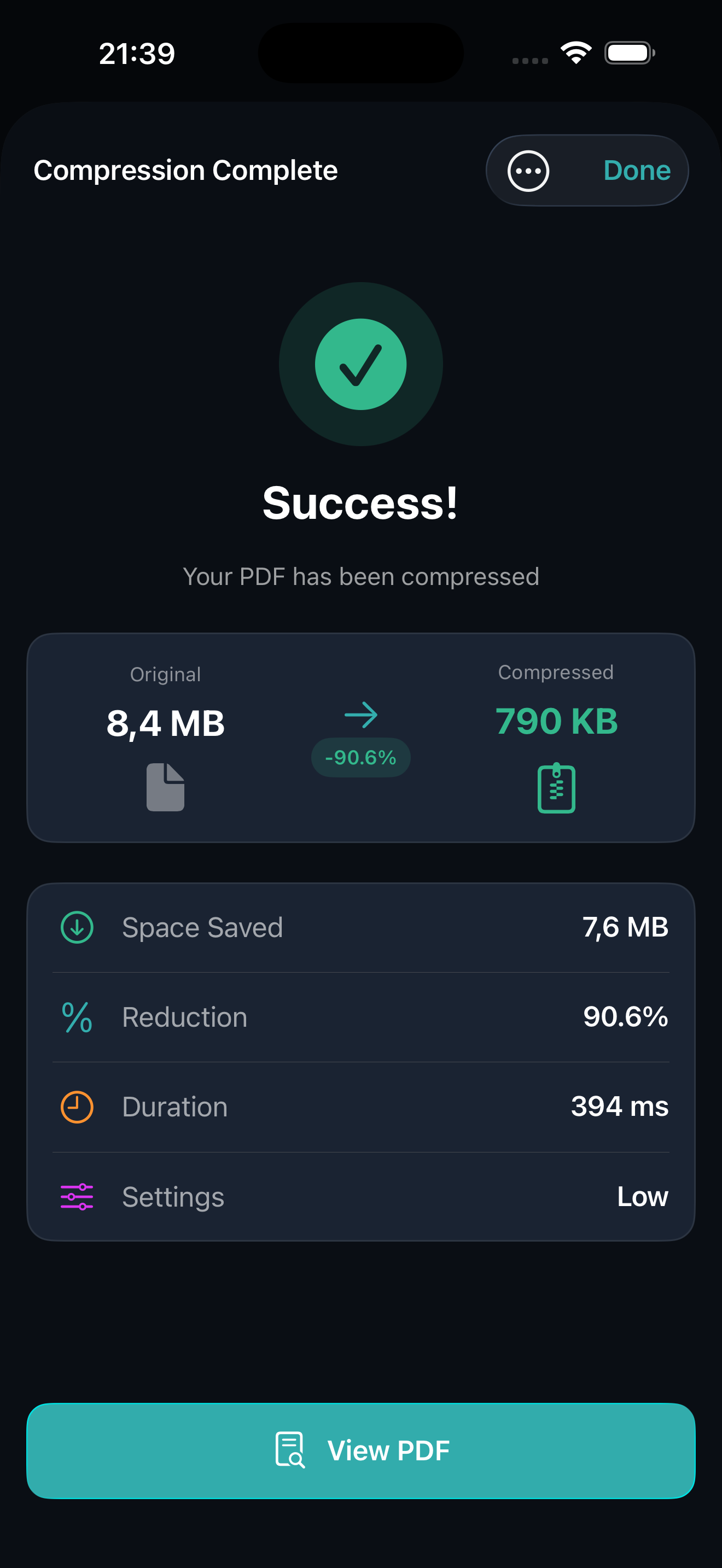
Mino is a PDF toolkit for iPhone and iPad that compresses, merges, and splits PDF files. Compression reduces file sizes by up to 90% while maintaining visual quality, with three presets (Light, Medium, and Strong) and batch compression for several files at once. Merging combines multiple documents into one, with drag to reorder and no page limits. Splitting extracts individual pages or custom page ranges. All processing happens entirely on your device, with no uploads, cloud servers, or internet connection required. Mino includes a built-in PDF viewer for checking results before sharing, and a Share extension that lets you work on files directly from other apps without opening Mino first. The app requires iOS 18.6 or later and costs $2.99 as a one-time purchase, with no ads, no in-app purchases, and no subscriptions. Mino collects zero user data and requires no account to use. It is published by Applestan, an independent iOS development studio based in the Netherlands.
What Can Mino Do?
Compress, merge, and split PDFs, all of it on your own device.
Up to 90% Compression
Dramatically reduce PDF file sizes while maintaining visual quality. Perfect for email attachments and uploads.
Three Quality Presets
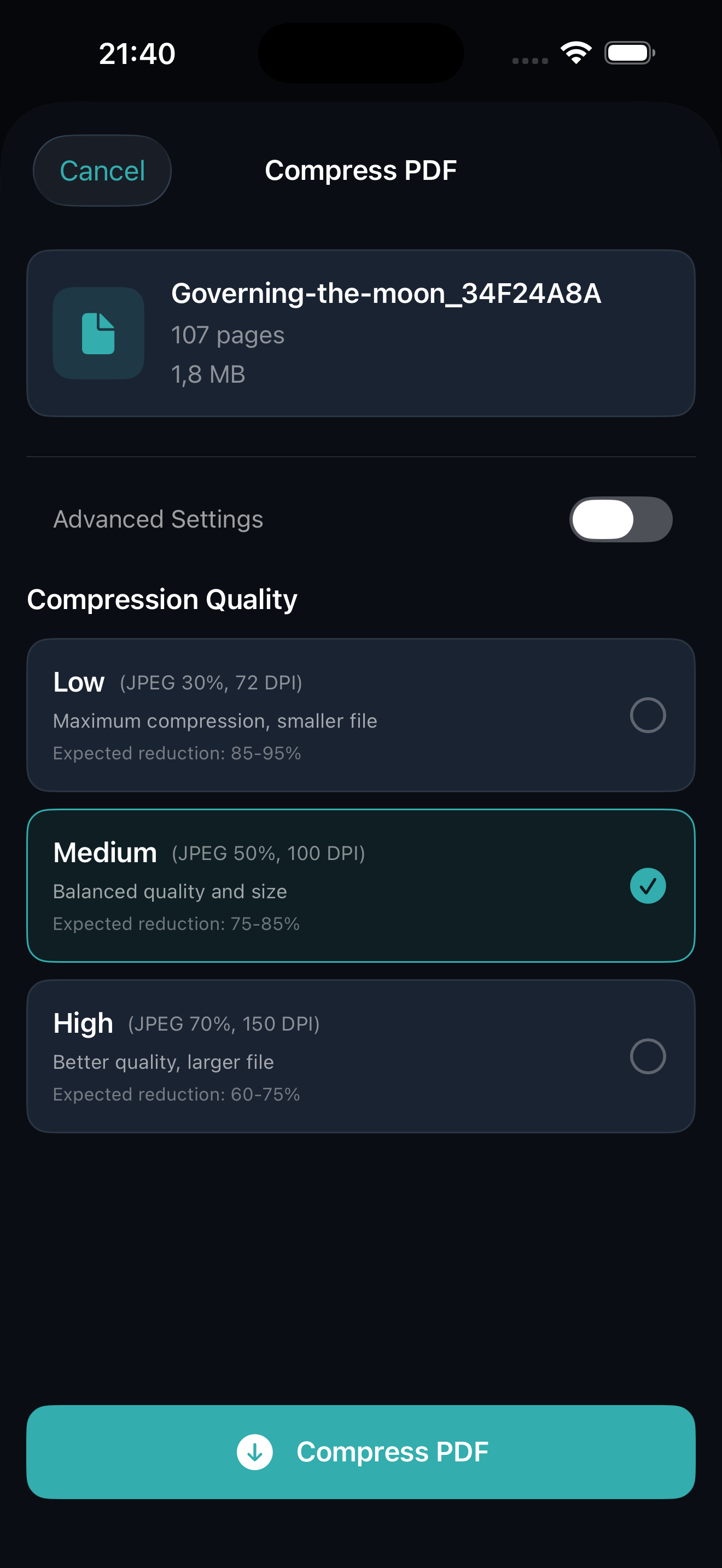
Choose High, Medium, or Low compression based on your needs. Balance between file size and visual fidelity.
Merge PDFs
Combine several documents into one file. Drag to reorder before you export, with no limit on the number of pages.
Split PDFs
Pull out a single page or a custom range and save it as its own file. Useful for sending one chapter instead of the whole book.
Built-in PDF Viewer
Preview your compressed PDFs before saving. Zoom, scroll, and navigate through pages with ease.
Statistics Tracking
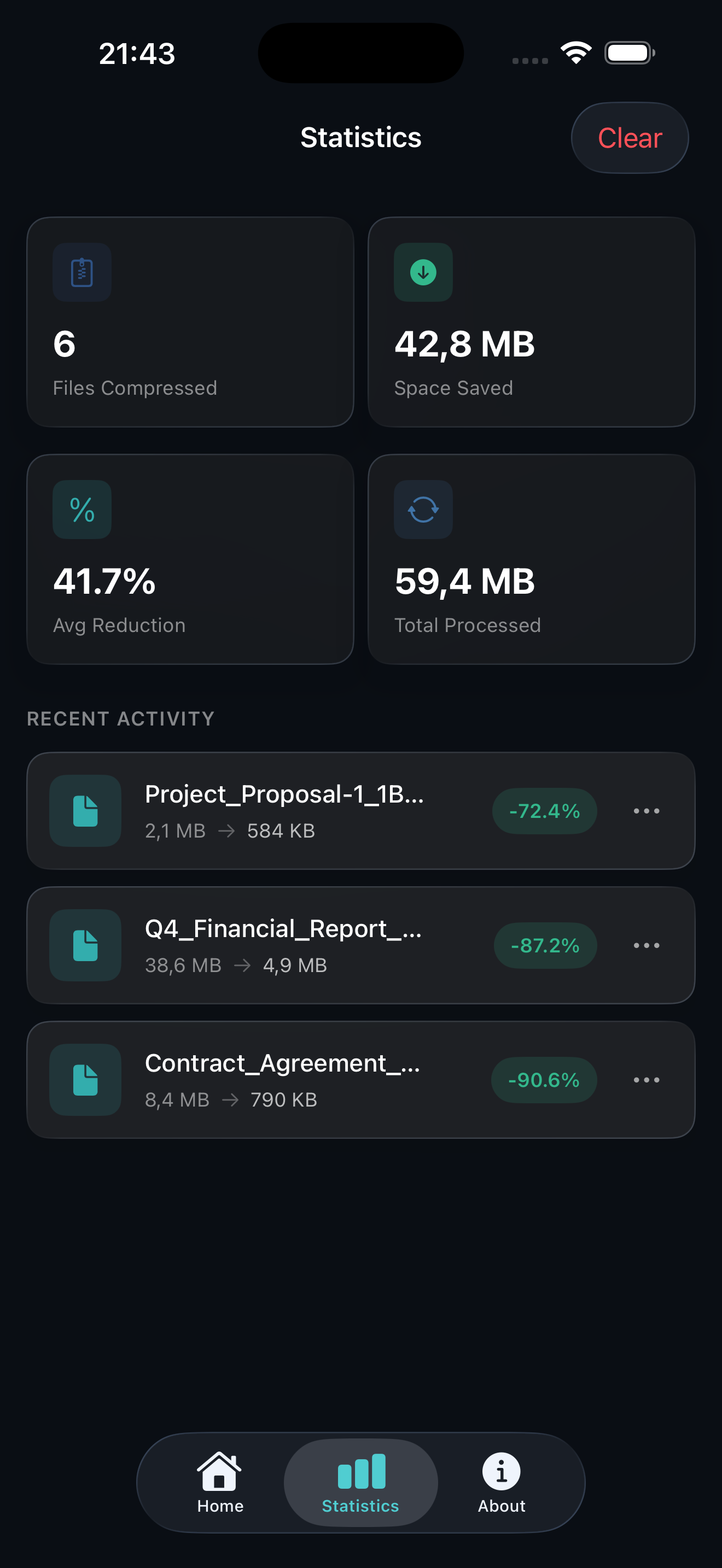
See your total files compressed, space saved, and average reduction rate. Track your compression history.
Share Extension
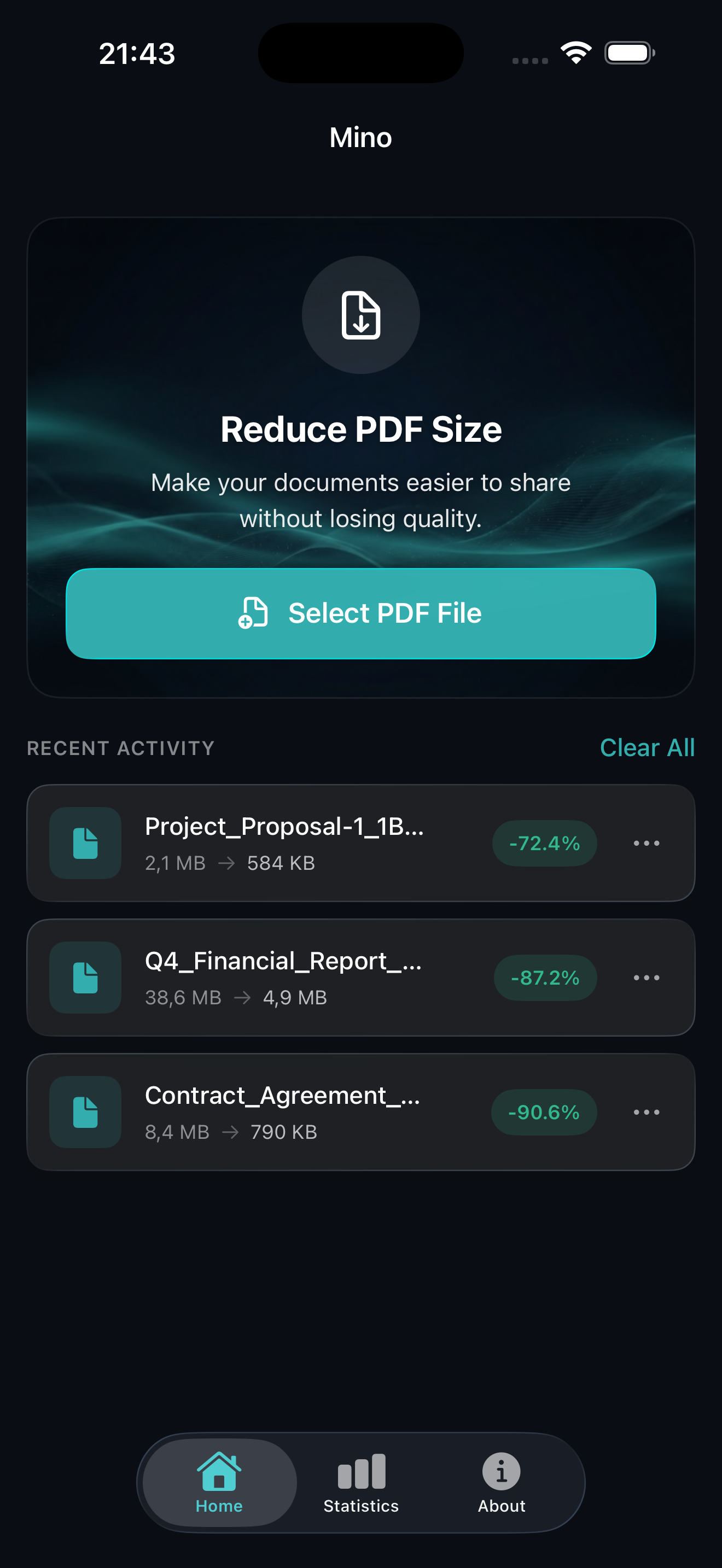
Compress PDFs from any app: Files, Safari, Mail, and more. Just tap Share and select Mino.
Multiple Export Options
Share via AirDrop, email, Messages, or save directly to Files. Your compressed PDFs, anywhere you need them.
How Does Mino Work?
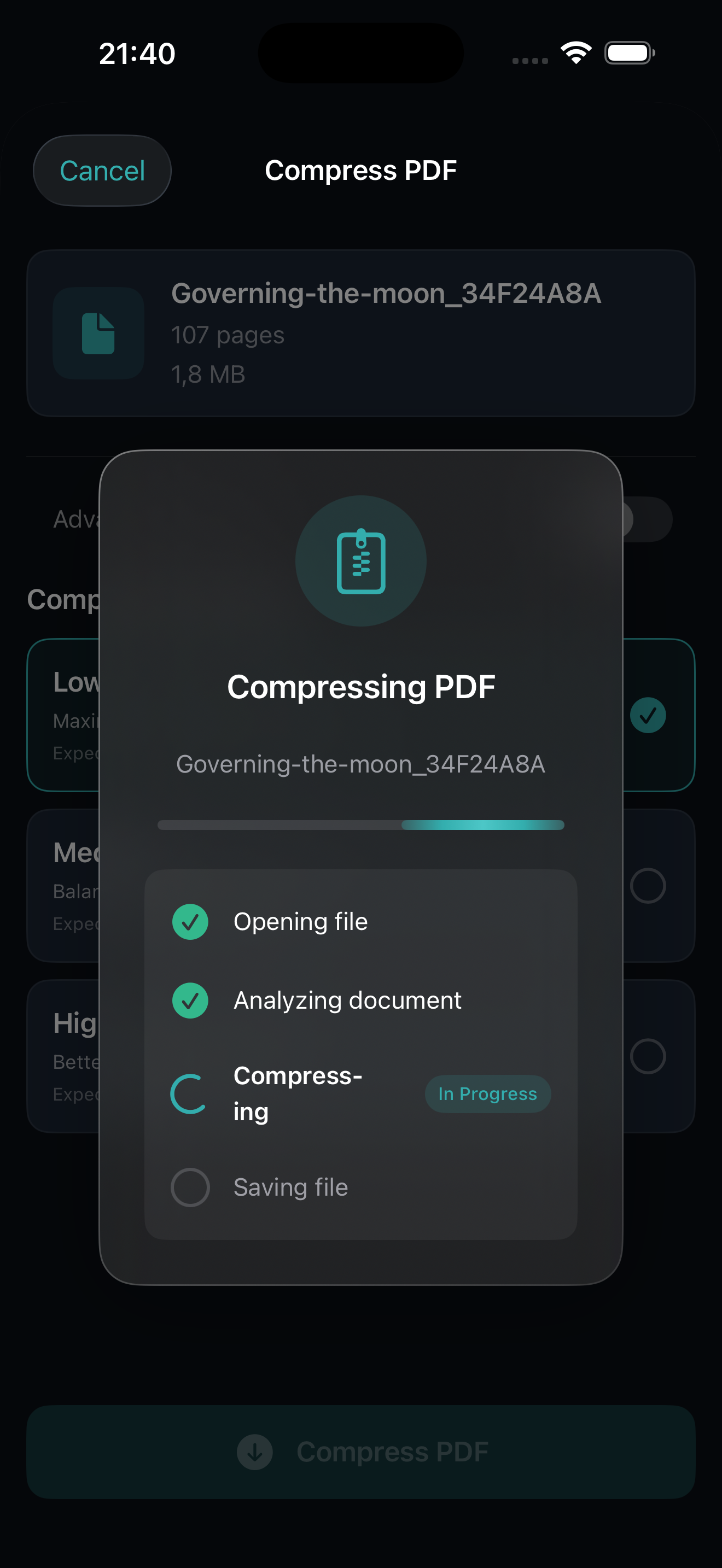
Compress any PDF in seconds. No account required.
Select Your PDF
Open Mino and choose a PDF from your device or use the Share extension.
Choose Quality
Pick High, Medium, or Low compression based on your needs.
Save & Share
Preview the result and export via AirDrop, email, or save to Files.
See It In Action
A beautiful, intuitive interface designed for efficiency.
Is Mino Private
and Secure?
Unlike cloud-based services, Mino processes everything locally on your iPhone or iPad. Your sensitive documents are never uploaded to any server. Complete privacy, guaranteed.
How Much Does Mino Cost?
One purchase. Forever yours. No subscriptions.
Pay once, use forever. No hidden fees.
- Unlimited PDF compression
- All three quality presets
- Built-in PDF viewer
- Share extension included
- All future updates
- No ads, no tracking

Ready to Shrink Your PDFs?
Join thousands who compress their documents with complete privacy using Mino.