AI-Powered
Tattoo Design
Turn your ideas into tattoo designs with AI, then see them on a body before you book. 20 authentic styles, 13 placements, no account required. Your first two designs are free.
What Can Negink Do?
Professional tattoo art at your fingertips.
AI-Powered Generation
Transform your ideas into unique tattoo designs with AI, usually in 5 to 15 seconds.
20 Tattoo Styles
From Minimalist and Fine Line to Japanese Irezumi, Trash Polka, and Cyber Sigilism. Every major tattoo aesthetic is covered.
Save & Organize
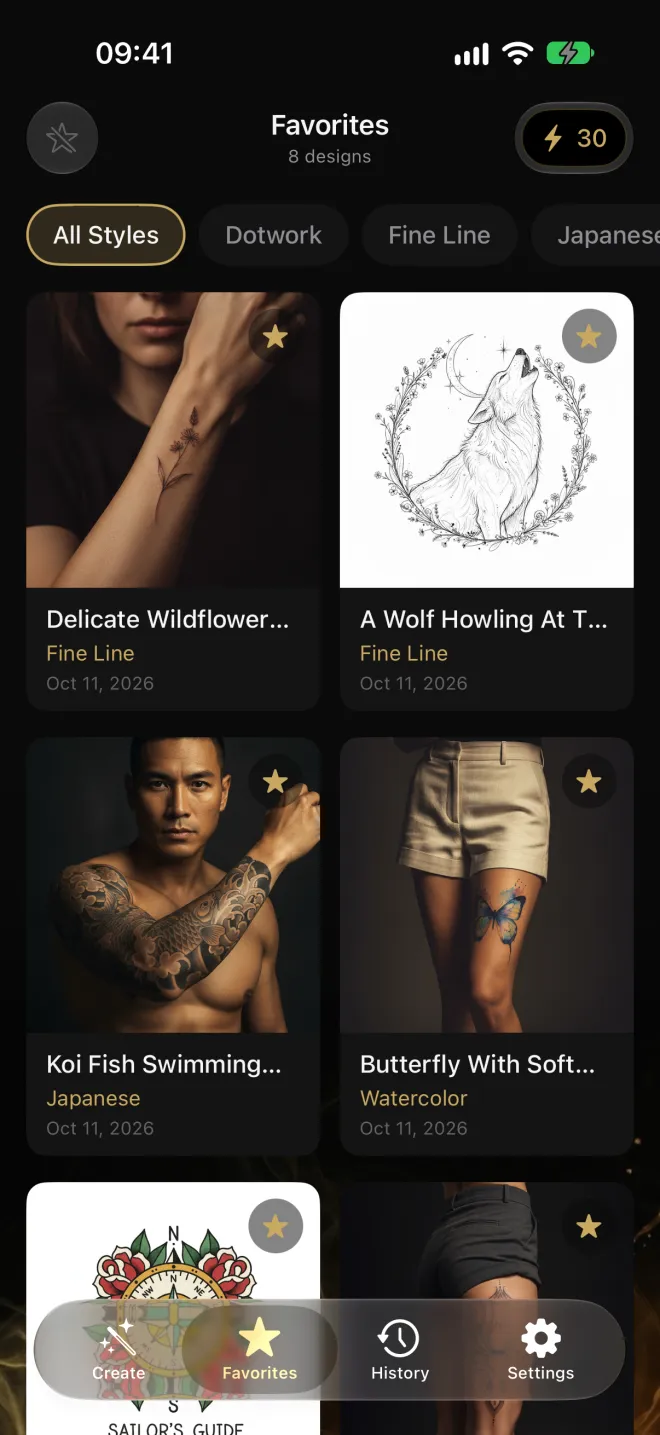
Keep your favorite designs in a personal gallery for future reference and inspiration.
No Account Required
Start creating immediately without sign-ups, passwords, or personal information.
Privacy-First Design
No account, just a random device ID. Uploaded and generated images are not stored on our server.
Refine One Detail
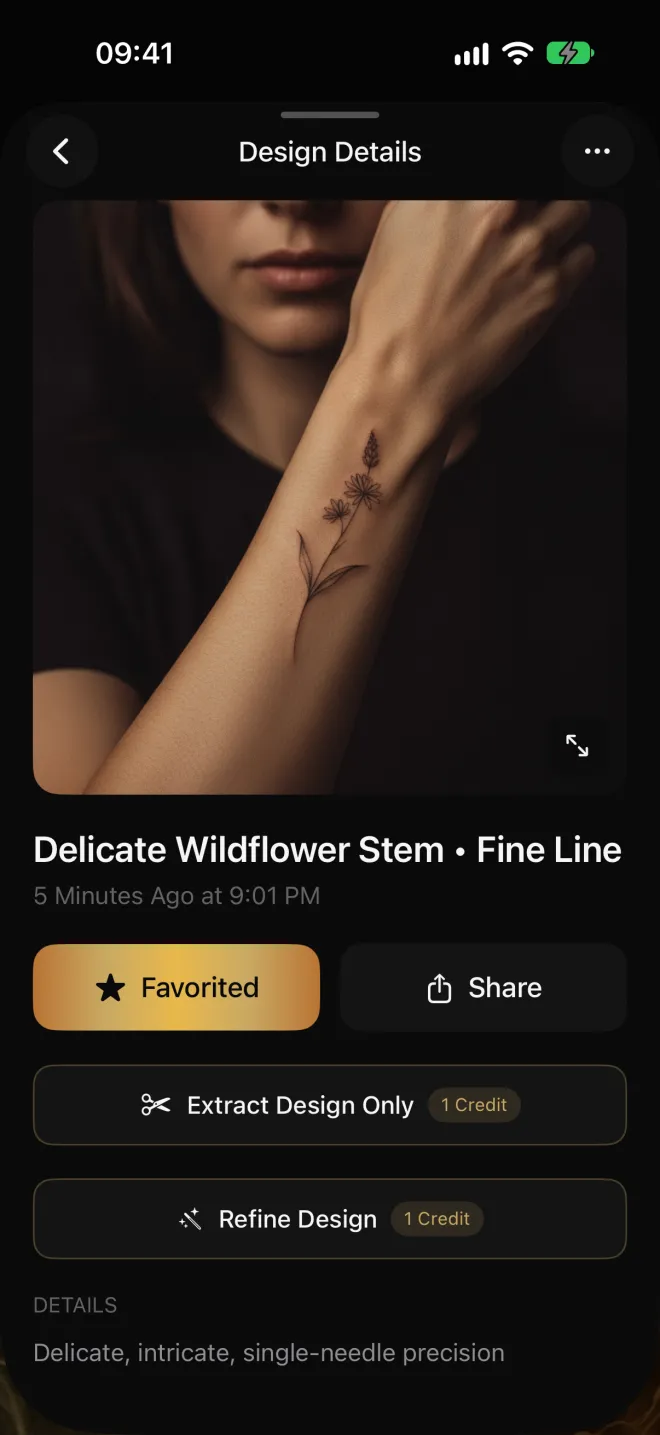
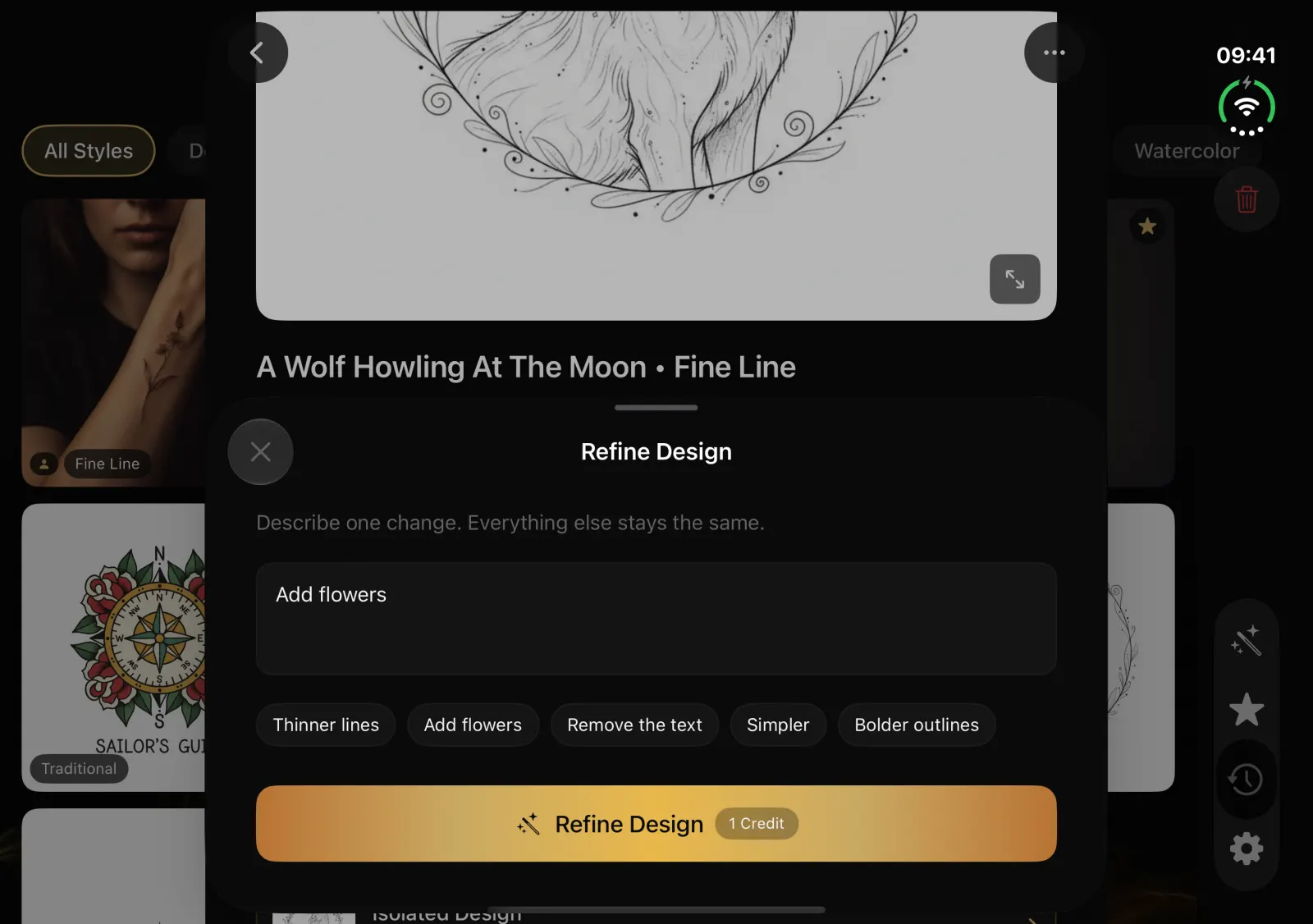
Like a design but want one thing different? Tap Refine, describe the change, and get a new version that keeps the rest. It costs 1 credit.
How Does Negink Work?
From idea to design in seconds.
Describe Your Vision
Enter a word or short phrase describing your tattoo idea.
Pick Your Style
Choose from 20 tattoo art styles, and upload a reference photo if you have one.
Preview, Refine & Save
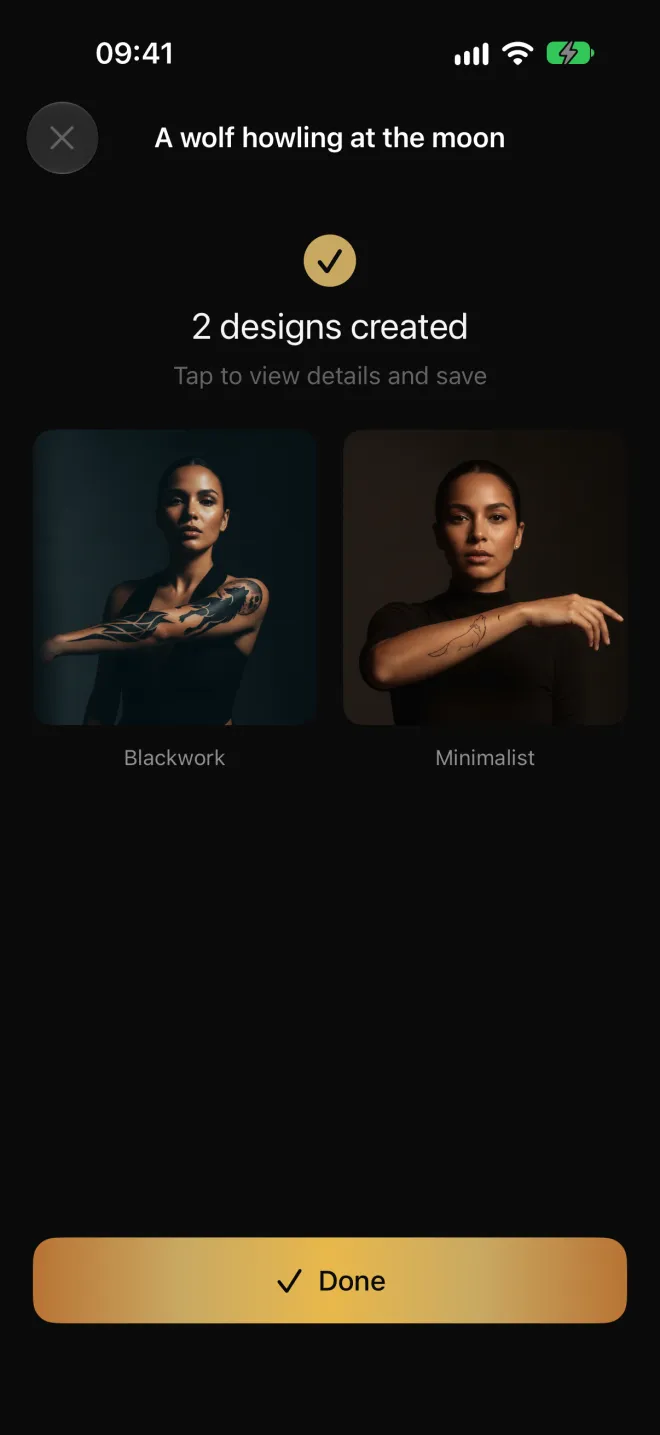
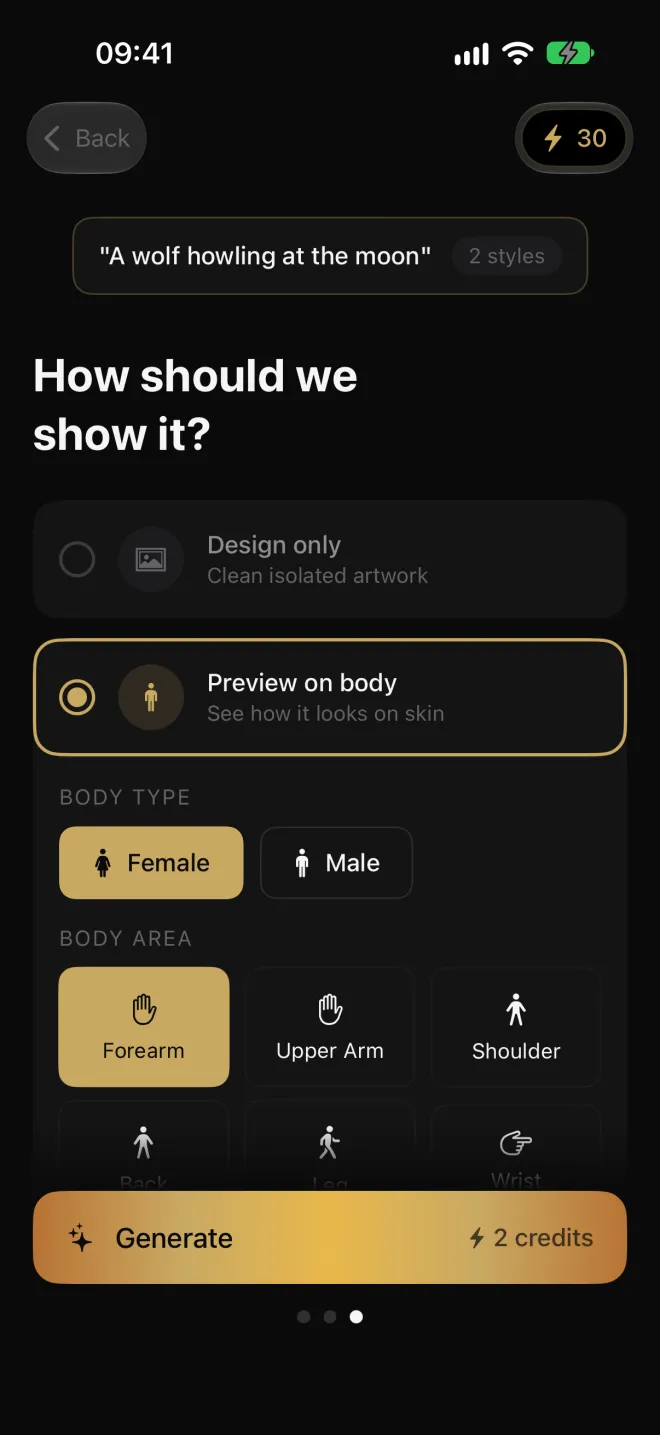
See it on a body in 13 placements, refine one detail if you want, then save your favorites or send them to your artist.
See It In Action
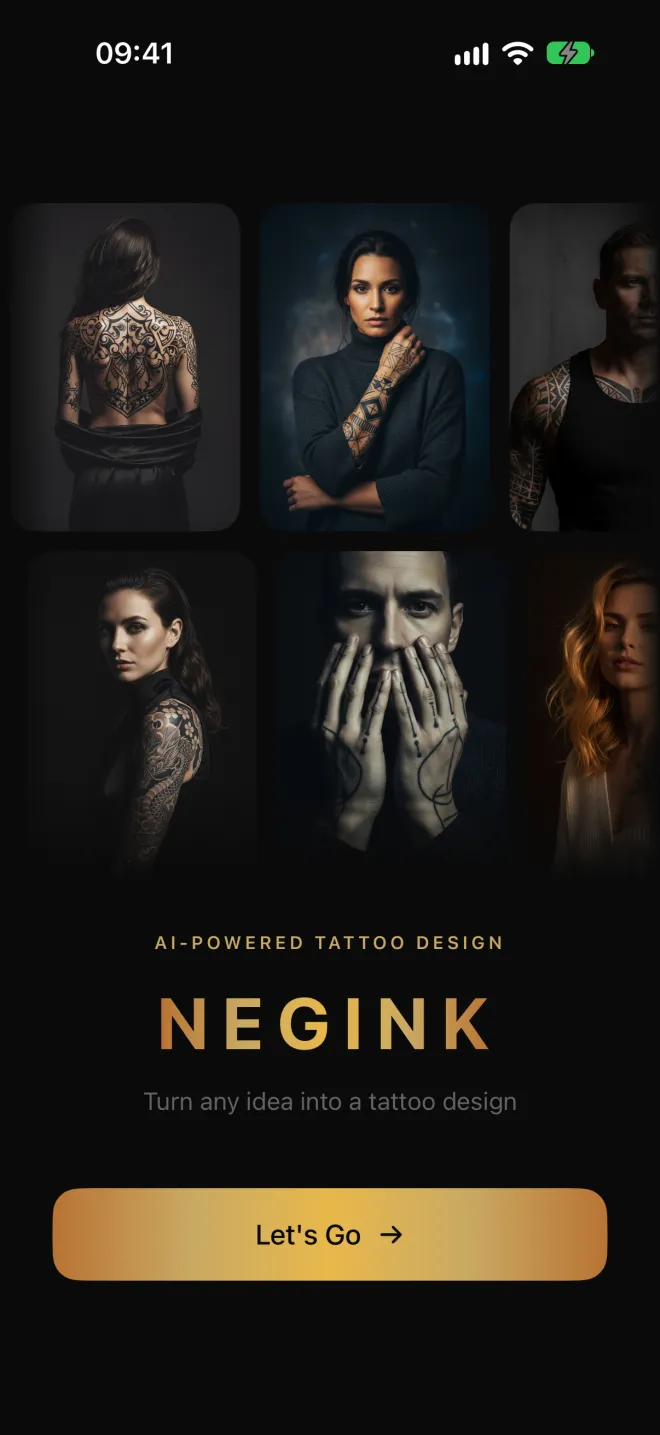
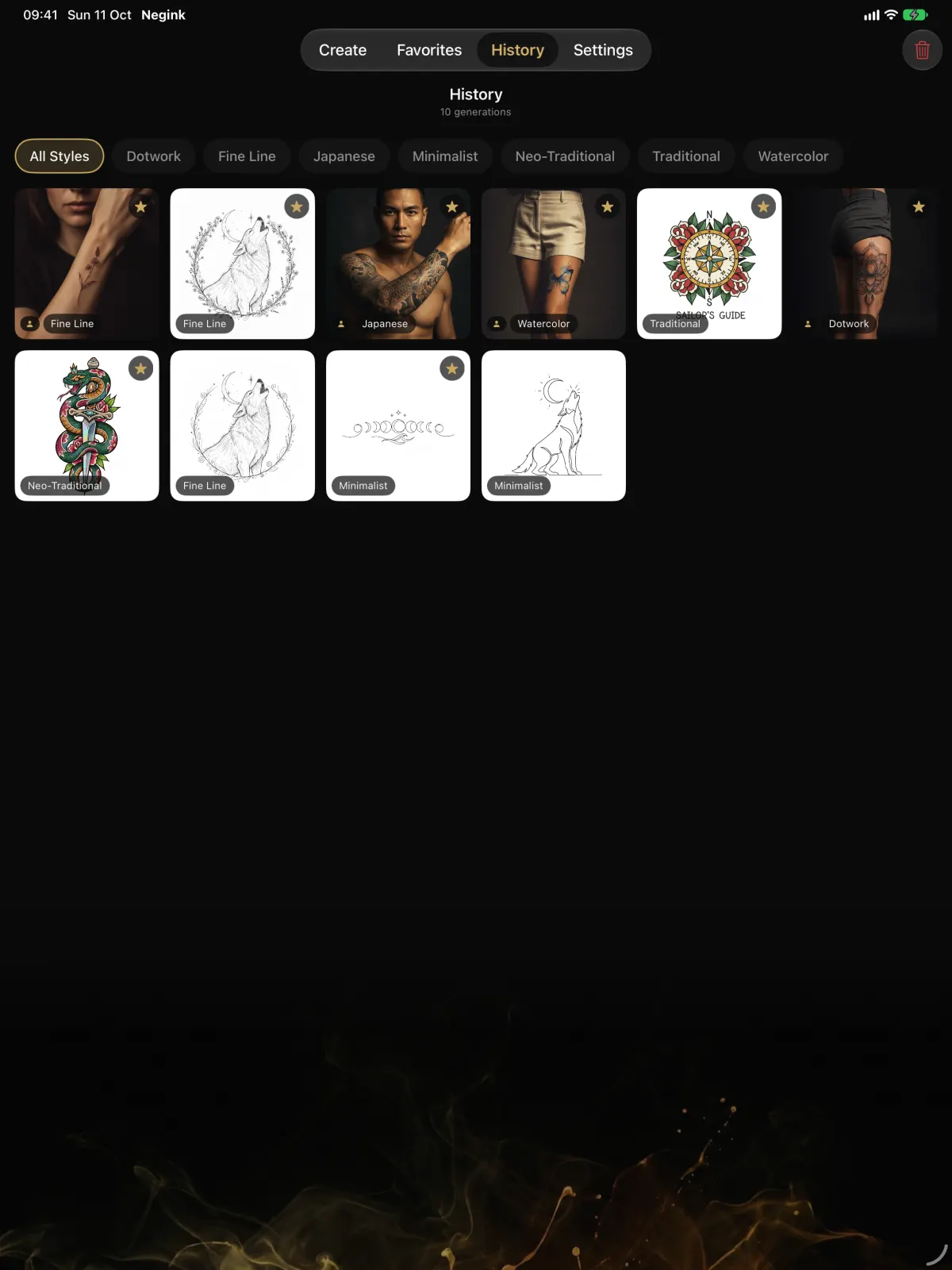
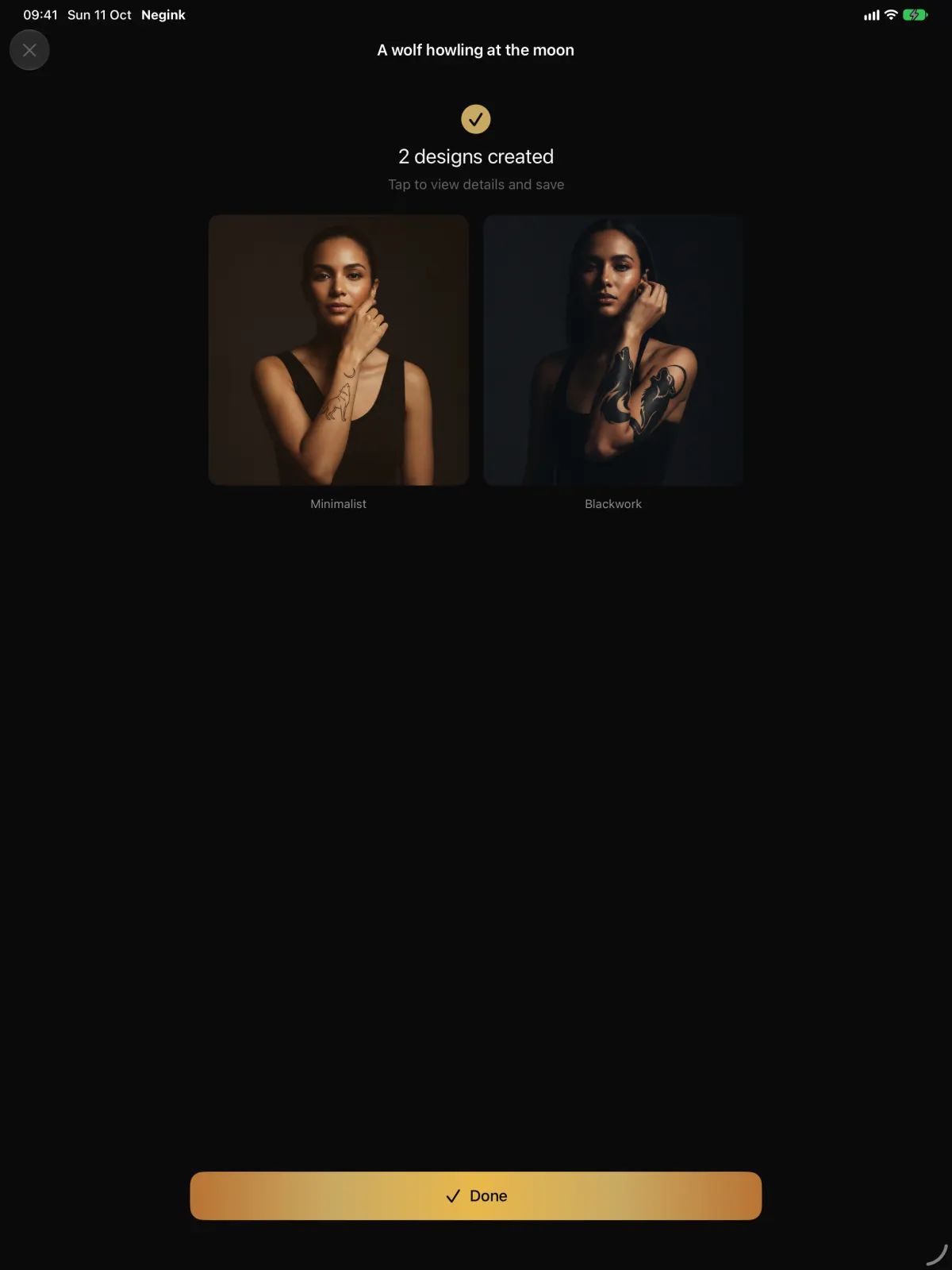
Real screenshots from Negink 2.2 on iPhone.
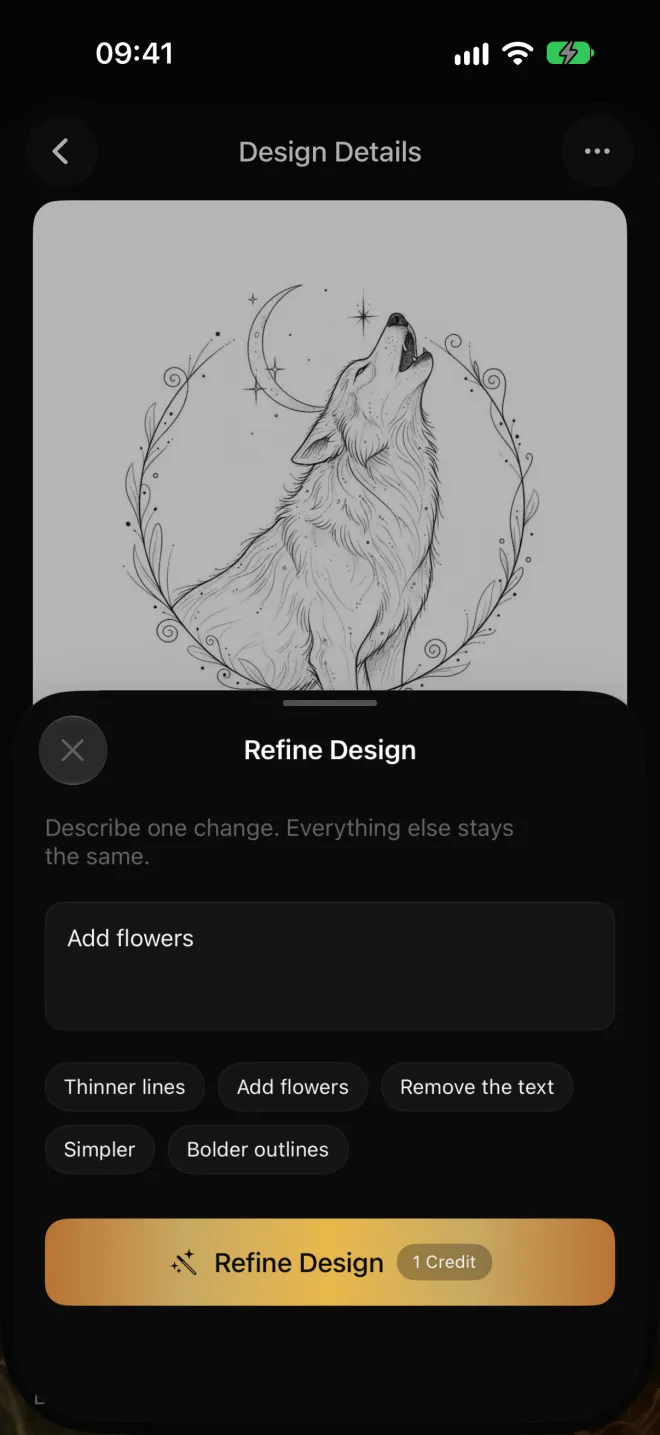
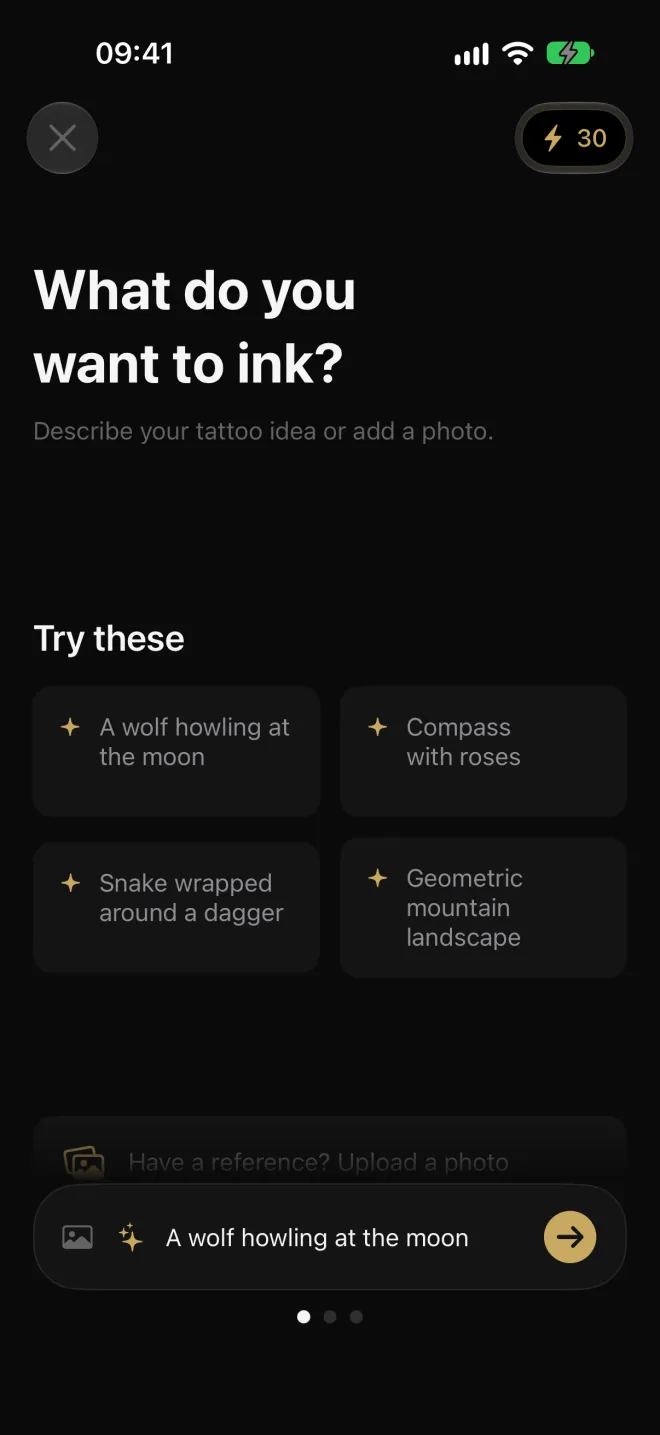
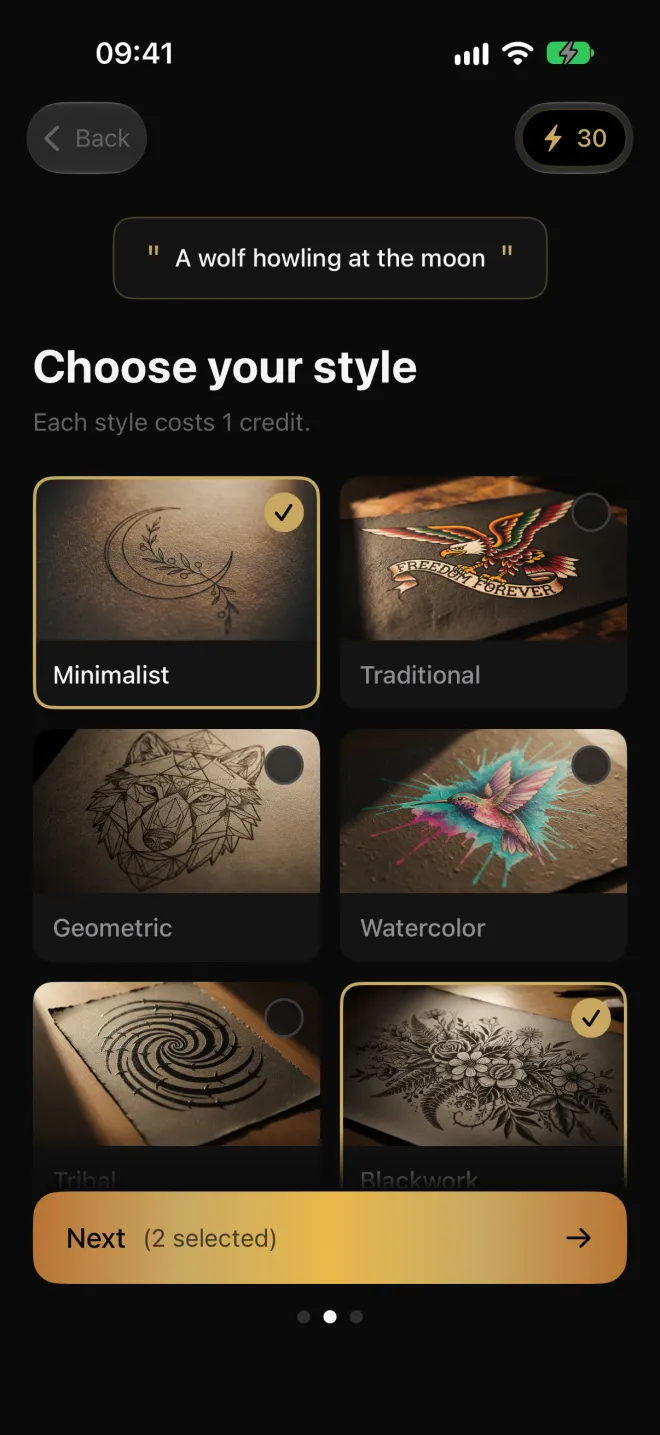
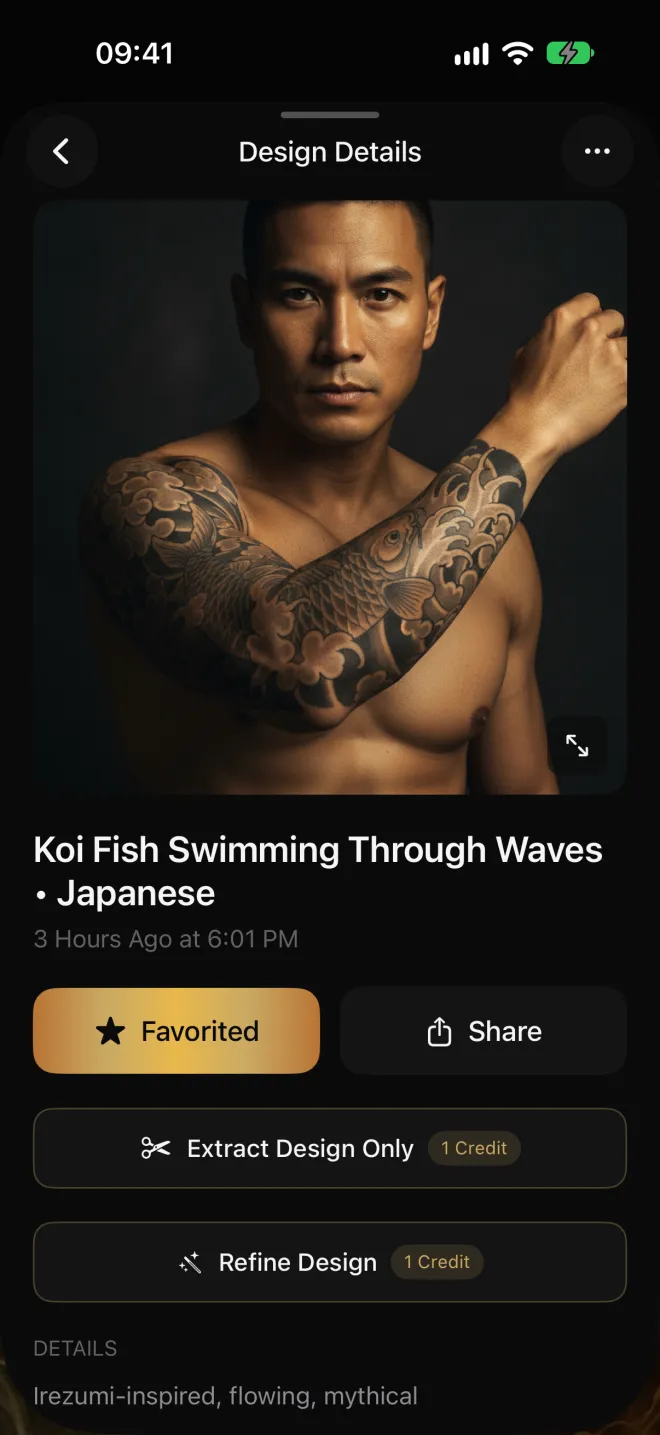
Two Panes on Bigger Screens
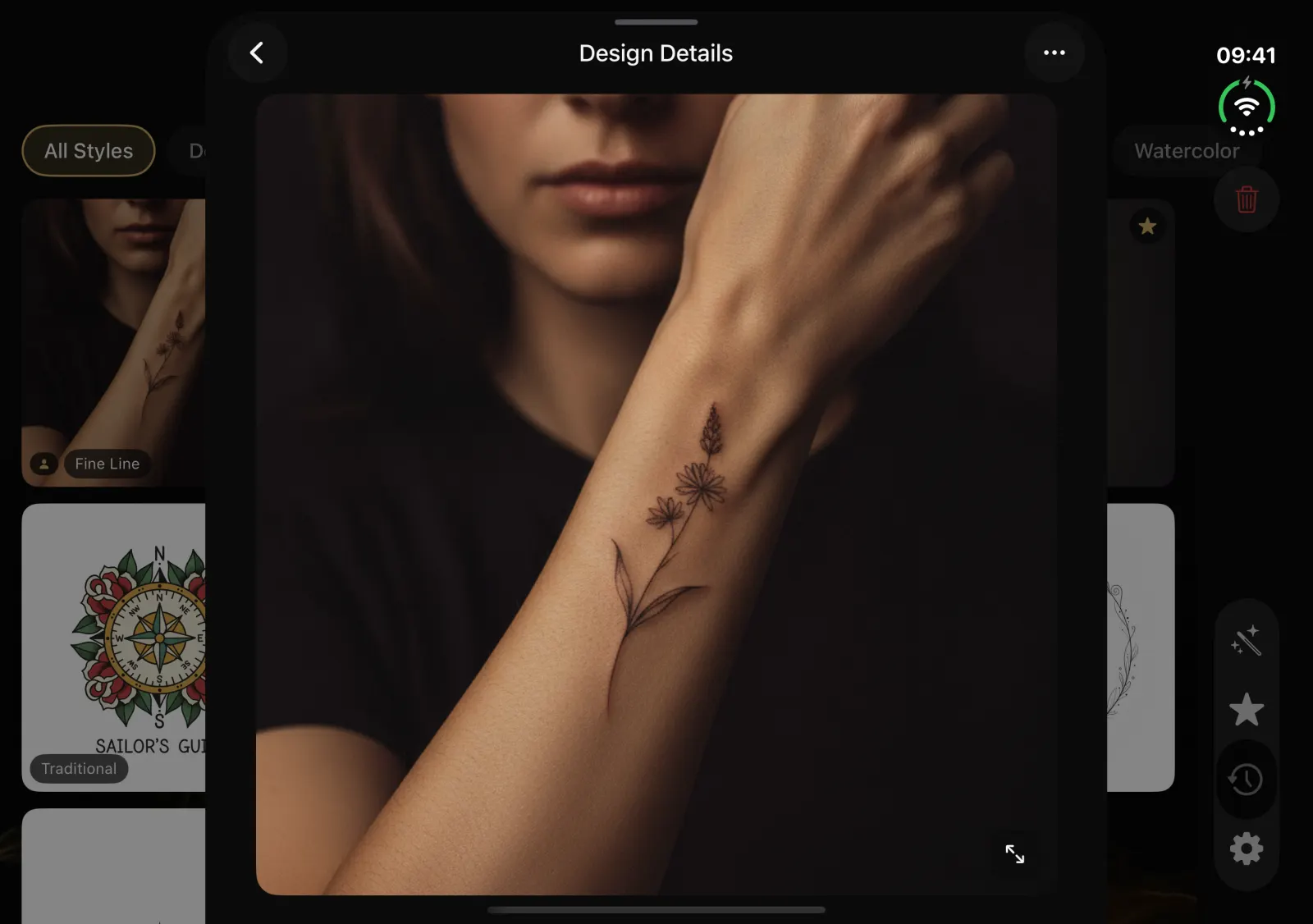
Since version 2.2, the inner display of an iPhone Duo and iPad get two-pane layouts, so onboarding, design details and your saved designs sit side by side.
What Tattoo Styles Does Negink Offer?
Curated for real tattoo aesthetics.
Is Negink Private
and Secure?
Negink uses a random device ID instead of an account. Your idea and any reference photo go to our server and Google's Gemini API to create the design, and neither uploaded nor generated images are stored there. Anonymous analytics show which features get used, and none of it is linked to you.
How Much Does Negink Cost?
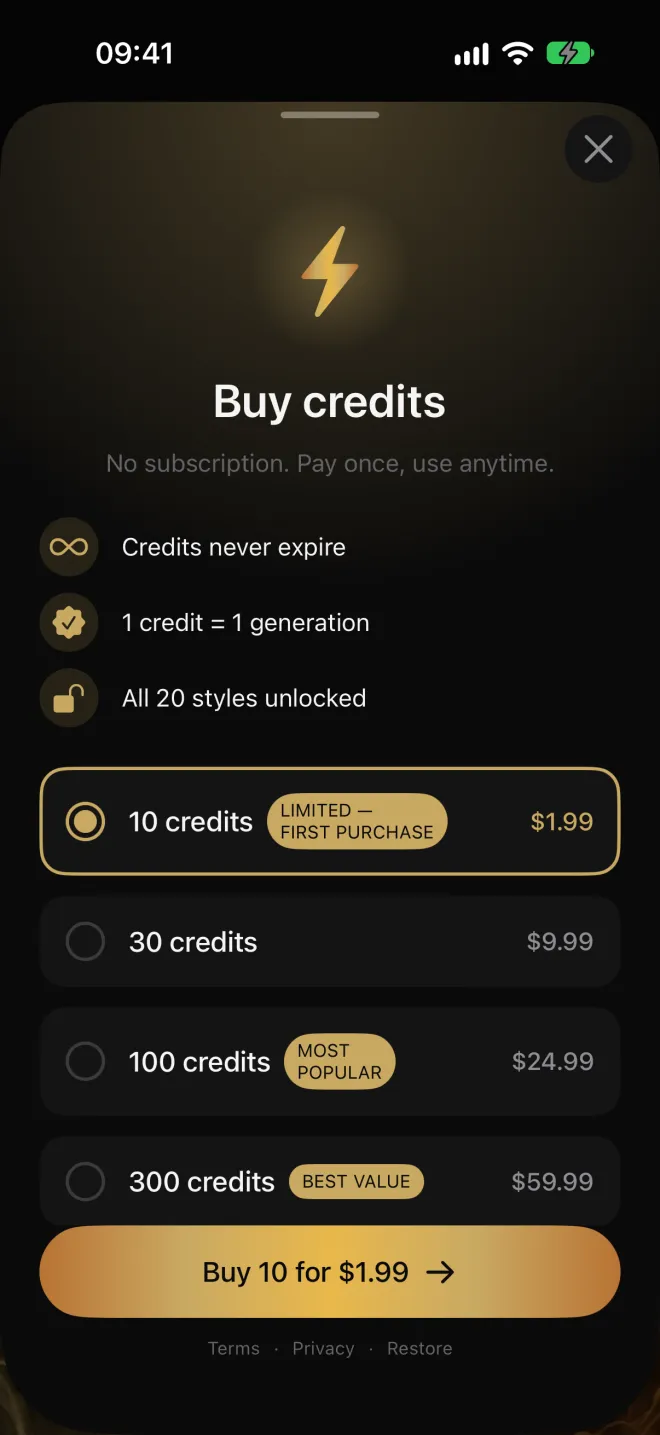
Your first two designs are free, then you buy credits in packs. No subscription, and credits never expire.
Free
2 designs during onboarding
- Your first 2 designs free
- In the 2 styles you pick during onboarding
- Shown on a body placement you choose
- No account required
Intro
10 credits, first purchase only
- 10 designs
- Credits never expire
- All 20 styles and placements
Most Popular
100 credits
- 100 designs
- Credits never expire
- All 20 styles and placements
One design costs one credit, and so does refining one. Anyone who subscribed before version 2.0 keeps their plan until they cancel it.
Negink Guides
Tattoo design tips, style breakdowns, and inspiration for your next piece.
Free Online Tools
Browser-based tools to help plan your next tattoo.
Ready to Design Your Tattoo?
Download Negink and bring your tattoo ideas to life with AI.

About Negink
Negink is an AI tattoo design studio for iPhone and iPad that generates custom tattoo artwork from a text description, or from a reference photo you upload, in 5 to 15 seconds. The app offers 20 authentic tattoo styles including Minimalist, Fine Line, Traditional, Neo-Traditional, Japanese Irezumi, Geometric, Dotwork, Blackwork, Tribal, Watercolor, Illustrative, Micro Realism, Realism, Surrealism, Ornamental, Cyber Sigilism, Sketch Style, Trash Polka, Chicano, and Ignorant Style. Any design can then be previewed on realistic body imagery across 13 placements: forearm, upper arm, shoulder, back, leg, wrist, ankle, neck, hand, finger, calf, thigh, and full sleeve, with male and female body types. The tattoo can be extracted on its own from a body preview to share with an artist. Since version 2.2, any design or body preview can be refined: describe one change, such as thinner lines or added flowers, and get a new version that keeps everything else, for 1 credit. Version 2.2 also gives the iPhone Duo inner display and iPad two-pane layouts. New users get their first two designs free during onboarding, with no account required. Beyond that, credits are bought in one-time packs rather than a subscription, priced at $1.99 for 10 as a first purchase, $9.99 for 30, $24.99 for 100, and $59.99 for 300, and credits never expire. Ideas and reference photos are sent to the Negink server and Google's Gemini API to generate the images, which the server does not store, and generated designs are kept on the device. The app sends anonymous product analytics that are not linked to the user. The app requires iOS 18.0 or later. It is published by Applestan, an independent iOS development studio based in the Netherlands.