On October 29, 2026, AO3, the big fan fiction archive, went down for maintenance. A day later its parent organization said it had found a security incident and that the site will likely stay down for at least two weeks, maybe up to four (OTW status page, OTW update).
AO3 is fan fiction, not manga. But what happened next is worth a manga reader's attention. On X, readers who had downloaded their favorite works kept reading, and everyone else had to wait. The site itself says nothing was deleted, so this is about access, not loss. Still, for a few weeks the only stories people could open were the ones on their own devices.
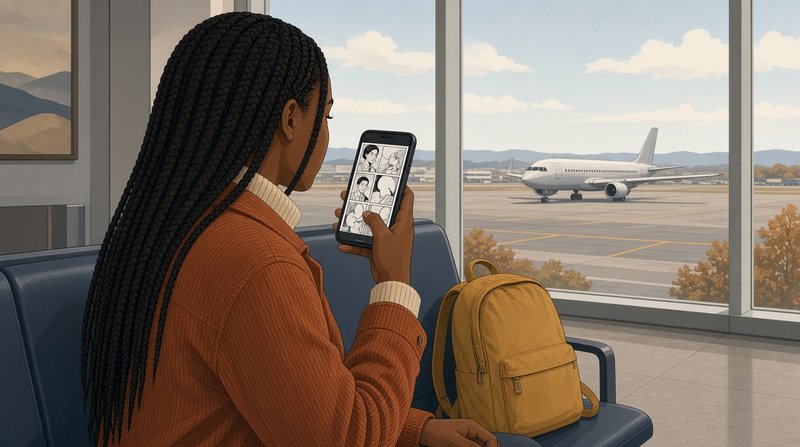
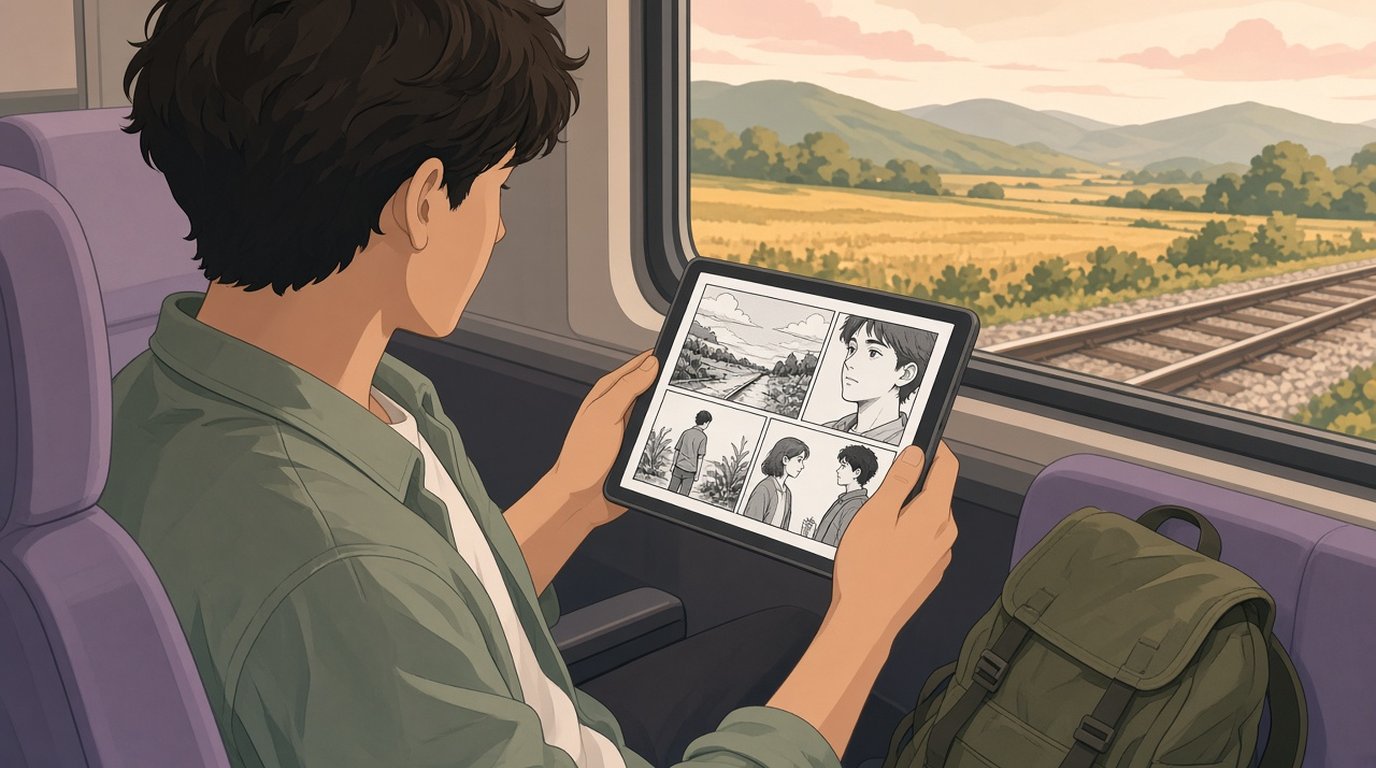
Manga works the same way. If a volume only lives inside a store app or on a website, you can read it when that service is up and still carries it. If the file is on your phone, you can read it on a train in a tunnel, on a plane, or on a day when a site is down.
ComicFlow, the manga and comic reader I build for iPhone and iPad, is made for that second case.
Disclosure: I make ComicFlow at Applestan. The ComicFlow steps below are checked against the app's source code for version 3.7. The AO3 facts come from the Organization for Transformative Works, linked above.

Short version: keep a copy of every manga file you own on the device you read on. In ComicFlow, import your CBZ, CBR, ZIP, RAR and PDF files, or add a watch folder in Files (iCloud Drive, a NAS share, a USB drive) so new volumes are copied in by themselves. Once a volume is in your library, it opens with no connection.
Which files you can keep #
This is about files you own. That means:
- DRM-free manga you bought. Some stores and publishers sell volumes as plain files you can download and keep. The DRM-free manga guide lists where to look.
- Your own scans of volumes you bought, for your own reading. The scanning guide shows how to do it with just an iPhone.
- DRM-free files from creators, like the CBZ or PDF an artist sells or gives to supporters.
Manga that a store only lets you read inside its own app is a different case. You can download it for offline reading in that app, but you can't move it to another reader, so this guide can't help with those.
ComicFlow opens CBZ, CBR, ZIP, RAR and PDF, and it also reads comics saved with the wrong file extension. If you have a folder of page images, zip the folder and it imports as one book, because a CBZ is just a ZIP of images. ComicFlow is for comics and manga and does not open EPUB books, so keep EPUB downloads in a book app.
Step 1: Put the files on your iPhone or iPad #
When you import a file into ComicFlow, the app copies it into its own library on the device. That copy is what you read. It does not depend on the place the file came from, and it does not need a connection.
To import a few volumes:
- In the ComicFlow library, tap +.
- Tap Import Comics.
- Pick the files in the Files browser, from On My iPhone, iCloud Drive, a USB drive or a connected network share.
Covers and page counts appear in your library, and each volume remembers your page and reading direction.
If your manga is on a computer, Wi-Fi Upload is the fastest way over. Open it in ComicFlow's Settings under Sources, type the address it shows into any browser on the same Wi-Fi, and drag the files onto the page. There is nothing to install on the computer. The Wi-Fi transfer guide walks through it.
Step 2: Let a watch folder keep it up to date #
Importing by hand is fine for a few volumes. For a library that keeps growing, use a watch folder.
- Open ComicFlow's Settings and scroll to Sources.
- Tap Add Watch Folder.
- Pick a folder in Files. It can be a folder in iCloud Drive, on a USB drive, or on a network share.
ComicFlow checks the folder when the app starts and when you pull down to refresh the library. Any new CBZ, CBR, ZIP, RAR or PDF in it is copied into your library on the device. Put the next volume in the folder on your computer, open ComicFlow, and it is there, ready to read offline.

If your manga lives on a NAS #
A NAS at home is a good place for the full collection. It is also one more thing that can be off, asleep or out of reach when you are away. A watch folder on the NAS gives you both.
- In the Files app, tap the More button (the three dots), then Connect to Server, and sign in to your NAS share.
- In ComicFlow, add a folder on that share as a watch folder.
New volumes you drop into that folder on the NAS are copied to your iPhone. After that they read on a plane, at a cabin with no signal, or on a day the NAS is switched off. The NAS guide covers this in detail, including how to keep a big archive from filling your phone.
If you run Komga or Kavita #
With ComicFlow Pro, you can read from your own Komga, Kavita or OPDS server. Streaming needs the server to be reachable. Download a book to read it offline, or turn on Keep Downloaded for a series, which keeps its next unread books ready on the device.
Step 3: Keep a second copy somewhere else #
The copy on your phone is for reading. It should not be your only copy. Phones get lost, and you will want to clear space now and then.
A simple setup that works for most readers:
- The full collection on a computer or NAS at home.
- A backup of that collection on an external drive or a cloud drive.
- The volumes you are reading now, in ComicFlow on your phone or tablet.
The backup guide goes through the options.
What it costs #
ComicFlow is $2.99 once. Importing files, watch folders, Wi-Fi Upload and offline reading are all included without Pro. ComicFlow Pro is an optional $6.99 one-time unlock that adds reading from your own comic server, EPUB export to e-readers, Face ID-locked collections and saved reader presets. Neither one is a subscription. There are no ads or ad tracking, and you don't need an account.
How this was checked #
The AO3 dates, the two to four week estimate and the note that no works were deleted come from the OTW status page and the OTW update of October 30, 2026. The ComicFlow behavior is checked against the app's source code for version 3.7: the file types a watch folder imports (WatchFolderScanner.swift), the kinds of folders a watch folder can be (LibrarySource.swift), the Wi-Fi Upload page (WiFiUploadServer.swift), what the file picker accepts (ComicFilePickerTypes.swift) and which features need Pro (ProGate.swift). The Connect to Server step is part of the iOS Files app, not ComicFlow.
Related Articles #
- How to Read Manga From Your NAS on iPhone: a watch folder on your network share, or Komga and Kavita
- Where to Buy DRM-Free Manga Legally: manga you can download and keep
- How to Scan Manga You Own and Read It on iPhone: turn your shelf into files
- How to Back Up Your Digital Comic Collection: keep a second copy
- ComicFlow app page: full feature list, screenshots, and App Store link
Frequently asked questions
Can I read my manga on iPhone with no internet at all?
Yes, if the files are on the phone. ComicFlow copies every CBZ, CBR, ZIP, RAR or PDF you import into its library on your iPhone or iPad, so it opens with no connection. A volume you only read in a store app or on a website needs that service to be up.
Which manga files can I keep offline in ComicFlow?
CBZ, CBR, ZIP, RAR and PDF. That covers DRM-free manga you bought, scans you made of volumes you own, and DRM-free files from creators. A folder of page images works once you zip it, because a CBZ is a ZIP of images. ComicFlow does not open EPUB files.
Can ComicFlow pick up manga from my NAS?
Yes. Connect to the share in the Files app with Connect to Server, then add a folder on it as a watch folder in ComicFlow (Settings, Sources, Add Watch Folder). New volumes in that folder are copied into your library on the device, so they still read when the NAS is off or you are away from home.
Do I need ComicFlow Pro to keep manga offline?
No. Importing files, watch folders and Wi-Fi Upload are included in the $2.99 app without Pro. The optional $6.99 one-time Pro adds Komga, Kavita and OPDS servers, where Keep Downloaded keeps the next unread books of a series on the device.
Is AO3 down?
AO3 went down on October 29, 2026. Its parent organization, the Organization for Transformative Works, said on October 30 that it found a security incident and expects the site to be down for at least two weeks, possibly up to four. It also said no AO3 works or bookmarks were deleted. Check the OTW status page for the latest.