Photos & Files
iPhone photos and documents often need one more step before you can send them: a format the other side can open, a smaller file, or less hidden information. These guides cover converting HEIC photos to JPEG, removing GPS location and camera details before you share a picture, editing hundreds of photos in one batch, and compressing PDFs that are too large to email.
Start here
- How to Convert HEIC to JPEG on iPhone, if a photo will not open on another device.
- How to Remove Location Data and Metadata from iPhone Photos, before you share photos publicly.
4 articles, newest first.
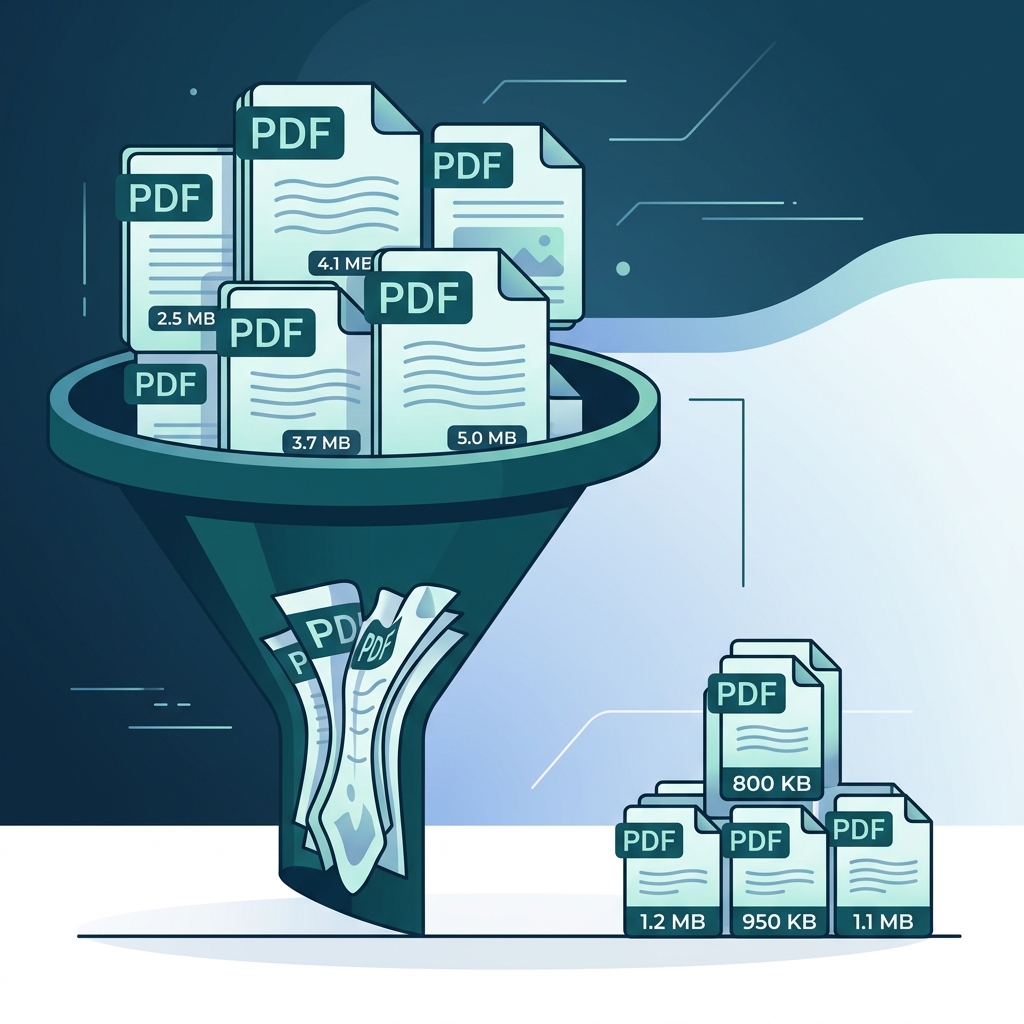
How to Compress PDFs on iPhone Without Losing Quality
Learn how to compress PDF files on your iPhone by up to 90%. Three methods compared, from built-in options to dedicated apps, with quality tips.
Read more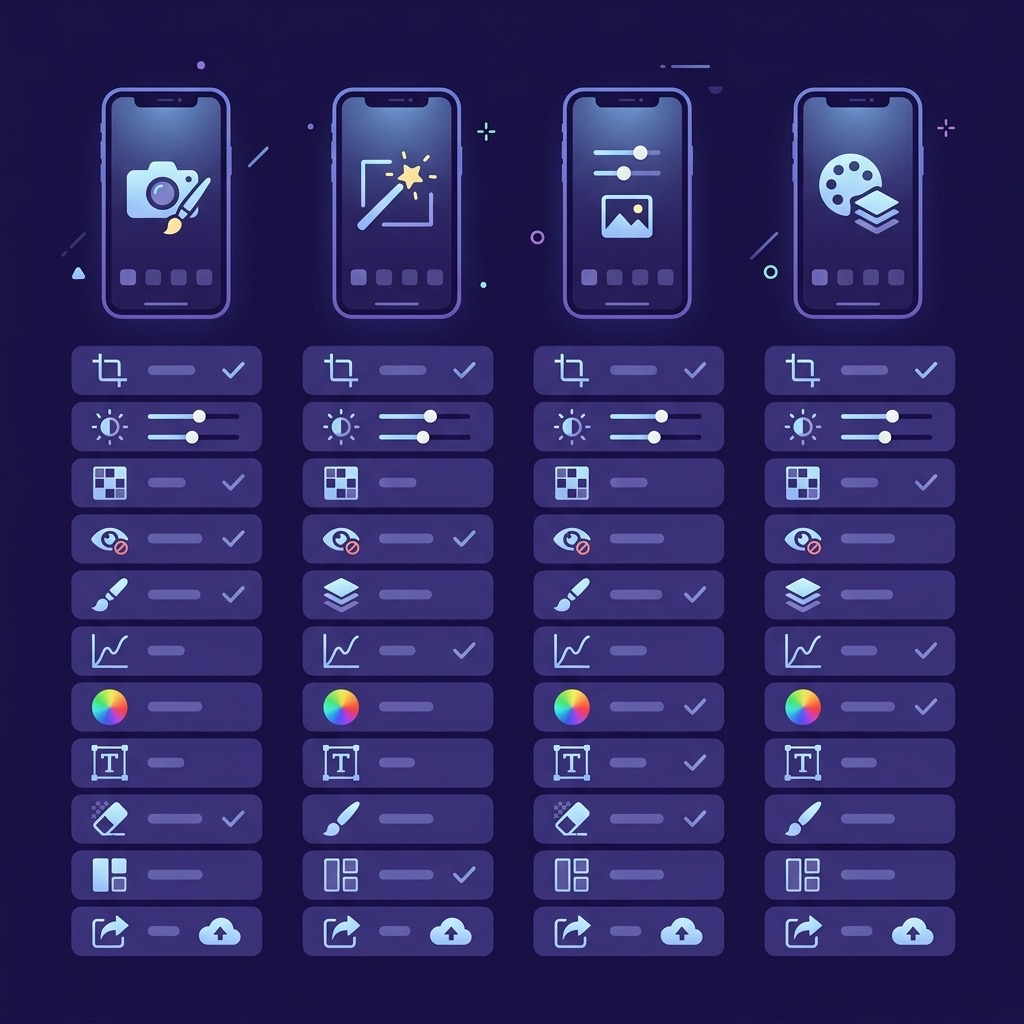
Best Batch Photo Editing Apps for iPhone (2026)
The best batch photo editing apps for iPhone in 2026. Resize, compress, convert, and process hundreds of photos at once with these 6 apps compared.
Read more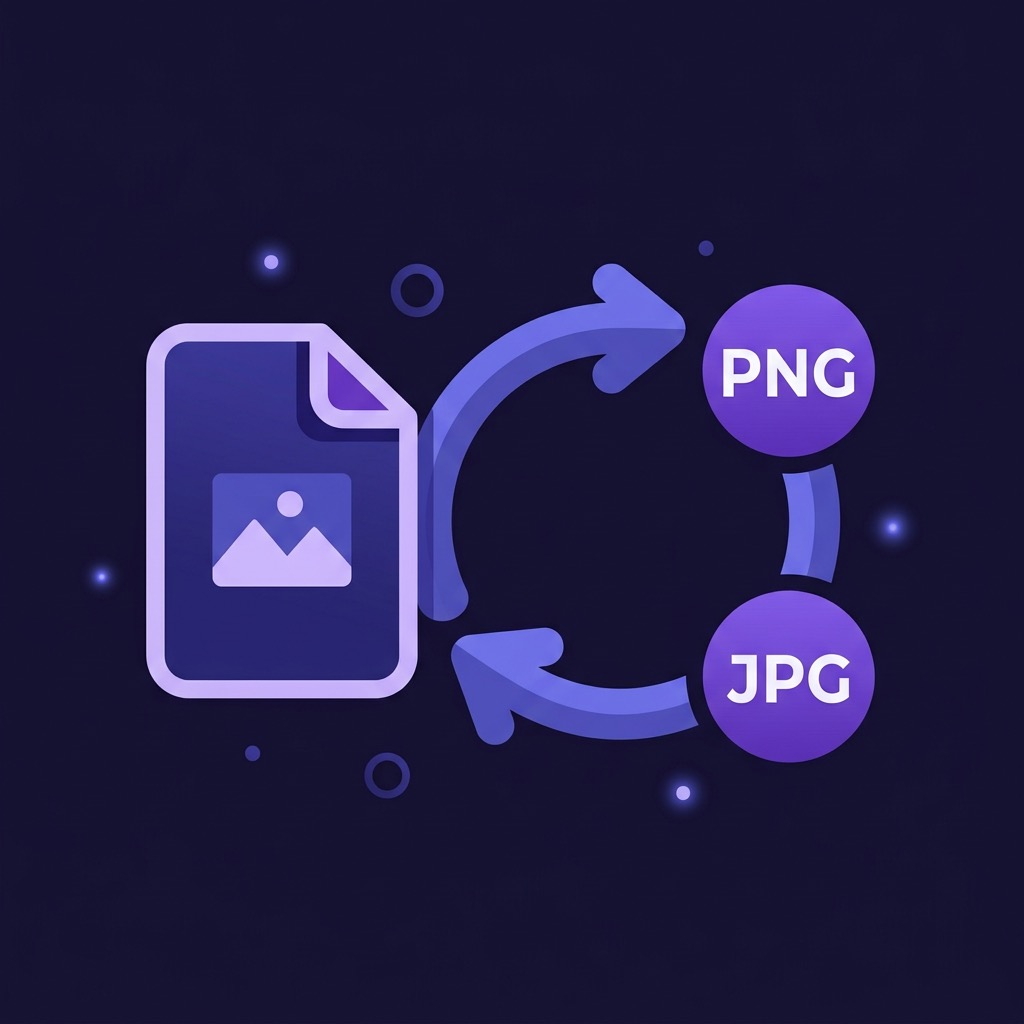
How to Convert HEIC to JPEG on iPhone
HEIC photos won't open everywhere. Learn what HEIC is, when you need JPEG, and how to batch convert photos on iPhone without quality loss.
Read more
How to Remove Location Data and Metadata from iPhone Photos
Your iPhone photos contain hidden GPS coordinates, camera details, and timestamps. Learn what photo metadata is, why it matters for privacy, and how to strip it.
Read more