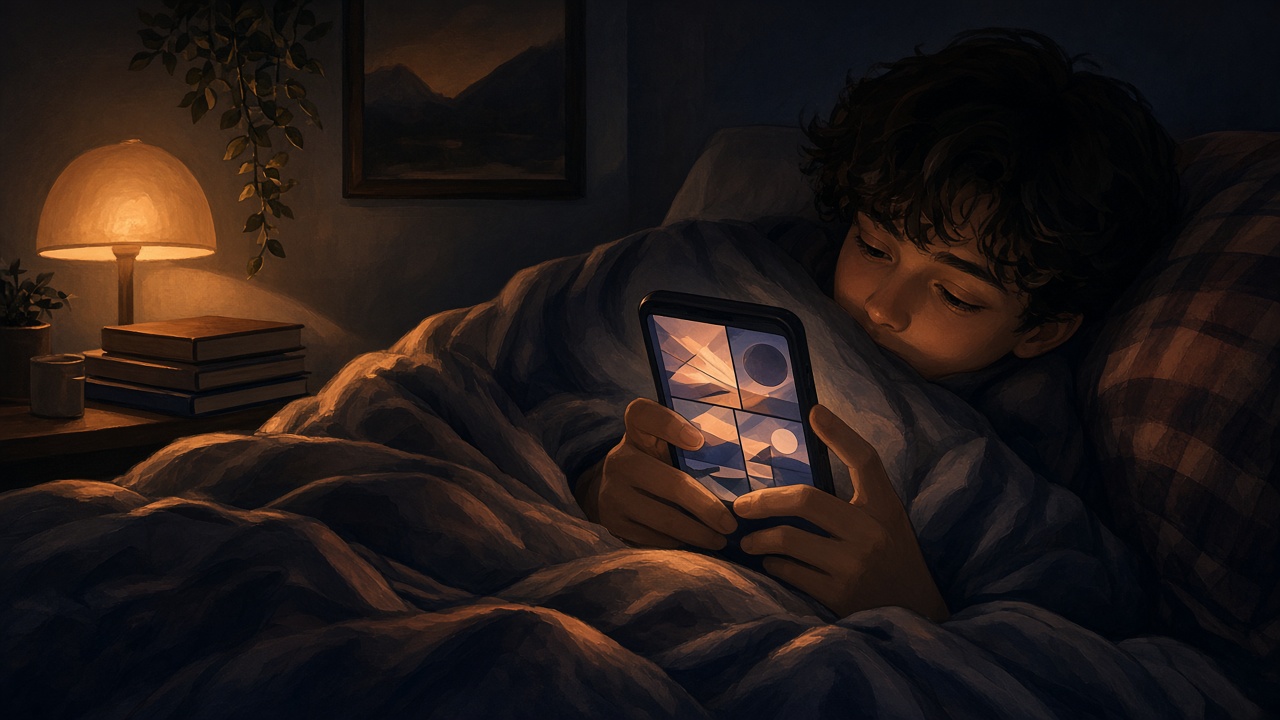
Comics are one of the worst things to read on a screen in the dark. Most pages are mostly white or bright paper tones, and manga is often black ink on a page that is close to pure white. Hold that a foot from your face at midnight and your eyes will let you know about it.
The fix is not one setting. It is a few small ones stacked together, some in the reader and some in iOS. Here is how to set them up.
Why Comic Pages Are Hard on Your Eyes at Night #
A novel in a dark-themed e-reader can flip to light text on a dark background. A comic cannot, because the page is an image. Inverting the colors would ruin the art, so the brightness of the page itself is what you have to manage.
That leaves two levers: how bright the screen is overall, and how bright the page is inside the reader.
Step 1: Use the Reader's Night Mode and Brightness #
ComicFlow has a night mode and custom brightness in the reader. The brightness control works inside the app, so you can dim the comic page without changing the brightness of your whole phone.
That matters more than it sounds. If you drop the system brightness to the minimum, your lock screen, messages and everything else get dim too. Dimming only the page lets you keep the rest of the phone normal.
Open any comic, bring up the reader settings, turn on night mode and pull the brightness down until the white of the page stops glaring. The setting is part of how the reader shows pages, so it applies as you read.
Step 2: Turn On Night Shift #
Night Shift is an iOS feature that warms the colors of the whole display toward the amber end. Go to Settings > Display & Brightness > Night Shift, and schedule it from sunset to sunrise or pick your own hours.
Warmer light is easier to look at late in the evening. The tradeoff with comics is that colors shift a little, so a blue sky will look slightly greener. For a late-night read that is a fair deal, and you can turn it off for a color-critical issue.
Step 3: Try Reduce White Point #
This one is easy to miss. In Settings > Accessibility > Display & Text Size, there is a Reduce White Point switch with a slider. It lowers the intensity of bright colors across the whole screen, which makes pure white pages much less harsh while keeping contrast.
For manga this is especially useful, since the page is mostly white. Combined with the reader's own brightness control, you get plenty of room to find a level that feels right.
Step 4: Fix the Room, Not Just the Screen #
A bright screen in a pitch-black room is the hardest case, because your eyes have no other reference. A small lamp behind you or off to the side makes the screen feel less intense, so you can run it dimmer.
If you read in bed, hold the phone a bit further away than you think you should and use the reader's zoom or fit settings so the page still fills the screen. Smaller text up close is a bigger strain than a slightly dimmer screen.
Which Reading Mode Is Easiest at Night? #
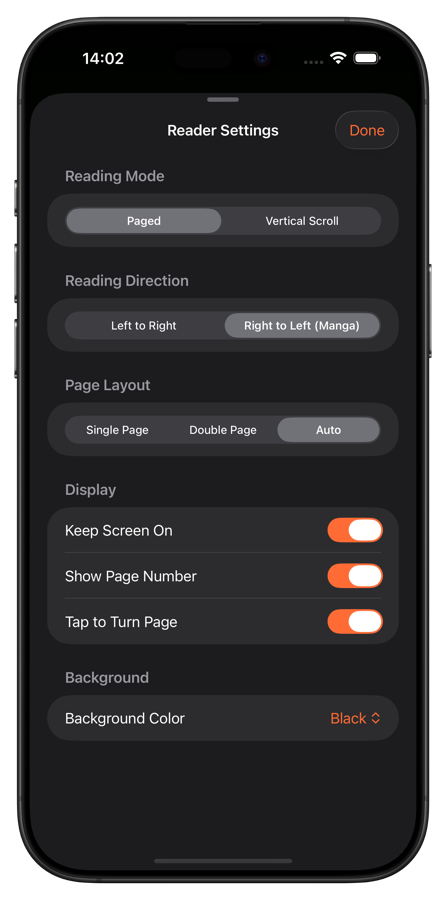
ComicFlow offers paged and vertical scroll reading, single and double page layouts, and right-to-left support for manga. For night reading, paged single-page mode tends to be the calmest because one page at a time means less motion on screen. Vertical scroll is great for webtoons, and the brightness settings above apply there too. See our webtoon guide for that setup.
If you switch between styles often, ComicFlow Pro can save reader presets for manga, western and webtoon setups, so you can jump between them in one tap.
A Night Reading Setup in One Minute #
- Open the comic in ComicFlow and turn on night mode.
- Lower the in-reader brightness until the white page stops glaring.
- Enable Night Shift on a sunset-to-sunrise schedule in iOS.
- If pages are still too harsh, add Reduce White Point.
- Keep a small light on somewhere in the room.
Everything in ComicFlow works offline, so none of this needs a connection. That makes it a good fit for a dark plane cabin too. More on that in our guide to reading comics offline.

Related Articles #
- How to Read Comics Offline on iPhone and iPad. Set up a library that works anywhere
- How to Read Webtoons on iPhone with Vertical Scroll. Scroll mode setup
- How to Read Manga on iPhone: RTL Reading Setup. Right-to-left reading
- 5 Best Comic Reader Apps for iPhone and iPad. Compare readers