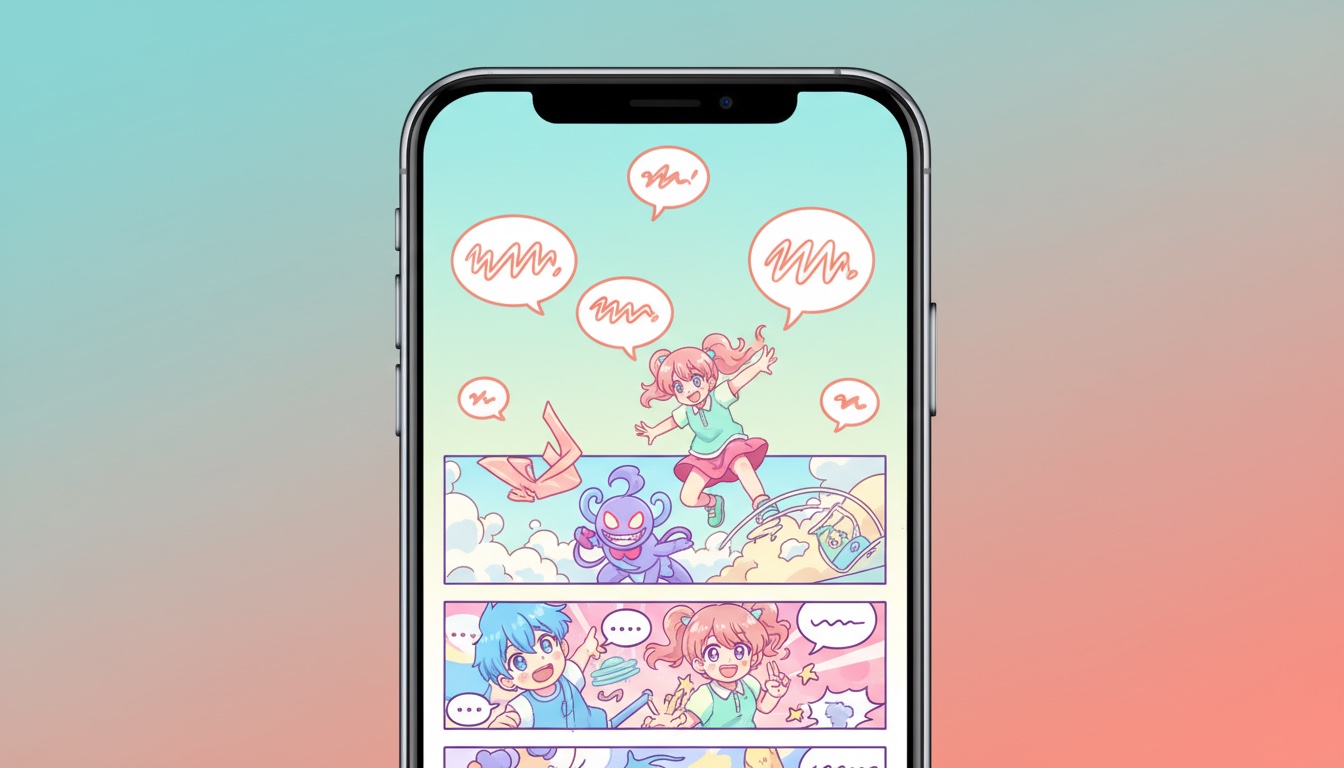
Webtoons aren't comics. Not exactly. They look like comics, they tell stories like comics, but they're built for a completely different reading experience. Instead of turning pages, you scroll. One continuous vertical strip that flows naturally under your thumb.
If you've been trying to read webtoons on iPhone using a traditional comic reader, you've probably noticed the problem: page-turn readers chop a long strip into awkward page-sized chunks. Panels get split in half. Pacing breaks. The scroll-based storytelling that makes webtoons work is lost entirely. ComicFlow fixes this with a dedicated vertical scroll mode designed for webtoons and long-strip manhwa.

What Makes Webtoons Different
Traditional comics (Western, manga, or European) are designed as fixed pages. Each page is a self-contained composition with panels arranged to be read as a unit. You turn the page to advance.
Webtoons throw that away. A single episode is one long vertical image (or a series of tall images) meant to be scrolled through continuously. This format changes everything:
Panel pacing is scroll-controlled. Artists place panels with vertical spacing in mind. A dramatic reveal might have a large gap above it, forcing you to scroll past empty space before the payoff hits. In a page-turn reader, that gap disappears, and you see the reveal immediately.
No gutter boundaries. Traditional comics use gutters (the spaces between panels) to separate moments in time. Webtoons often blend panels into each other vertically, creating seamless transitions that only work when scrolled.
Full-width compositions. Webtoon panels span the full screen width. There's no side-by-side panel layout. Every panel uses the complete horizontal space, which is why they look perfect on a phone held in portrait.
Built for mobile. The format was invented for smartphone screens. South Korean platforms like Naver Webtoon and KakaoPage designed it specifically for the way people hold and use their phones: vertical, one-handed, thumb-scrolling.
Why Page-Turn Readers Break Webtoons
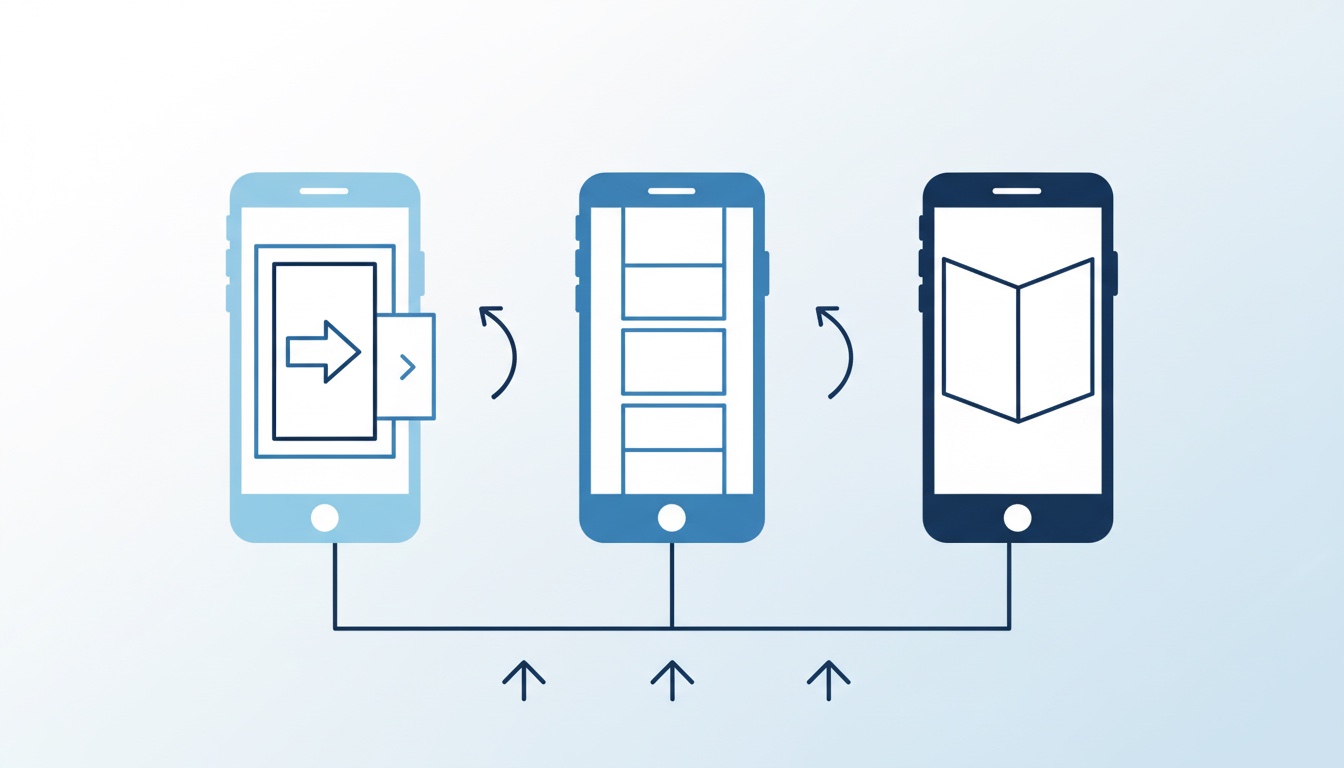
When you open a webtoon file in a reader set to page-turn mode, the reader divides the long strip into screen-sized pages. This creates several problems:
Panels split across pages. A panel that spans a page break gets cut in half. You see the top of a character's face on one page and their dialogue on the next. The visual impact is ruined.
Pacing is destroyed. The artist's careful spacing (dramatic pauses, slow reveals, emotional beats) only works in continuous scroll. Page breaks insert artificial stops in the middle of sequences.
Transitions vanish. Many webtoon artists use gradient backgrounds and flowing compositions that connect one scene to the next. Page-turn mode chops these into disconnected fragments.
Spread detection fails. Some readers try to detect "double-page spreads" in webtoon files and display two segments side by side. This makes an already bad experience worse. You get two narrow vertical strips next to each other that were never designed to be viewed together.
You need a reader with vertical scroll mode.
Setting Up Vertical Scroll on iPhone
The setup in ComicFlow takes about 30 seconds:
1. Import Your Webtoon
ComicFlow reads CBZ, CBR, RAR, ZIP, and PDF files. Most webtoon downloads come as CBZ or ZIP files containing one image per episode segment (or one very long image per episode).
Import from the Files app, Safari downloads, email attachments, or AirDrop. The same way you'd import any comic file.
2. Open the Reader and Switch to Vertical Scroll
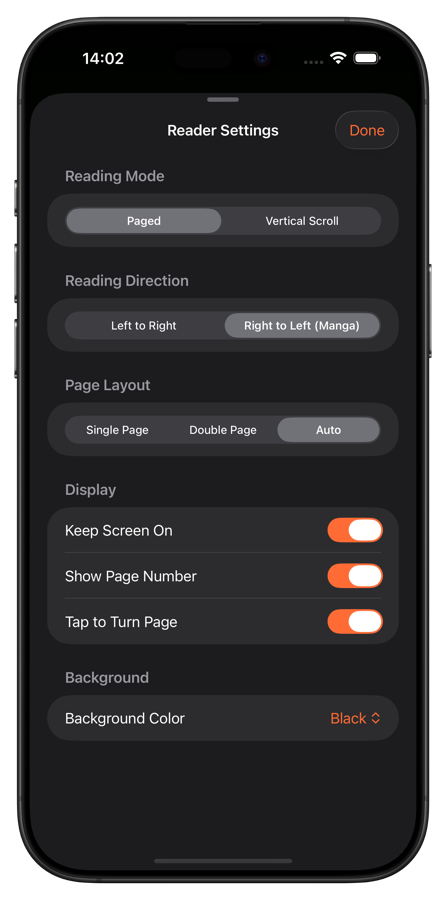
Open your webtoon and tap the screen to reveal the reader controls. Go to reading settings and switch the page mode to Vertical Scroll.
The reader immediately changes behavior:
- Pages stack vertically instead of side by side
- Swipe up to advance, swipe down to go back
- The page scrubber becomes a vertical progress indicator
- Transitions between page segments are seamless
3. Adjust Fit Mode
For webtoons, Fit Width is the ideal setting. It ensures every panel uses the full screen width, which is exactly how the artist designed it. You get maximum visual impact without any horizontal dead space.
4. Start Scrolling
Now just scroll through the episode with your thumb, same as you would on a webtoon platform. ComicFlow saves your scroll position automatically, so you can pick up exactly where you left off.
Webtoons vs. Manga vs. Western Comics: Quick Setup
Different comic formats need different reader settings. Quick reference:
| Format | Origin | Scroll Direction | Page Mode | Fit Mode |
|---|---|---|---|---|
| Webtoon | Korea | Top-to-bottom | Vertical scroll | Fit Width |
| Manga | Japan | Right-to-left | Single page + RTL | Fit Page |
| Manhwa (print) | Korea | Left-to-right | Single page | Fit Page |
| Manhua | China | Varies | Single page or vertical | Fit Page |
| Western comic | US/EU | Left-to-right | Single or double spread | Fit Page |
ComicFlow remembers settings per comic, so your webtoons stay in vertical scroll mode while your manga stays in RTL. No switching back and forth every time you open a different title.
Tips for a Better Webtoon Experience
Keep screen on while reading. Webtoons are designed for long, uninterrupted scrolling sessions. Enable "keep screen on" in ComicFlow's reader settings so your display doesn't dim mid-episode.
Use night mode for evening reading. Many webtoons use bright colors and white backgrounds that can strain your eyes at night. ComicFlow's custom brightness and background color settings help. Reduce brightness independently of your system settings for comfortable late-night reading.
Organize by series. Webtoons often run 50-100+ episodes. Create a collection per series in your library and use reading progress to track where you are. The "Continue Reading" card on the library screen makes jumping back into a series effortless. See our full guide on organizing your digital comic collection for more tips.
Try different transition speeds. Some readers snap between pages, but in vertical scroll mode, the experience should feel like smooth, continuous movement. ComicFlow's scroll mode gives you fluid, natural scrolling that matches how webtoon platforms feel.

Where to Find Webtoon Files
If you're used to reading on platforms like Webtoon or Tapas, you might wonder where CBZ files of webtoons come from. Here are the main sources:
- Tappytoon, Lezhin, TappyComics. Some platforms offer DRM-free downloads in standard formats
- Humble Bundle. Occasionally features manhwa and webtoon bundles
- Creator-distributed files. Independent webtoon artists sometimes distribute CBZ files directly
- Fan translations. Community-translated series often come packaged as CBZ (check legality in your region)
- Your own collection. If you've accumulated webtoon files over time, they're ready to import
Once you have CBZ, ZIP, or PDF webtoon files, import them into ComicFlow and they're ready to scroll through immediately.
Quick Recap
The full setup:
- Download ComicFlow ($2.99, one-time purchase)
- Import your webtoon files (CBZ, ZIP, PDF, all supported)
- Switch to vertical scroll mode in the reader
- Start scrolling
One-time purchase, works offline, supports 6 languages including Korean and Japanese.
Webtoons were made for phones. Your reader should act like it. Learn more about ComicFlow.
Related Articles
- How to Read Manga on iPhone: RTL Reading Setup — Set up right-to-left reading for traditional manga
- How to Build a Manga Library on iPhone — Organize manga, manhwa, and webtoons in one library
- How to Read Comics Offline on iPhone and iPad — Read webtoons without an internet connection
- 5 Best Comic Reader Apps for iPhone and iPad — Compare readers with vertical scroll support