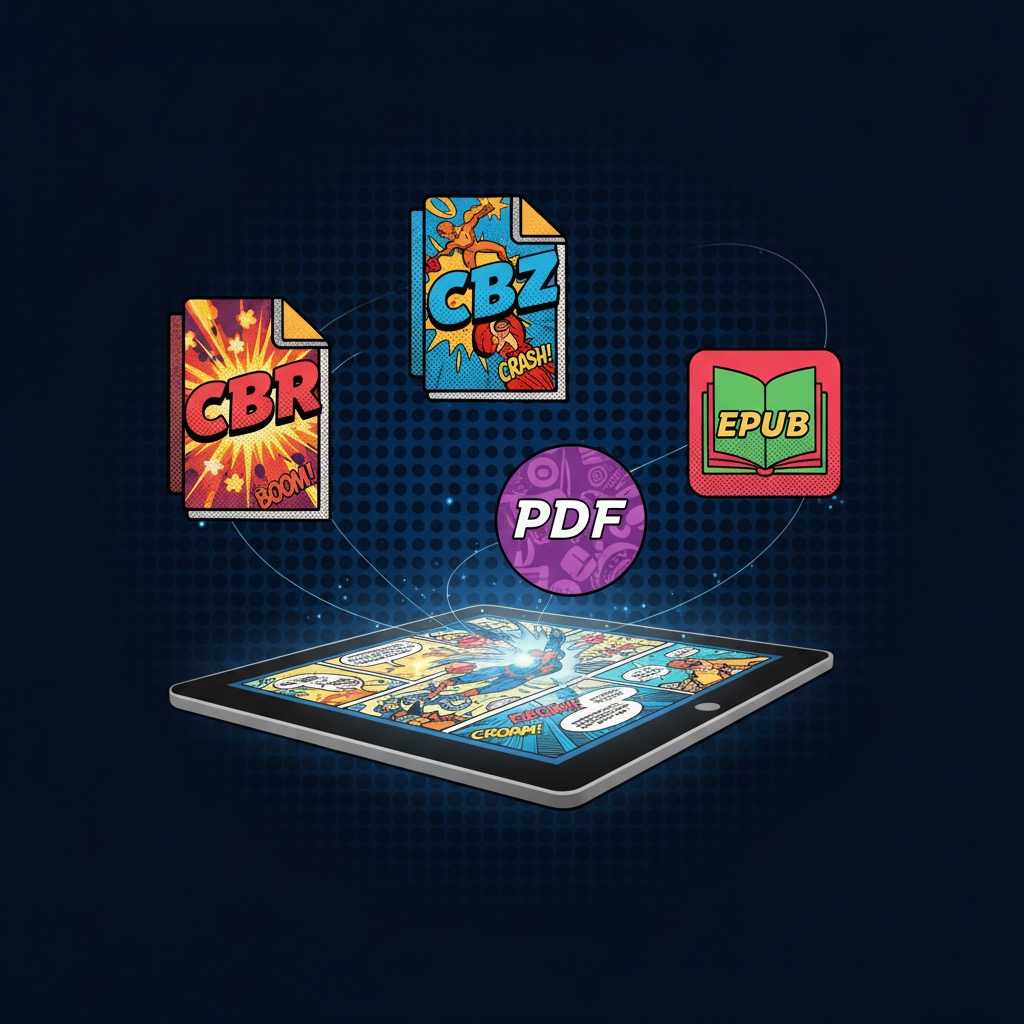
You've downloaded a digital comic and the file ends in .cbr. Or .cbz. Or .cb7. Maybe it's a .pdf or just a plain .zip. They all contain the same thing, comic book pages, but the file extension tells you nothing about why there are so many formats or which one you actually want.
This guide breaks down every comic book file format you'll encounter, explains what's inside each one, and helps you figure out which format to use. If you just want to read them all without thinking about it, ComicFlow handles CBR, CBZ, RAR, ZIP, and PDF directly on your iPhone or iPad.

What's Actually Inside a Comic File?
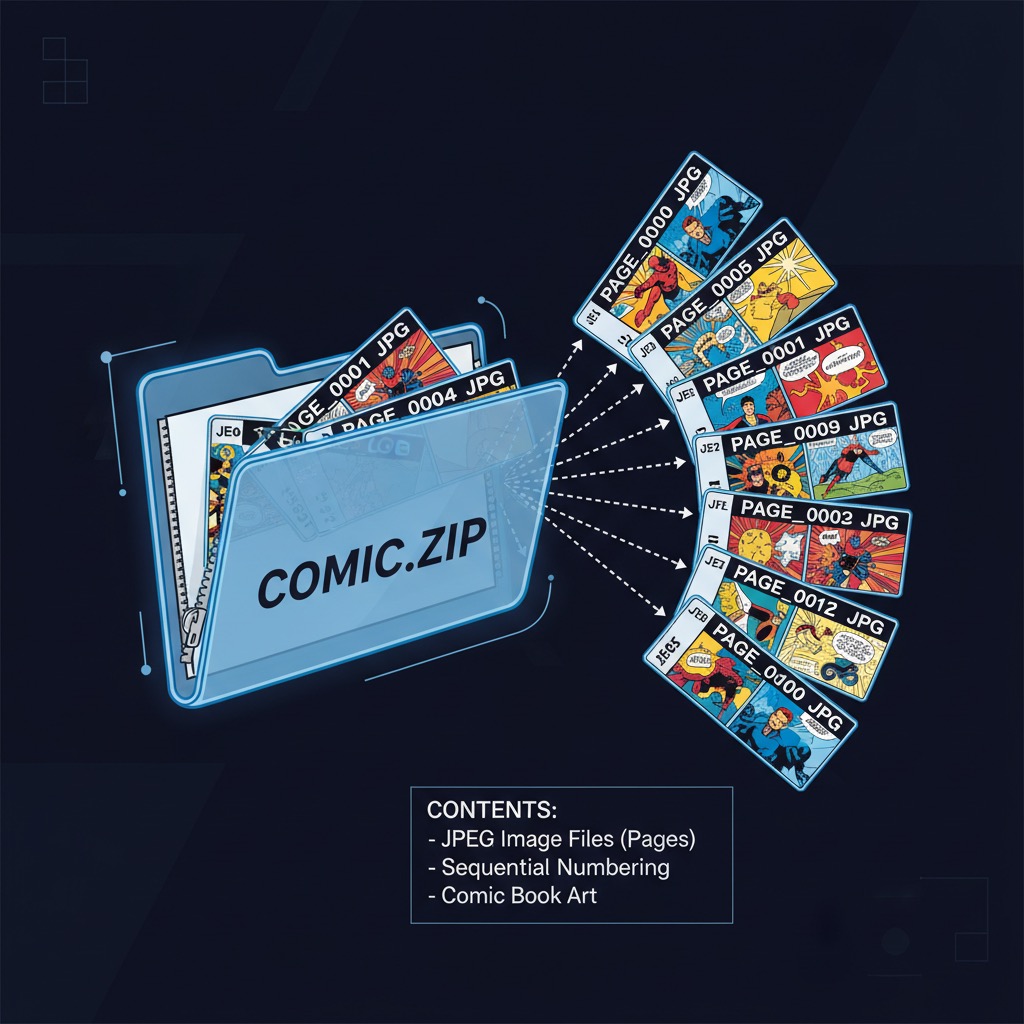
Before comparing formats, it helps to understand what every comic file has in common. A digital comic is just a folder of images, one image per page, numbered sequentially. That's it. Page 001.jpg, 002.jpg, 003.jpg, and so on.
The file format is just the container. It determines how those images are compressed and packaged into a single file. Think of it like a suitcase: your clothes (pages) are the same regardless of whether you pack them in a duffel bag (CBZ) or a hard-shell case (CBR). The contents don't change, only the wrapper.
This is why converting between comic formats is simple. You're not re-encoding anything, just repacking the same images in a different container.
The Formats
CBZ (Comic Book ZIP)
What it is: A standard ZIP archive renamed from .zip to .cbz. Contains sequentially numbered image files (JPEG or PNG).
The details:
- Most widely supported comic format across all platforms
- Easy to create (just ZIP a folder of images and rename the extension)
- Can be opened by any ZIP tool if you rename it back to
.zip - No compression algorithm licensing issues
- Supported by virtually every comic reader app on every platform
CBZ is the default choice for digital comics. If you're creating, distributing, or archiving comics, CBZ is the safest bet. It's universal, simple, and open.
CBR (Comic Book RAR)
What it is: A RAR archive renamed from .rar to .cbr. Same concept as CBZ but uses RAR compression instead of ZIP.
The details:
- Slightly better compression ratio than ZIP (files are ~5-15% smaller)
- RAR is a proprietary format (owned by Alexander Roshal / win.rar GmbH)
- Requires RAR-compatible software to create and extract
- Not natively supported on iOS or macOS (needs a third-party app to open)
- Still very common because early comic scanning communities preferred RAR
CBR dominated the early digital comic scene because RAR offered better compression when bandwidth was expensive. Today, the size difference is negligible and CBZ's universal compatibility makes it the better choice. But you'll still encounter massive CBR libraries, especially from older collections. If you need to open these on an iPhone, see our guide on reading CBR and CBZ files on iPhone.
PDF (Portable Document Format)
What it is: Adobe's universal document format. For comics, each page is embedded as an image within a paginated document structure.
The details:
- Universally readable (every device has a PDF viewer)
- Supports text layers, bookmarks, metadata, and DRM
- Larger file sizes than CBR/CBZ for equivalent image quality
- Page-based structure doesn't handle continuous scroll formats (like webtoons) well
- Official digital comics from publishers often ship as PDF
PDF is the format non-comic-readers already understand. It's what you use when sharing comics with people who don't have a dedicated comic reader. Apple Books reads PDFs natively. Every computer, tablet, and phone can display them. The trade-off is file size and less flexibility for comic-specific features like right-to-left reading.
RAR and ZIP (Plain Archives)
What they are: Standard archive files that happen to contain comic pages but don't use the .cbr/.cbz naming convention.
Some sources distribute comics as plain .rar or .zip files. The contents are identical to CBR/CBZ: sequentially numbered images. The only difference is the file extension. Most comic reader apps, including ComicFlow, recognize these and open them as comics automatically.
CB7 (Comic Book 7z)
What it is: A 7-Zip archive renamed to .cb7. Uses the open-source 7z compression algorithm.
The details:
- Best compression ratio of all comic formats (files are noticeably smaller)
- Open-source and free (unlike RAR)
- Less widely supported by comic reader apps
- Slower to decompress than ZIP or RAR
CB7 is rare in the wild. You'll occasionally encounter it from users who prioritize file size, but most comic communities have standardized on CBZ. Unless storage space is extremely tight, the compatibility trade-off isn't worth it.
CBT (Comic Book TAR)
What it is: A TAR archive renamed to .cbt. TAR stands for Tape Archive. It bundles files together without compressing them.
The details:
- No compression at all (files are larger)
- Extremely fast to open (nothing to decompress)
- Very rare in practice
- Mostly a curiosity from the Linux/Unix world
You'll probably never encounter a CBT file. If you do, most comic readers that support CBR/CBZ will handle it.
Quick Comparison
| Format | Compression | File Size | Compatibility | Best For |
|---|---|---|---|---|
| CBZ | ZIP | Medium | Excellent (universal) | Default choice for everything |
| CBR | RAR | Slightly smaller | Good (needs app on iOS) | Legacy collections |
| Varies | Larger | Excellent (native everywhere) | Sharing with non-comic-readers | |
| CB7 | 7-Zip | Smallest | Limited | Storage-constrained archives |
| CBT | None | Largest | Limited | Almost never used |
| ZIP | ZIP | Medium | Excellent | Same as CBZ, different name |
| RAR | RAR | Slightly smaller | Good | Same as CBR, different name |
Which Format Should You Use?
The answer depends on what you're doing with the file.
For reading on your own device: It doesn't matter. A good comic reader handles all formats. Import whatever you have and start reading.
For archiving a collection: CBZ. It's open, universal, and future-proof. If you have CBR files, there's no urgent need to convert them, but for new additions, stick with CBZ. For backup strategies, check out our guide on backing up your digital comic collection.
For sharing with someone: PDF. Everyone can open a PDF without installing anything. If you need to send a comic to someone who doesn't have a comic reader, convert to PDF first.
For saving storage space: CB7 offers the best compression, but the compatibility trade-offs usually aren't worth it. CBZ with optimized JPEG images (80-85% quality) is the practical sweet spot.
How to Convert Between Formats
Sometimes you need a specific format. The most common conversion is CBR/CBZ to PDF, usually for sharing or reading in Apple Books.
On iPhone or iPad, ComicFlow handles this directly:
- Import your CBR or CBZ file
- Tap the convert button
- Choose quality (High, Medium, or Low)
- Export or share the resulting PDF
No computer needed. The conversion happens entirely on your device.
On a computer, the process is manual but simple:
- Rename
.cbzto.zip(or.cbrto.rar) - Extract the archive
- Open the image folder and convert to your target format
Going the other direction (PDF to CBZ) is trickier because you need to extract individual page images from the PDF first. Dedicated tools exist for this, but it's rarely necessary.
Format Myths
"CBR has better quality than CBZ." No. Both formats contain the exact same image files. The compression algorithm (RAR vs ZIP) compresses the archive itself, not the images inside. A JPEG inside a CBR looks identical to the same JPEG inside a CBZ.
"PDF is always bigger than CBZ." Usually true but not dramatically. PDF adds document structure overhead (page layout, metadata, font embedding), but the images themselves are the bulk of the file size. A 100MB CBZ might become a 110-120MB PDF. The difference is the container overhead, not image quality.
"You should convert all your CBR files to CBZ." Unnecessary. If your reader supports both (most do), converting gains you nothing and risks accidentally degrading quality if done incorrectly. Keep what you have; just use CBZ for new files going forward.
"EPUB works for comics." Technically possible, practically terrible. EPUB was designed for reflowable text, not fixed-layout image pages. Some publishers release comics as fixed-layout EPUBs, but the reading experience is worse than CBZ or PDF in every way. Avoid EPUB for comics.
Reading Any Format on iPhone

The practical takeaway: don't worry about format wars. Grab whatever files you have, whether CBR, CBZ, PDF, RAR, or ZIP, and import them into a reader that handles everything.
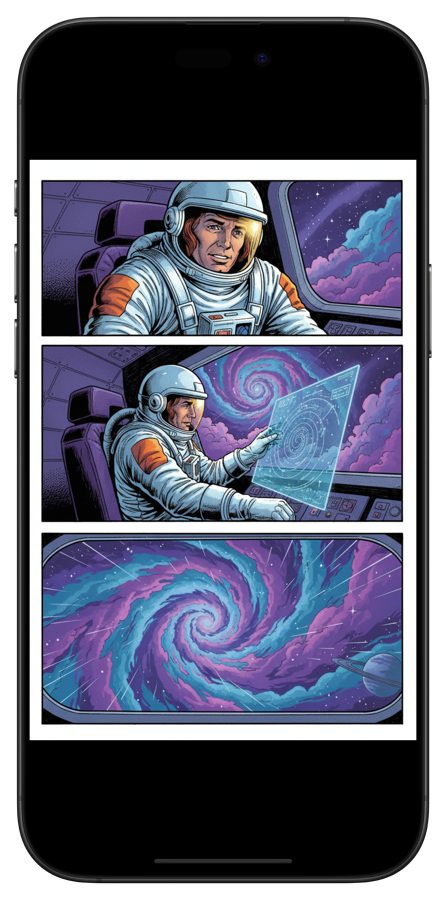
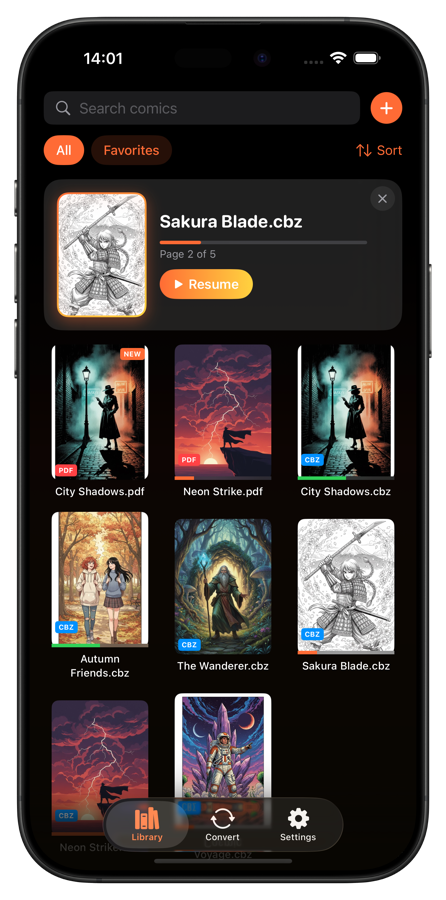
ComicFlow reads all five major formats directly, converts CBR/CBZ to PDF when you need it, and organizes your collection regardless of which formats you've mixed together. One-time purchase, works offline, no account required.
The best comic format is the one you can actually read. The file extension doesn't matter if your reader handles all of them. Learn more about ComicFlow.
Related Articles
- How to Read CBR and CBZ Files on iPhone and iPad — Open any comic format on your device in seconds
- How to Convert CBR and CBZ to PDF on iPhone — Convert between formats right on your phone
- How to Back Up Your Digital Comic Collection — Choose the right format for long-term archival
- Where to Find DRM-Free Digital Comics You Actually Own — Sources for CBZ, CBR, and PDF comics you can keep forever