You read your first manga and now you want more. Maybe you binged Attack on Titan or Spy x Family and you're looking for what's next. The problem is figuring out where to actually get manga files for your iPhone and how to keep everything organized when series run 20, 50, or 100+ volumes.
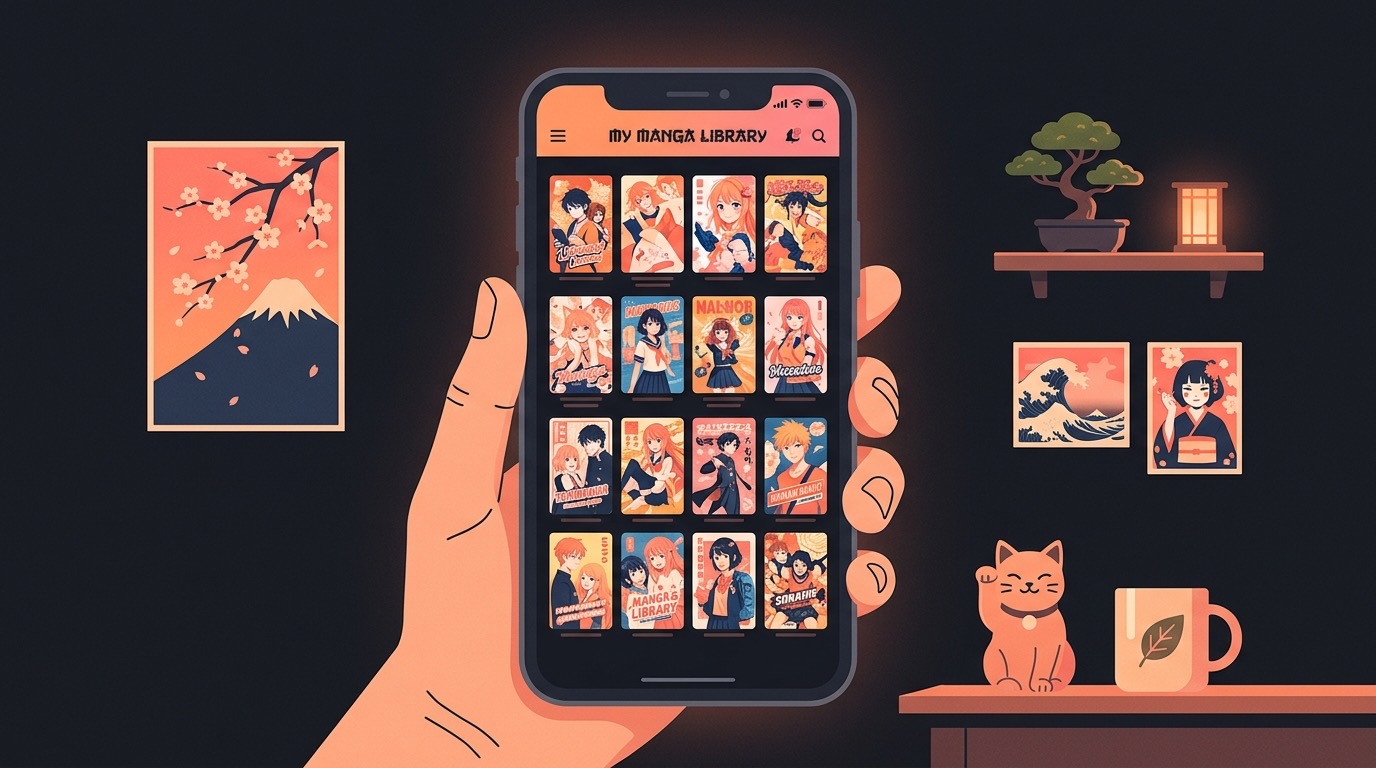
Physical manga is great, but it takes up shelf space fast. A single long-running series like One Piece is over 100 volumes. That's an entire bookshelf for one story. On your iPhone, that same collection fits in your pocket and goes everywhere with you. ComicFlow is built for exactly this. It reads manga files in CBR, CBZ, and PDF format with proper right-to-left reading, tracks your progress across every volume, and keeps your whole collection organized.

Where to Buy Digital Manga
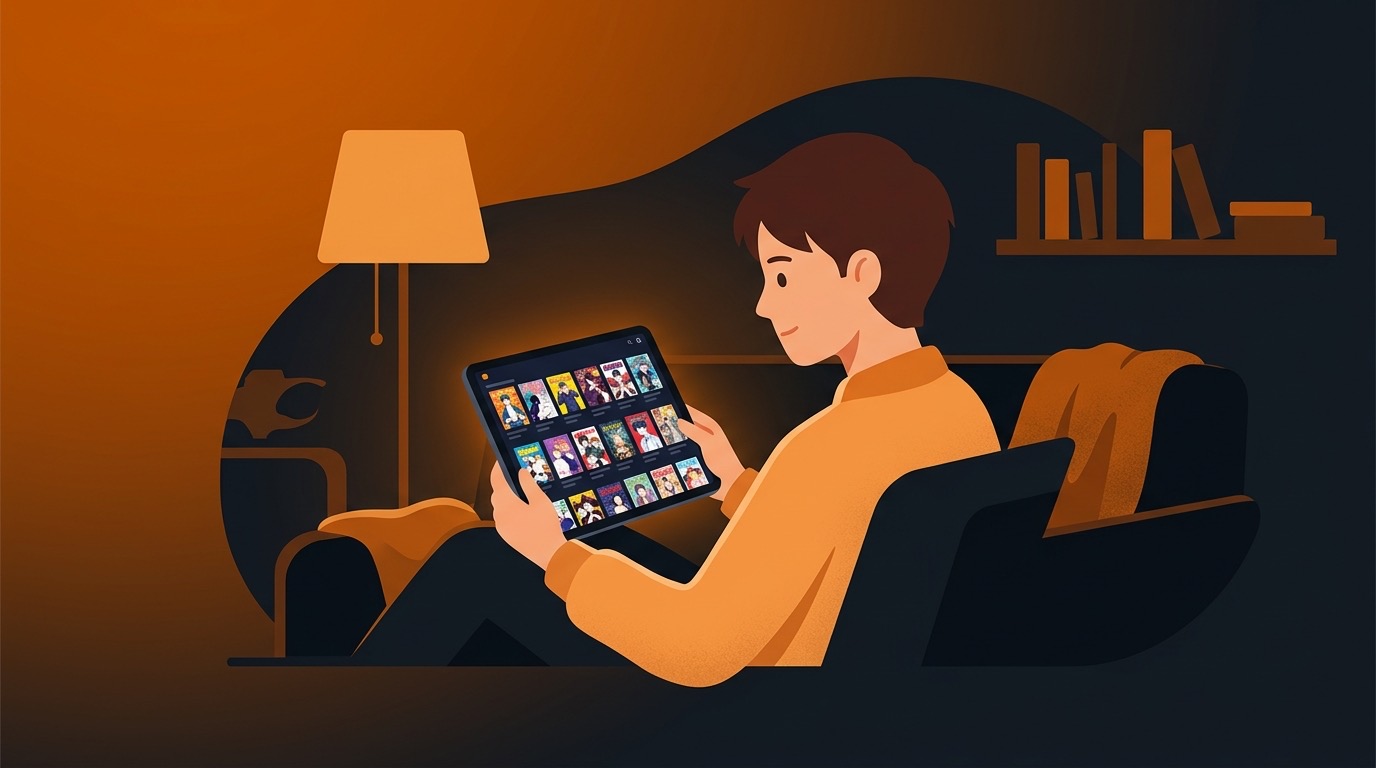
Finding manga in file formats you can actually keep is trickier than it should be. Most mainstream platforms (Kindle, Apple Books, Shonen Jump app) sell DRM-locked copies you can only read in their specific app. If the app shuts down or changes, your collection goes with it.
For files you truly own, these are the best sources:
Humble Bundle. Regularly offers manga bundles with 15-25 volumes for $15-20. Files come as CBZ and PDF, DRM-free. Kodansha, Dark Horse, and other publishers rotate through bundles. Check every couple of weeks. This is the cheapest way to build a large collection fast.
Kobo. Some manga titles are available as DRM-free EPUB or PDF downloads. Selection varies by region and publisher, so check before buying.
Publisher direct sales. Kodansha, Dark Horse, and Viz occasionally sell digital volumes through their own websites. Format and DRM status vary, so read the fine print.
Independent manga creators. Platforms like Gumroad, Itch.io, and GlobalComix host indie manga creators who sell DRM-free files directly. Quality varies, but you'll find work here that never makes it to mainstream platforms.
Fan translations. Community-translated manga is widely available as CBZ files. Legal status depends on your country and whether the series is officially licensed in your region. Worth knowing they exist, but supporting official releases keeps the industry going.
What File Format to Look For
When buying or downloading manga, you'll run into these formats:
| Format | How Common | Quality | Notes |
|---|---|---|---|
| CBZ | Very common | Excellent | The standard. Works in any comic reader |
| Common | Good | Universal but larger files, less flexible | |
| CBR | Common | Excellent | Same as CBZ but uses RAR compression |
| EPUB | Rare for manga | Varies | Designed for text, not ideal for image-heavy manga |
CBZ is the format you want. It's lightweight, opens fast, and every comic reader supports it. If you're given a choice between CBZ and PDF, pick CBZ. Smaller files, faster page loading, and better compatibility with manga-specific features like right-to-left reading.
ComicFlow handles all of these formats. Import whatever you have and start reading.
Setting Up Right-to-Left Reading
This is the single most important setting for manga. If you skip this, every volume will feel wrong.
Manga is read right-to-left. Panels flow from the top-right corner to the bottom-left. When you turn to the next page in a physical tankobon, you're turning from left to right. Your reader needs to mirror this.
In ComicFlow:
- Open any manga volume
- Tap the screen to show reader controls
- Go to reading settings
- Set reading direction to Right-to-Left (Manga)
- The app remembers this per comic, so your Western comics stay left-to-right
What changes: tapping the left side of the screen advances forward. The page scrubber runs right-to-left. Double-page spreads in landscape mode show the right page first. Everything matches how you'd read a physical manga volume.
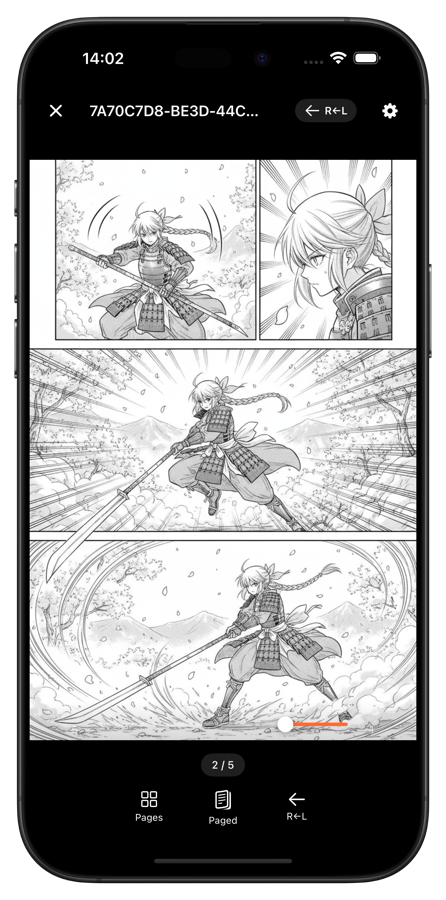
If you want a deeper breakdown of RTL setup, we wrote a full guide on reading manga on iPhone with RTL mode.
Organizing a Growing Manga Library
A few volumes are easy to manage. But manga collections grow fast. You finish one series and start three more. Before you know it, you have 200 volumes across a dozen series and no idea where you left off in half of them.
Good organization makes the difference between a collection you actually use and one you abandon.
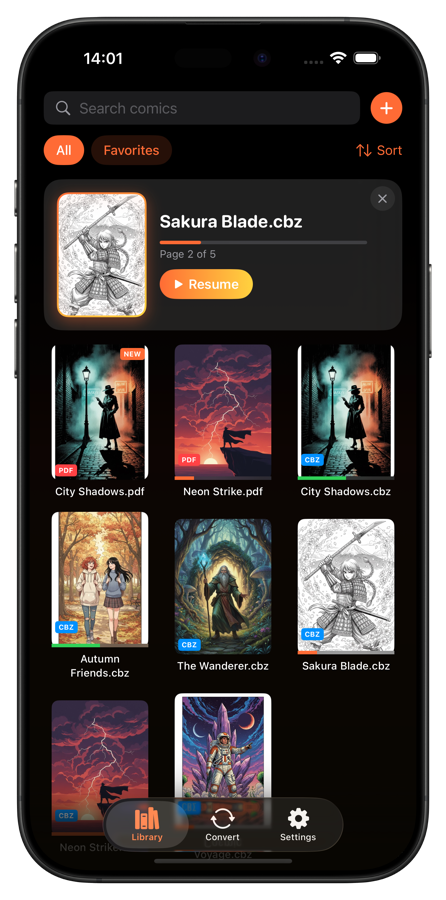
Create a collection for each series. This is the most useful thing you can do. One collection per series: "One Piece," "Chainsaw Man," "Berserk," "Spy x Family." Every volume goes into its series collection. When you want to continue a series, you know exactly where to look.
Use ratings to track quality. Rate each volume as you finish it. Over time, you'll see which series hold up and which lose steam. Helps when deciding what to continue and what to drop.
Tag by demographic and genre. Manga has specific demographic categories that are useful for filtering:
- Shonen (boys/action): Naruto, Dragon Ball, My Hero Academia
- Seinen (young adult men): Berserk, Vagabond, Vinland Saga
- Shojo (girls/romance): Fruits Basket, Ouran Host Club
- Josei (young adult women): Nana, Paradise Kiss
- Kodomomuke (children): Doraemon, Pokemon Adventures
Add genre tags too: action, romance, horror, slice-of-life, sports. When you're in the mood for something specific, one tap filters your entire library.
Let progress tracking do its job. ComicFlow saves your exact page in every volume. The "Continue Reading" card on the library screen shows whichever volume you were last reading. For long series, this is a lifesaver. No more flipping through a volume trying to figure out if you already read it.
Managing Storage for Manga
Manga files are generally smaller than full-color Western comics, but long series add up:
| Series Length | Typical Total Size | Example |
|---|---|---|
| Short (1-5 volumes) | 200 MB - 1 GB | Death Note, Pluto |
| Medium (10-30 volumes) | 1-5 GB | Fullmetal Alchemist, Slam Dunk |
| Long (50+ volumes) | 5-15 GB | Naruto, Bleach, One Piece |
A 128GB iPhone with 80GB free can comfortably hold several long series plus dozens of shorter ones. But if you're building a large collection, you'll want a strategy.
Keep active series on your phone. Whatever you're currently reading plus a backlog of 5-10 series you plan to start next. Archive everything else.
Archive completed series to your computer. Once you've finished and rated a series, transfer it off your phone to an external drive or cloud storage. You can always re-import it later if you want to reread.
Convert oversized files. Some manga scans are unnecessarily high resolution. 300+ DPI scans of black-and-white pages produce massive files that look no different at phone screen resolution. ComicFlow can convert these to PDF at medium quality, cutting file sizes without any visible quality loss on a 6-inch screen.
Building Your Reading Queue
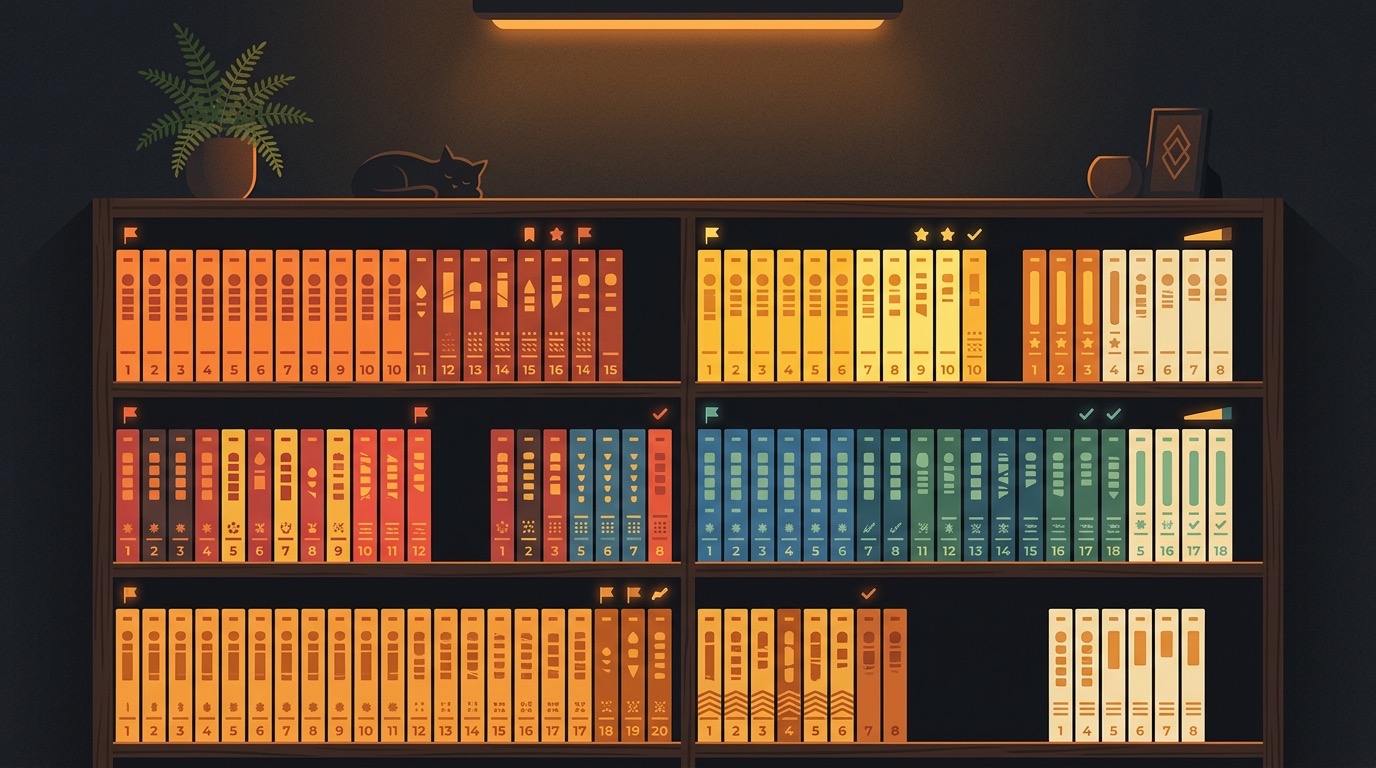
One of the best parts of going digital is how easy it is to try new series. No commitment to buying a physical volume you might not like. Download the first volume, read it, and decide if you want to continue.
Start with completed series. Nothing is more frustrating than catching up to a series and then waiting months for each new volume. Completed manga lets you read at your own pace without waiting. Some excellent completed series across genres:
- Action: Fullmetal Alchemist (27 vol), Death Note (12 vol), Assassination Classroom (21 vol)
- Drama: A Silent Voice (7 vol), Goodnight Punpun (13 vol), March Comes in Like a Lion (17 vol)
- Horror: Uzumaki (3 vol), Parasyte (8 vol), The Drifting Classroom (11 vol)
- Romance: Kaguya-sama (28 vol), Horimiya (16 vol), Toradora (10 vol)
- Slice of Life: Yotsuba&! (15 vol), Barakamon (18 vol), Silver Spoon (15 vol)
Mix short and long. Reading only 50+ volume series burns you out. Alternate between a long series and a few short ones (3-7 volumes). Short manga is often more focused and experimental.
Follow creators, not just series. If you love a manga, look up what else the author has done. Naoki Urasawa (Monster, 20th Century Boys, Pluto), Inio Asano (Goodnight Punpun, Solanin), Rumiko Takahashi (Ranma 1/2, Inuyasha). Following creators leads you to work you'd never find by browsing genre lists.
Webtoons and Manhwa Too
Your manga library doesn't have to be limited to Japanese manga. Korean manhwa and webtoons use similar formats and work great in ComicFlow.
Manhwa (Korean comics) follow similar reading conventions to Western comics (left-to-right) and are available as CBZ files from many of the same sources. Series like Solo Leveling, Tower of God, and Noblesse have massive followings.
Webtoons use a vertical scroll format instead of page turns. ComicFlow has a dedicated vertical scroll mode for these. Switch the reading mode per comic, so your page-turn manga and scroll-based webtoons coexist in the same library.
For a full setup guide on vertical scrolling, check out our post on reading webtoons on iPhone.
Get Started
Building a manga library on iPhone comes down to three steps:
- Grab some manga files (Humble Bundle is the easiest starting point)
- Import them into ComicFlow and set up RTL reading
- Create collections per series and start reading
Your phone already goes everywhere with you. Now your manga does too. One-time purchase, works offline, and your reading progress saves automatically across every volume.