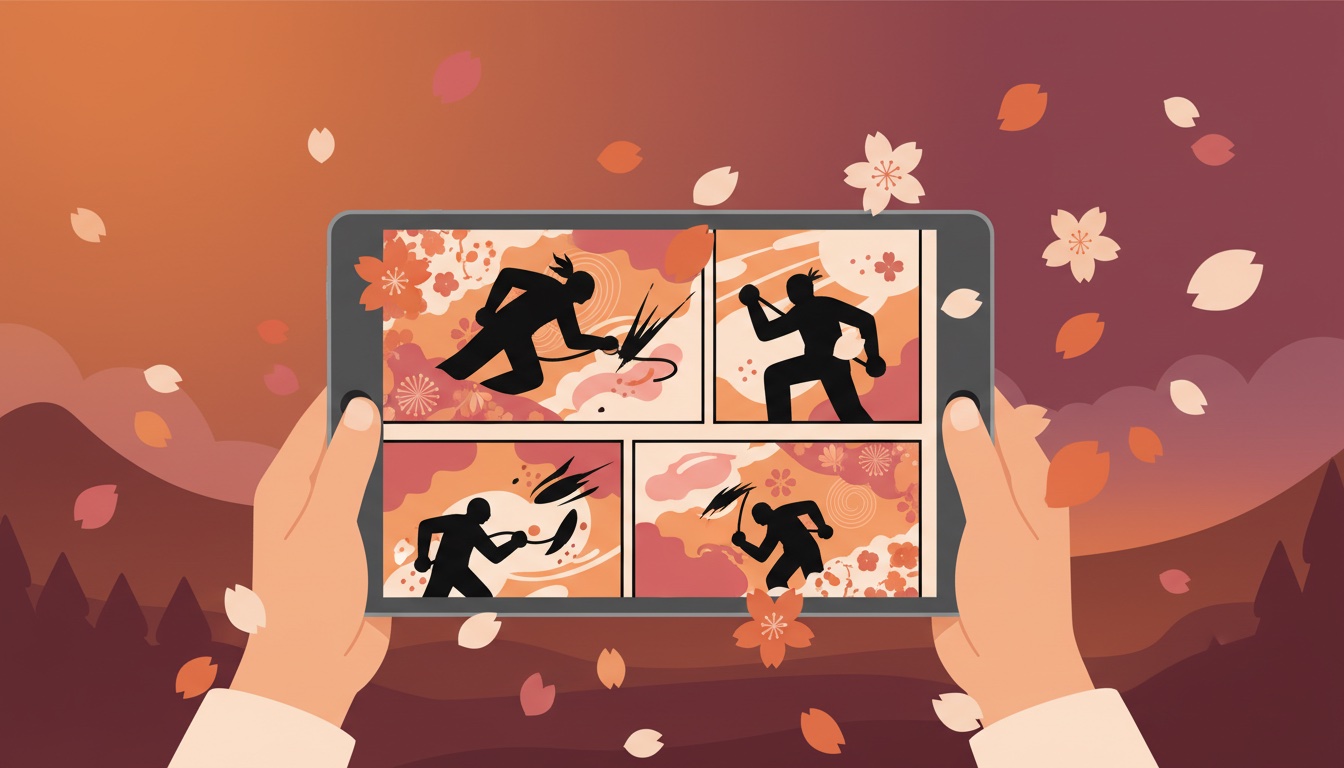
If you've ever tried to read manga on iPhone using a standard comic reader, something probably felt off. You're tapping to the next page, but the panels don't flow naturally. Dialogue feels out of order. Action sequences lose their punch.
The reason is simple: most comic readers display pages left-to-right. Manga is designed to be read right-to-left. What you need is a right-to-left comic reader, a proper manga reader for iOS like ComicFlow, which has a dedicated RTL reading mode built for manga.

It makes more of a difference than you'd expect. Below is everything you need to set up your iPhone or iPad for proper manga reading.
Why Reading Direction Matters
Japanese manga is written and drawn right-to-left, top-to-bottom. This affects everything:
- Page order: Page 1 is on the right side, page 2 on the left
- Panel flow: You read panels from the top-right corner to the bottom-left
- Speech bubbles: Dialogue reads right-to-left within each panel
- Action lines: Movement and impact are drawn for right-to-left eye tracking
- Two-page spreads: The left page comes after the right page, not before
When a reader forces left-to-right order, you're essentially reading the book backwards at the page level. The story still makes sense (since each page is self-contained), but spreads are reversed, and the rhythm the artist intended is lost.
Published English translations of manga preserve the right-to-left format specifically because flipping it would mirror all the artwork, making characters suddenly left-handed, text backwards, and compositions awkward.
What RTL Mode Actually Does
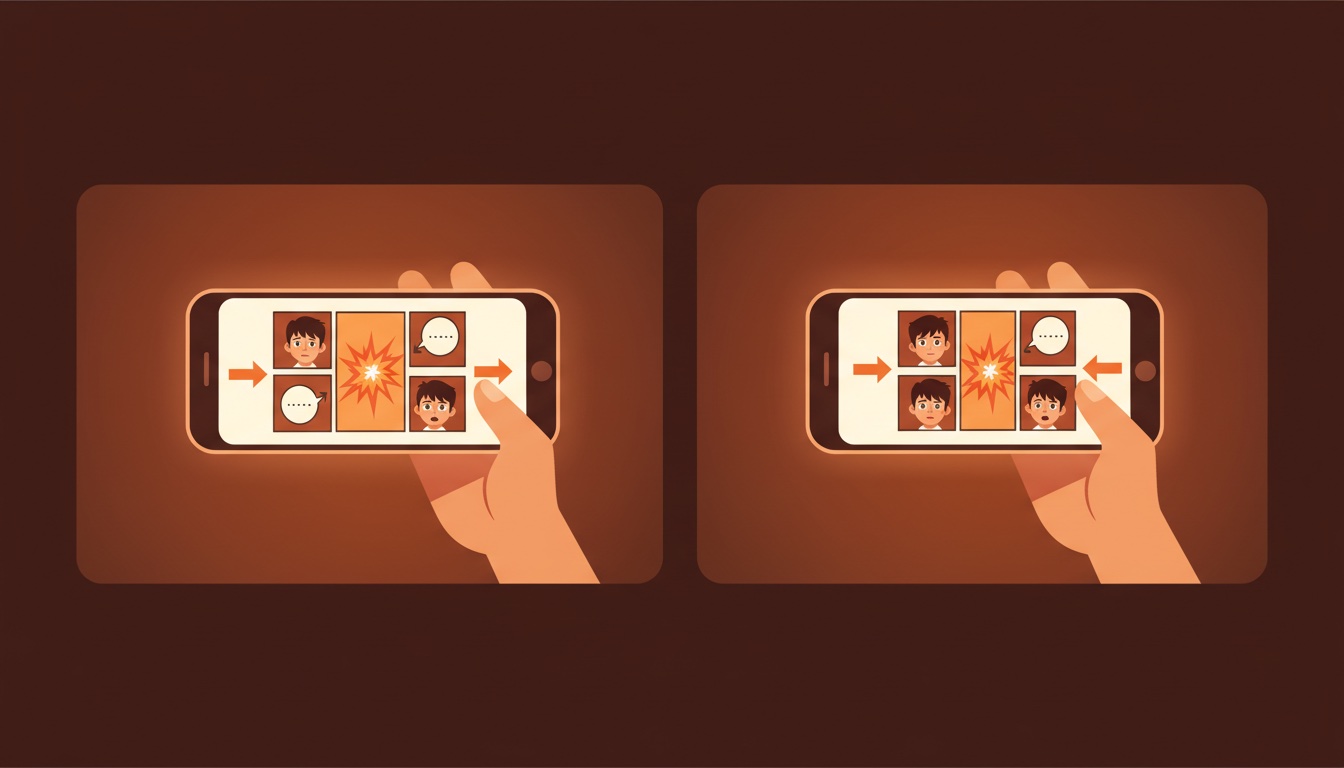
A proper right-to-left reading mode changes several things:
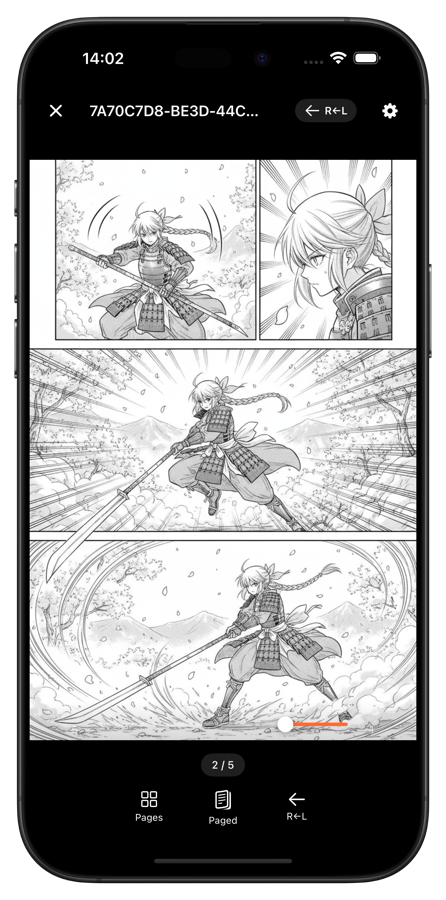
Page navigation is reversed. Tapping the right side of the screen goes to the previous page. Tapping the left side goes forward. Swiping left advances the story. This matches how you'd turn pages in a physical manga volume.
The page scrubber is mirrored. The progress slider at the bottom runs from right (beginning) to left (end), so dragging it feels natural for RTL reading.
Double-page spreads display correctly. In landscape mode, the right page shows first and the left page second, exactly as the artist intended.
Page numbering aligns. Page 1 appears on the right when viewing spreads, matching physical tankobon layout.
Without these adjustments, you're fighting against the format every time you turn a page.
Setting Up Manga Reading on iPhone
Setting it up in ComicFlow takes about a minute:
-
Import your manga. ComicFlow reads CBR, CBZ, RAR, ZIP, and PDF files. Import from Files, Safari downloads, email, or AirDrop.
-
Open the reader. Tap any manga in your library to start reading.
-
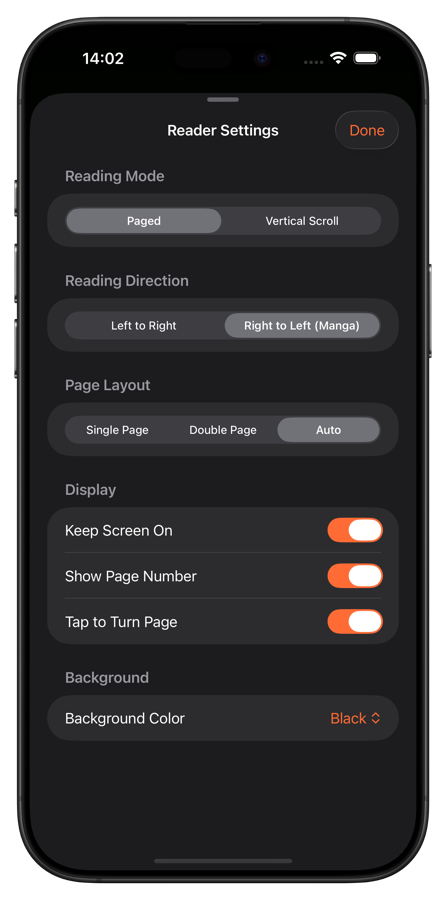
Enable RTL mode. Open reader settings and toggle right-to-left reading. The page navigation, scrubber, and spread layout all flip to match.
-
Choose your page mode:
- Single page: One page at a time, best for iPhone in portrait
- Double spread: Two pages side by side, ideal for iPad in landscape
- Auto: Switches between single and double based on device orientation
-
Start reading. Tap left to go forward, right to go back. The scrubber confirms your direction at the bottom.
ComicFlow remembers your reading direction per comic, so you can have manga set to RTL and Western comics set to LTR in the same library.
Webtoons: Vertical Scrolling
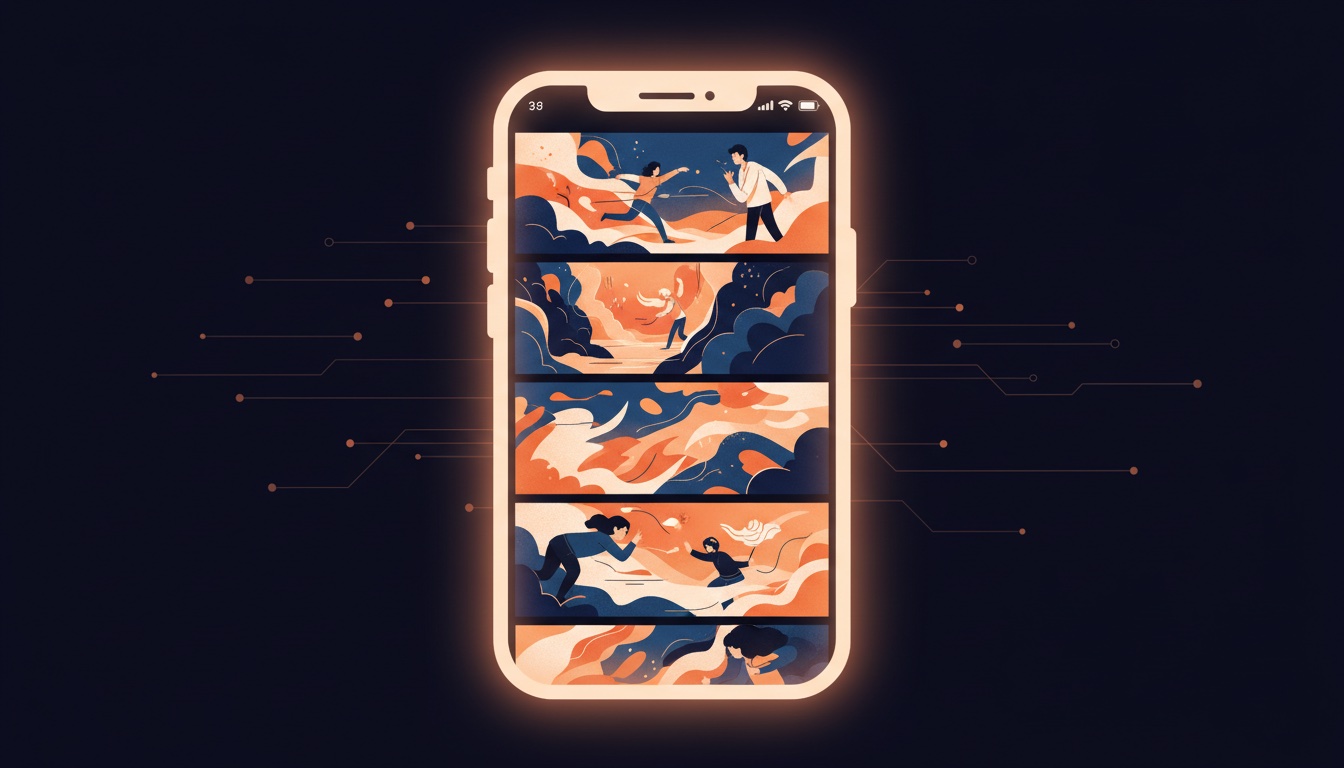
Not all comics from Asia follow the traditional page format. Korean webtoons and many Chinese manhua use a vertical long-strip format designed for phone screens.
For these, you need vertical scroll mode instead of RTL manga paging. The comic is one continuous strip that you scroll through top-to-bottom, no page turns at all.
ComicFlow supports this too. Switch to vertical scroll mode in the reader settings, and the pages stack vertically for seamless scrolling. This works especially well on iPhone, where the tall screen matches the webtoon format naturally.
Quick reference for reading modes:
| Comic Type | Origin | Reading Direction | Best Mode |
|---|---|---|---|
| Manga | Japan | Right-to-left | RTL + Single page |
| Manhwa (webtoon) | Korea | Top-to-bottom | Vertical scroll |
| Manhua | China | Varies | RTL or vertical scroll |
| Western comics | US/EU | Left-to-right | LTR + Single or double |
Tips for a Better Manga Experience
Use night mode for late-night reading. Manga's black-and-white art looks great with reduced brightness. ComicFlow offers custom brightness controls and background color options independent of your system settings.
Keep screen on while reading. Nothing breaks immersion like your screen dimming mid-page. Enable "keep screen on" in reader settings so the display stays active while you read.
Try different fit modes. "Fit Width" is ideal for manga with detailed panels, letting you see fine linework at the expense of some vertical scrolling. "Fit Page" shows the complete page but panels may be smaller on phone screens.
Use page transitions. Slide transitions mimic physical page turns, while curl transitions add a tactile feel. Or disable transitions entirely for the fastest page turning.
Organize by series. Create a collection for each manga series in your library. Add tags like "shonen," "seinen," or "josei" to filter by demographic later.
Finding Manga Files
Digital manga is widely available in CBZ format:
- Humble Bundle regularly offers manga bundles with DRM-free CBZ files
- Kobo has some manga available as DRM-free downloads
- Image Comics / Dark Horse carry manga licenses with digital options
- Fan translations are community-translated series (check legality in your region)
- Publisher promotions from Viz, Kodansha, and others occasionally include free digital chapters
Import any CBZ, CBR, or PDF manga file into ComicFlow and you're reading within seconds.
Get Started
Setting up manga reading takes under a minute:
- Download ComicFlow ($2.99, one-time)
- Import your manga files
- Toggle RTL mode in the reader
- Read the way the artist intended
One-time purchase, no account needed, works offline. Supports 6 languages including Japanese and Korean.