A hard drive clicks once, then goes silent. A phone slips off a table and won't turn back on. A laptop gets stolen from a coffee shop. In every case, the result is the same: hundreds of comic files, gone. Years of collecting, organizing, rating, and tracking reading progress, all wiped out in a second.
If your digital comic collection only exists in one place, it's not safe. It's one bad day away from disappearing.
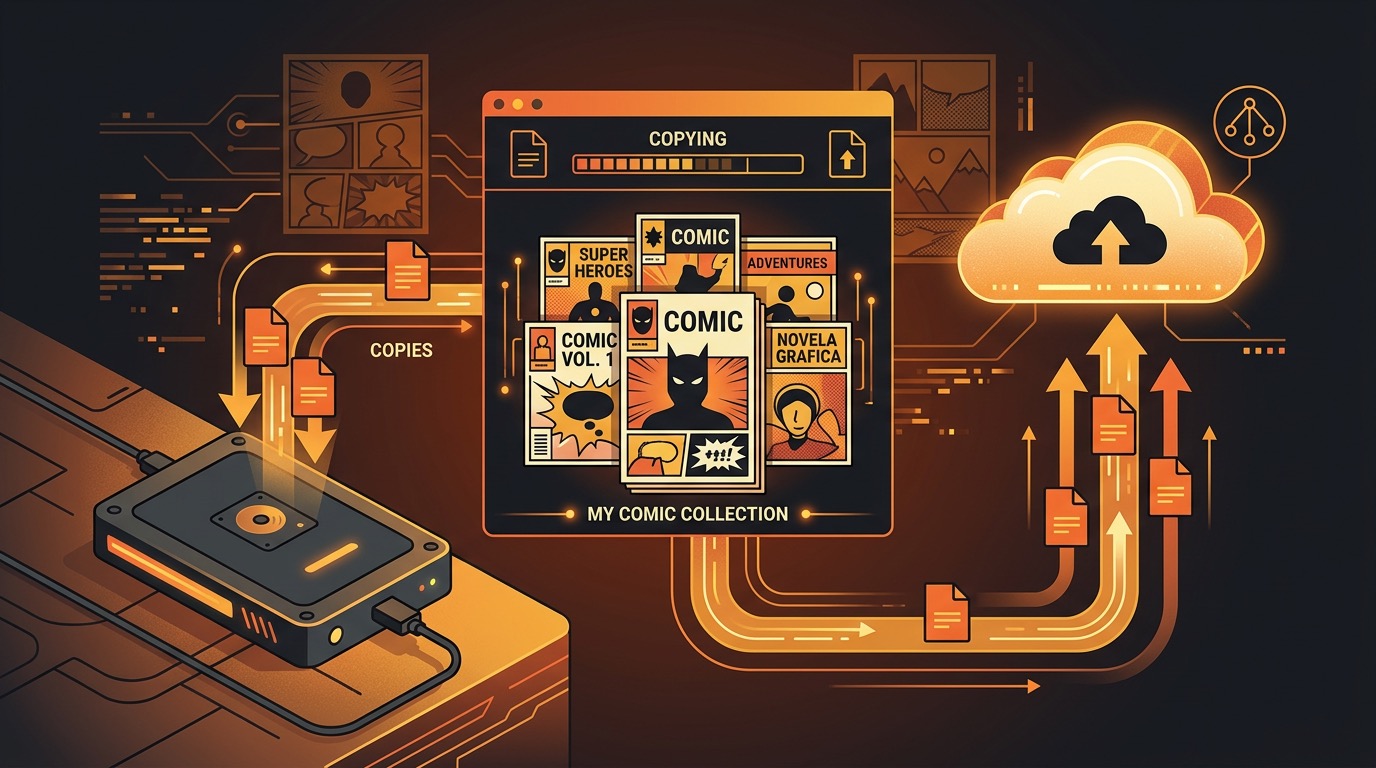
The good news is that backing up comic files is simple once you have a system. This guide covers exactly how to protect your library, from local backups to cloud storage to format choices that will keep your comics readable for decades. If you're managing your collection on iPhone or iPad with ComicFlow, you're already in a good position since all your files are DRM-free and portable.

Why Comic Collections Need Backups
Most people back up their photos. Fewer people think about backing up their comic files, even when the collection is worth hundreds or thousands of dollars.
Digital comics are particularly vulnerable because:
- They're large files. A single comic issue runs 30-100 MB. A full run of a series can be several gigabytes. When these files disappear, re-downloading them isn't always possible, especially from sources like Humble Bundle where the download links eventually expire.
- They're scattered. Comics come from different sources and end up on different devices. Some are on your phone, some on a laptop, some on an old hard drive in a closet.
- They're hard to replace. DRM-free comics that you bought from a sale, a Kickstarter backer reward, or a publisher that has since gone under may not be available for re-download.
- Your metadata matters too. Reading progress, ratings, collections, notes, and tags represent hours of curation work. Losing the files is bad. Losing all that organizational work on top of it is worse.
A good backup strategy protects both the files and the time you've invested in organizing them.
The 3-2-1 Backup Rule
The simplest backup strategy that actually works is the 3-2-1 rule:
- 3 copies of your data
- 2 different storage types (e.g., internal drive + external drive, or local + cloud)
- 1 copy offsite (somewhere physically separate from the others)
For a comic collection, that looks like this:
- Primary copy: Your phone, tablet, or computer where you actually read
- Local backup: An external hard drive or NAS at home
- Offsite backup: A cloud storage service or a drive kept at a friend's place
This sounds like overkill until your laptop dies and you realize your external drive was sitting right next to it when the power surge hit. Having a copy somewhere else, physically separate, is what saves you in worst-case scenarios.
Local Backups: External Drives
An external hard drive is the fastest, cheapest, and most private way to back up a comic collection.
What to Buy
- For collections under 500 GB: A portable USB drive (no power cable needed) for $30-50. Samsung T7 or SanDisk Extreme are solid picks.
- For collections over 500 GB: A desktop external drive with more capacity. Western Digital or Seagate make reliable 2-4 TB drives for $60-100.
- For serious collectors: A NAS (Network Attached Storage) like a Synology or QNAP gives you redundant storage with automatic backups over your home network.
How to Structure It
Keep a clean folder structure on your backup drive:
Comics Backup/
├── Marvel/
│   ├── Spider-Man/
│   ├── X-Men/
│   └── Daredevil/
├── DC/
│   ├── Batman/
│   └── Swamp Thing/
├── Image/
│   ├── Saga/
│   └── Invincible/
├── Manga/
│   ├── Berserk/
│   └── Chainsaw Man/
└── Indie/
    ├── Kickstarter/
    └── Humble Bundle/
Mirror whatever organization makes sense for how you think about your collection. The point is consistency: if you can find a file on your backup drive, you can restore it quickly when something goes wrong.
Schedule It
Set a recurring reminder (monthly works for most people) to plug in the drive and copy over any new comics. If you're using a NAS, set up automatic sync so it happens without you thinking about it.
Cloud Backups: Which Services Work Best
Cloud storage gives you that offsite copy without mailing a hard drive to your parents' house. The tricky part is that comic files are large, so free tiers fill up fast.
Best Options for Comics
| Service | Free Storage | Paid Plans | Best For |
|---|---|---|---|
| iCloud | 5 GB | 50 GB/$0.99, 200 GB/$2.99, 2 TB/$9.99 | iPhone/iPad users already in the Apple ecosystem |
| Google Drive | 15 GB | 100 GB/$1.99, 2 TB/$9.99 | Cross-platform, good sharing |
| Backblaze B2 | 10 GB | $0.005/GB/month | Large collections (1 TB = $5/month) |
| Dropbox | 2 GB | 2 TB/$11.99 | Easy folder sync |
For most comic collectors, iCloud or Google Drive at the 200 GB or 2 TB tier covers everything. If your collection is massive (multiple terabytes), Backblaze B2 is dramatically cheaper than consumer cloud services.
Upload Tips
- Compress before uploading. CBZ files are already compressed, but if you have loose image folders, zip them first. It saves upload time and storage space.
- Upload in batches. Don't try to push 500 GB at once. Upload one folder at a time so you can verify each batch completed.
- Keep the same folder structure as your local backup. If you need to restore, matching structures save confusion.
Phone-to-Computer Backup Strategies
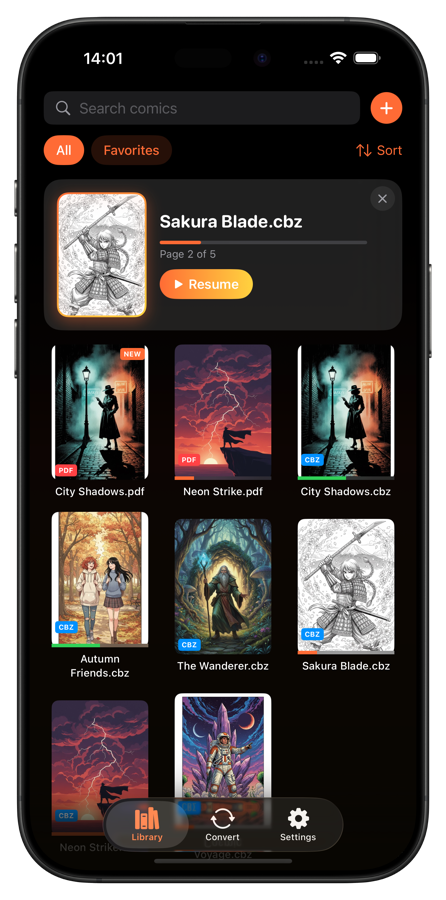
If your main comic library lives on your iPhone or iPad (in an app like ComicFlow), you need a way to get those files back to a computer for backup.
AirDrop (Mac Users)
The fastest option for individual files or small batches. Share a comic file from your phone, AirDrop it to your Mac, drop it in your backup folder. Quick, wireless, no cables.
Files App + Cloud Sync
If you use iCloud Drive or Google Drive, you can move comic files into your cloud folder through the iOS Files app. They sync automatically to your computer, where you can then copy them to an external drive.
Direct USB Transfer
Connect your iPhone to a computer with a cable. On Mac, use Finder. On Windows, use iTunes or the Apple Devices app. You can browse your app's files and copy them to your computer. This is the best method for large transfers since it doesn't depend on Wi-Fi speed.
The Key Principle
However your comics got onto your phone (AirDrop, Files app, direct download), make sure you also have a copy somewhere else before deleting the source. Your phone's storage is not a backup. Phones get lost, broken, stolen, and water-damaged.
Organize Before You Back Up
A backup of a messy collection is still a messy collection. Before you create your first backup, spend an hour getting things in order.
Consistent file naming makes everything easier. Pick a format and stick with it:
Saga Vol 01.cbz
Saga Vol 02.cbz
Batman - Year One.cbz
Spider-Man - Blue (2002).cbz
Avoid special characters in filenames. Stick with letters, numbers, hyphens, and spaces. Some backup systems choke on characters like #, &, or non-English characters in filenames.
Delete duplicates. Over years of collecting, you'll end up with multiple copies of the same comic in different formats or from different sources. Before backing up, consolidate down to one copy of each.
Use your library manager. ComicFlow's collections, tags, and ratings make it easy to see what you actually have. If you can organize it in the app, you'll know exactly what needs to be on the backup drive.
Converting Formats for Long-Term Archival
Not all comic file formats are equally future-proof. If you're thinking about long-term preservation (10+ years), format choice matters.
The Best Formats for Archival
- CBZ is the safest bet. It's just a ZIP archive containing image files (JPEG or PNG). Even if no comic reader exists in 30 years, any computer will be able to unzip the file and display the images. CBZ is an open format with no licensing restrictions.
- PDF is also excellent for archival. It's a universal standard supported by every operating system and device on earth. PDFs preserve layout exactly and will be readable for decades.
- CBR uses RAR compression, which is proprietary. It'll probably be fine long-term since RAR has been around since 1993, but CBZ is the safer choice if you're converting anyway.
When to Convert
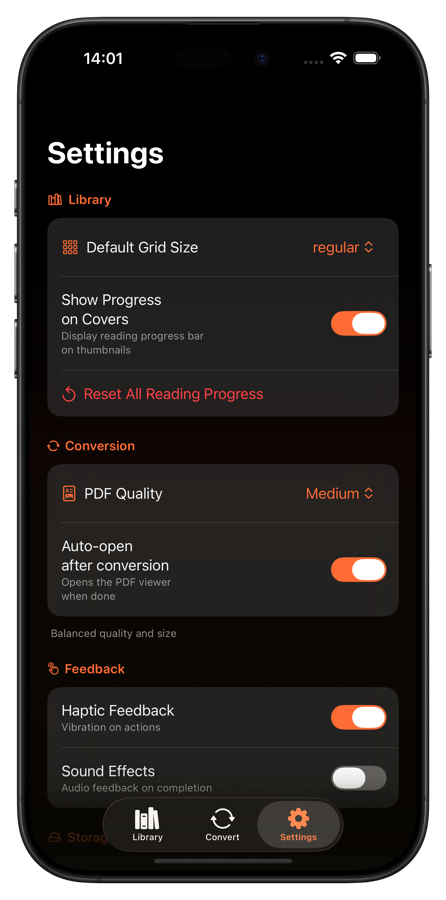
If you have comics in RAR or loose image folders, converting to CBZ or PDF is worth the effort for backup purposes. ComicFlow can convert CBR and CBZ files to PDF right on your phone, so you can create archive-ready PDFs without a computer.
You don't need to convert everything at once. A reasonable approach: convert each comic to your preferred archival format as you finish reading it. Over months, your backup collection gradually becomes standardized.
Maintaining Your Backup Habit
The hardest part of any backup strategy isn't setting it up. It's keeping it going six months later.
Make it easy. The more steps required, the less likely you'll do it. A cloud folder that automatically syncs is better than a manual drive copy, even if the drive is technically more reliable.
Batch it with something you already do. Back up your comics on the same day you do your phone backup, pay bills, or any other monthly routine. Attach it to an existing habit.
Verify occasionally. Every few months, pick a random file from your backup and open it. Make sure it's not corrupted. A backup you can't restore from is useless.
Update your backup after big additions. Just grabbed a 25-comic Humble Bundle? That's a trigger to run a backup, not wait until your monthly schedule.
Keep a simple log. Even a note on your phone that says "Last backup: March 16, 2026 - 847 comics" helps you stay accountable and notice if you've been slacking.
Start Protecting Your Collection Today
You don't need a perfect system on day one. Start with one extra copy of your comic library, anywhere. An external drive, a cloud folder, even a second device. That single step takes you from "one hardware failure away from losing everything" to "annoyed but recoverable."
Then build from there. Add a cloud backup. Clean up your folder structure. Convert a few files to archival formats. Each small improvement makes your collection more resilient.
If your library lives on your iPhone, ComicFlow keeps all your comics as portable, DRM-free files that you can copy, move, and back up however you want. No lock-in, no server dependency. Your comics, your files, your backups.
The best time to back up your collection was before something went wrong. The second best time is right now.